1-6
Cisco Wide Area Virtualization Engine 7541, 7571, and 8541 Hardware Installation Guide
Chapter 1 Introducing the Cisco Wide Area Virtualization Engine 7541, 7571, and 8541
Connecting a Console Terminal
Note There is a third RJ45 connector on the front of the appliance (see Figure 1-1). This is a console port. Do
not connect this port to your network.
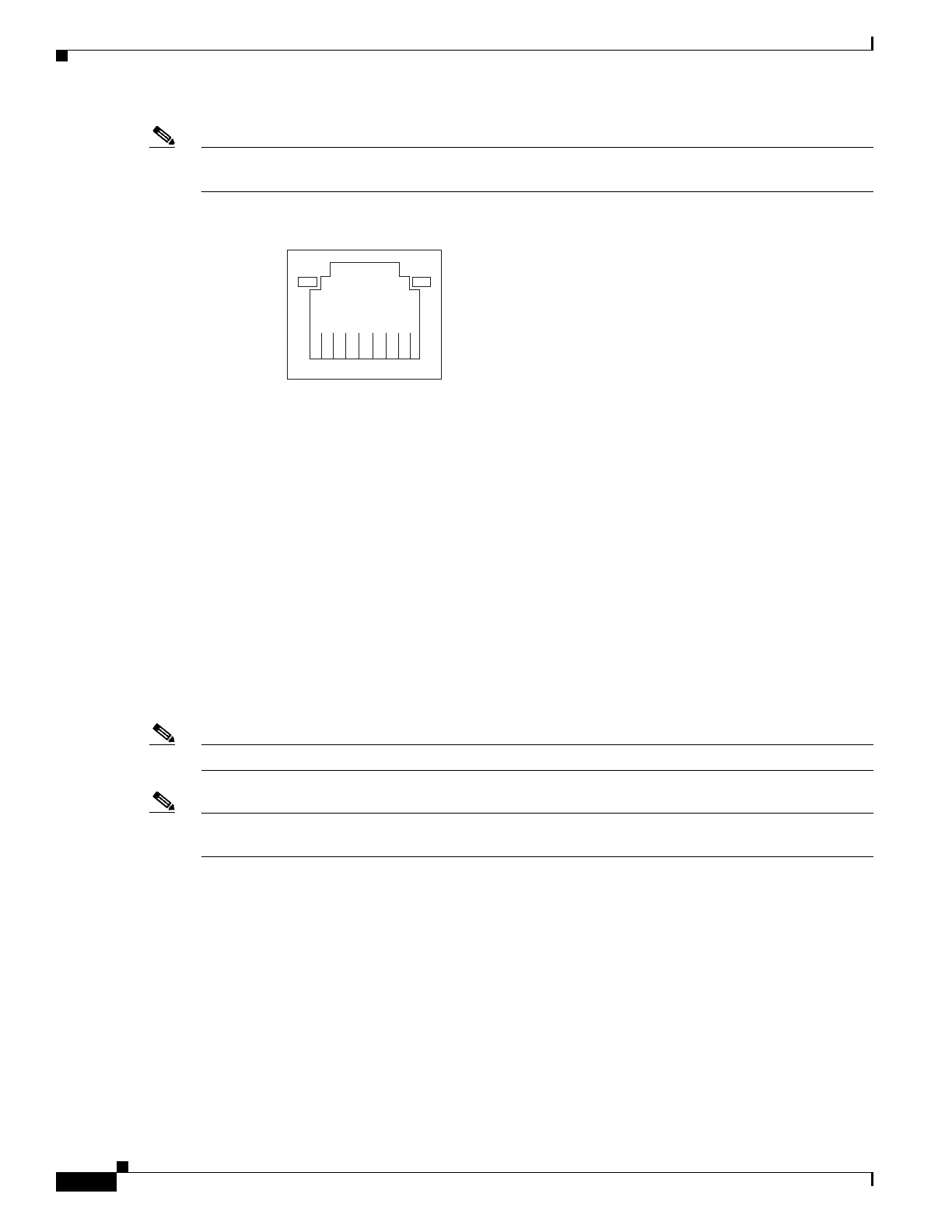
Figure 1-5 Ethernet Port Connector
Console Port Connectors
The WAVE-7541, WAVE-7571, and WAVE-8541 appliance has two console port connectors, serial and
mini-USB (see Figure 1-1). Use a console port connector to access the command-line interface (CLI) for
controlling the WAVE appliance.
For information on connecting a console terminal to the mini-USB console port, see Connecting a
Console Terminal.
Connecting a Console Terminal
The WAVE appliance has both serial and mini-USB console ports (see Figure 1-1). These ports provide
administrative access to your appliance with a console terminal or PC.
Note You cannot use both ports at the same time. If both ports are connected, the mini-USB port takes priority.
Note When using the mini-USB port to connect to a Windows-based PC for the first time, you must install the
Windows USB driver on the PC first. See Installing the Cisco USB Driver.
Cabling
The following cables included with the WAVE appliance may be used for connecting the WAVE
appliance to a console terminal or PC:
• USB Console cable—5-pin USB to mini-USB Type A-B
• Serial Console cable— EIA RJ-45 to DB-9
1
8
Speed LE
ink/Activity
LED
330210



 To Next Page