1-3
Cisco Wide Area Virtualization Engine 7541, 7571, and 8541 Hardware Installation Guide
Chapter 1 Introducing the Cisco Wide Area Virtualization Engine 7541, 7571, and 8541
Hardware Features
Back Panel Components and LEDs
Figure 1-3 shows the back panel components.
Note To monitor the boot process in normal operation, use the console port.
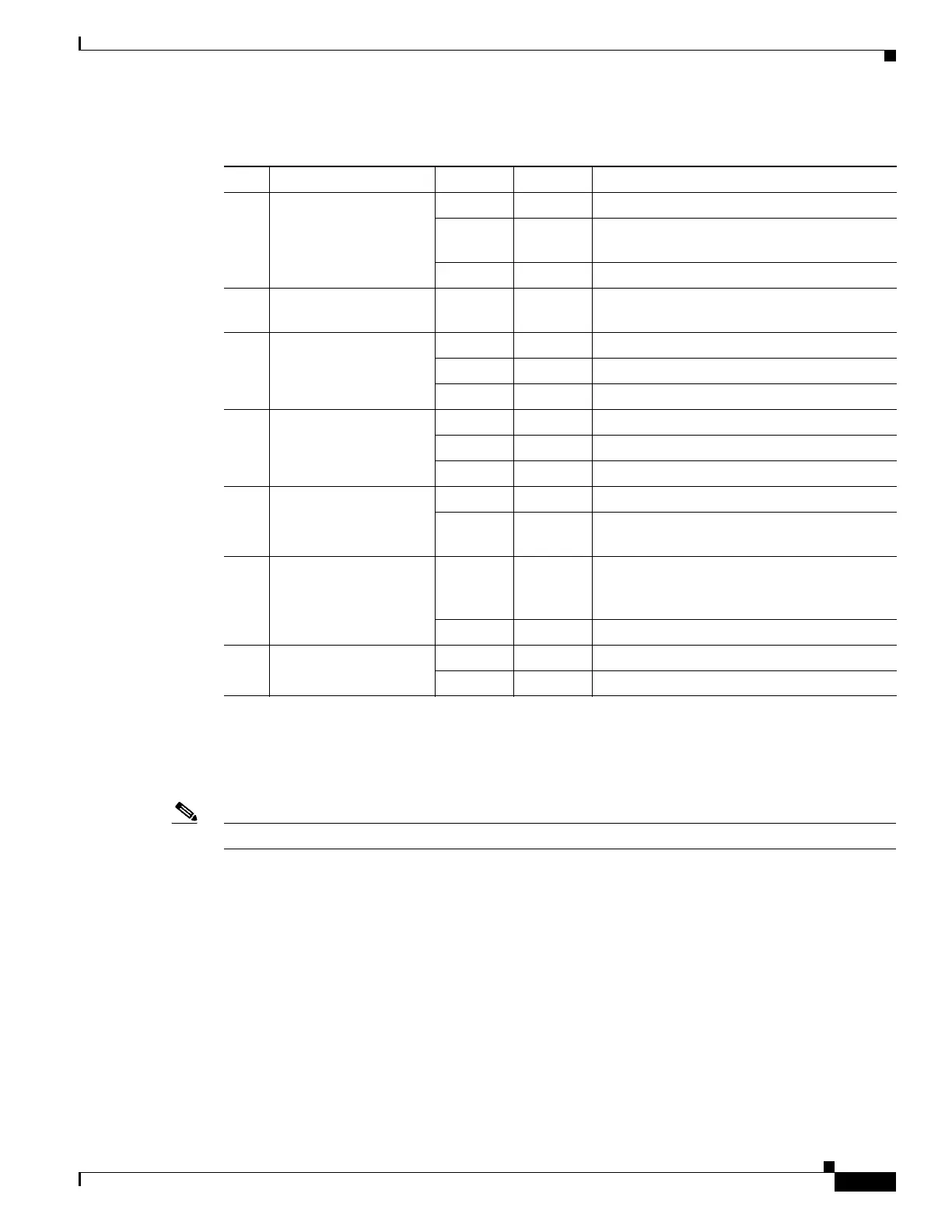
Table 1-1 Front Panel LEDs
LED Color State Description
1 Drive activity LED Green Blinking Drive activity is normal.
Green Blinking
1Hz
Drive locate.
— Off No reading/writing, no activity.
2 Drive status LED Orange Blinking
1Hz
Rebuilding.
3 NIC link/activity Green On Link exists.
Blinking Off Activity exists.
— Off No link detected.
4 NIC speed — Off 10Mbps connection.
Green On 100Mbps connection.
Yellow On 1000Mbps connection.
5 System power LED Green On System is on.
— Off Power cord is not attached or power supply
failure has occurred.
6 System fault LED Yellow On System has detected a fault. For more
information, see Chapter 6, “Troubleshooting
the System Hardware.”
— Off System operation is normal.
7 Storage activity LED Green Blinking Drive activity is normal.
Orange On Drive failure has occurred.



 To Next Page