CHAPTER
6-1
Cisco IP Phone 7960 and 7940 Series User Guide
78-10182-07
6
Using the Cisco IP Phone 7914
Expansion Module
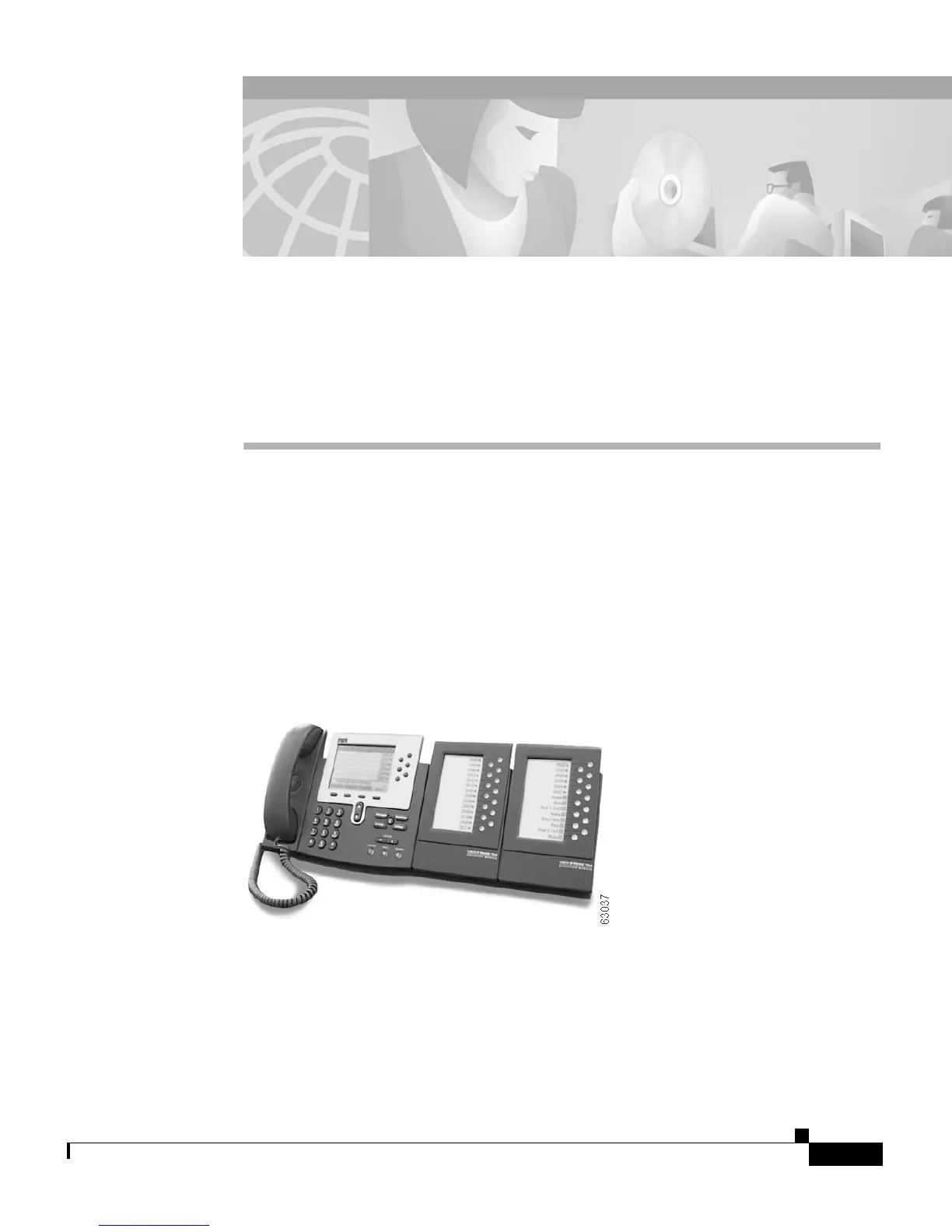
The Cisco IP Phone 7914 Expansion Module attaches to a Cisco IP Phone 7960
Series phone and extends its functionality by adding 14 line appearances and/or
speed dial numbers per module. One or two Expansion Modules can be attached
to your IP Phone. One Expansion Module provides a total of 20 line and/or speed
dial numbers. Two Expansion Modules provide a total of 34 line and/or speed dial
buttons, as shown in Figure 6-1.
Figure 6-1 Cisco IP Phone 7960 with Two Expansion Modules


 To Next Page
 Loading...