5-11
Cisco Video Surveillance 8620/8630 IP Camera Reference Guide
Chapter 5 Configuration
Media > Image
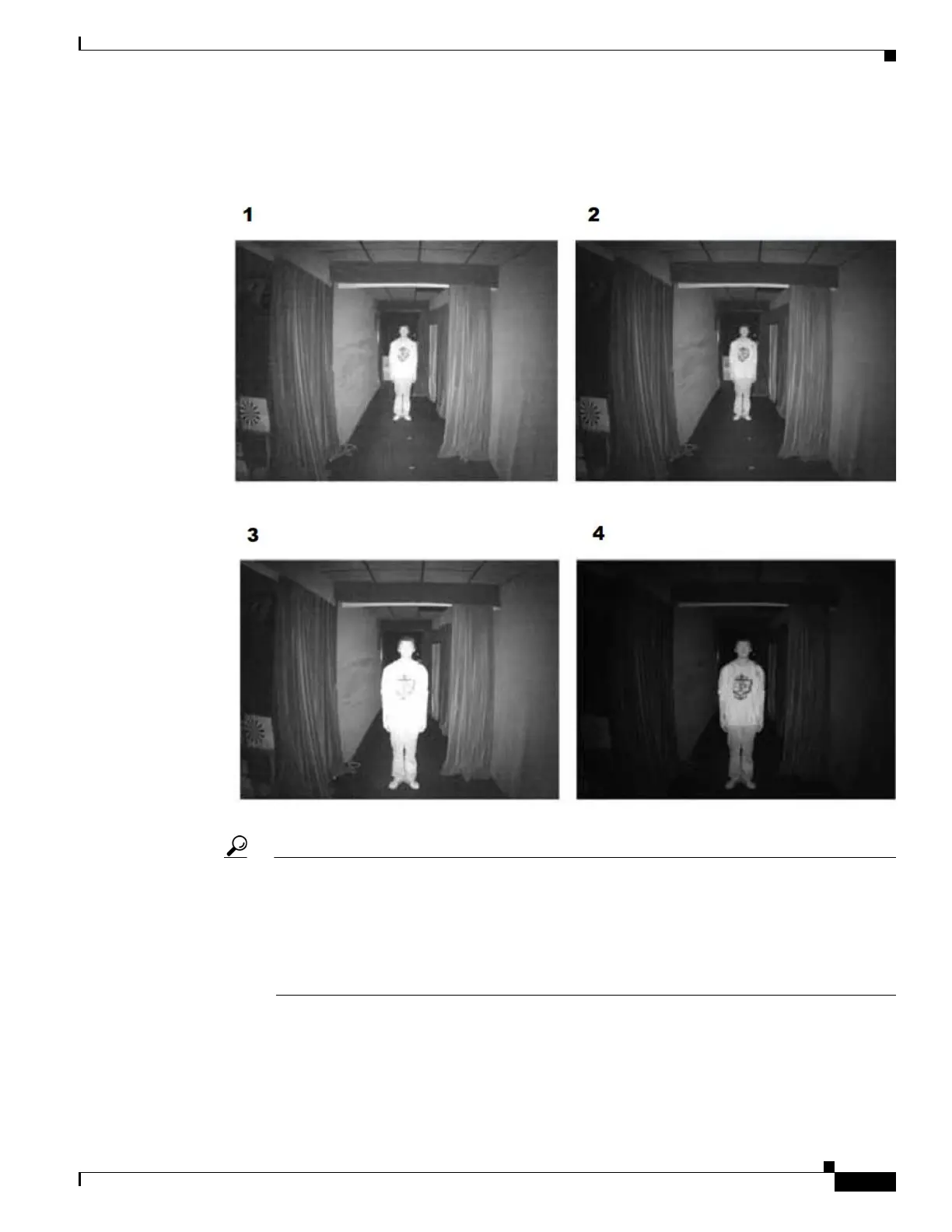
3—Smart IR disabled; distance: 3M
4—Smart IR enabled; distance: 3M
Tip If there is an object in close proximity, the IR lights reflected back from it can mislead the Smart
IR calculation of light level. To solve this problem, you can place an Exposure Exclude window
on an unavoidable object in the Exposure setting window. See the “Exposure” section on
page 5-13.
You can also configure the Exposure Exclude window in a night mode Profile setting so that your
day time setting is not affected.



 To Next Page