Prepare Rack for Chassis Installation
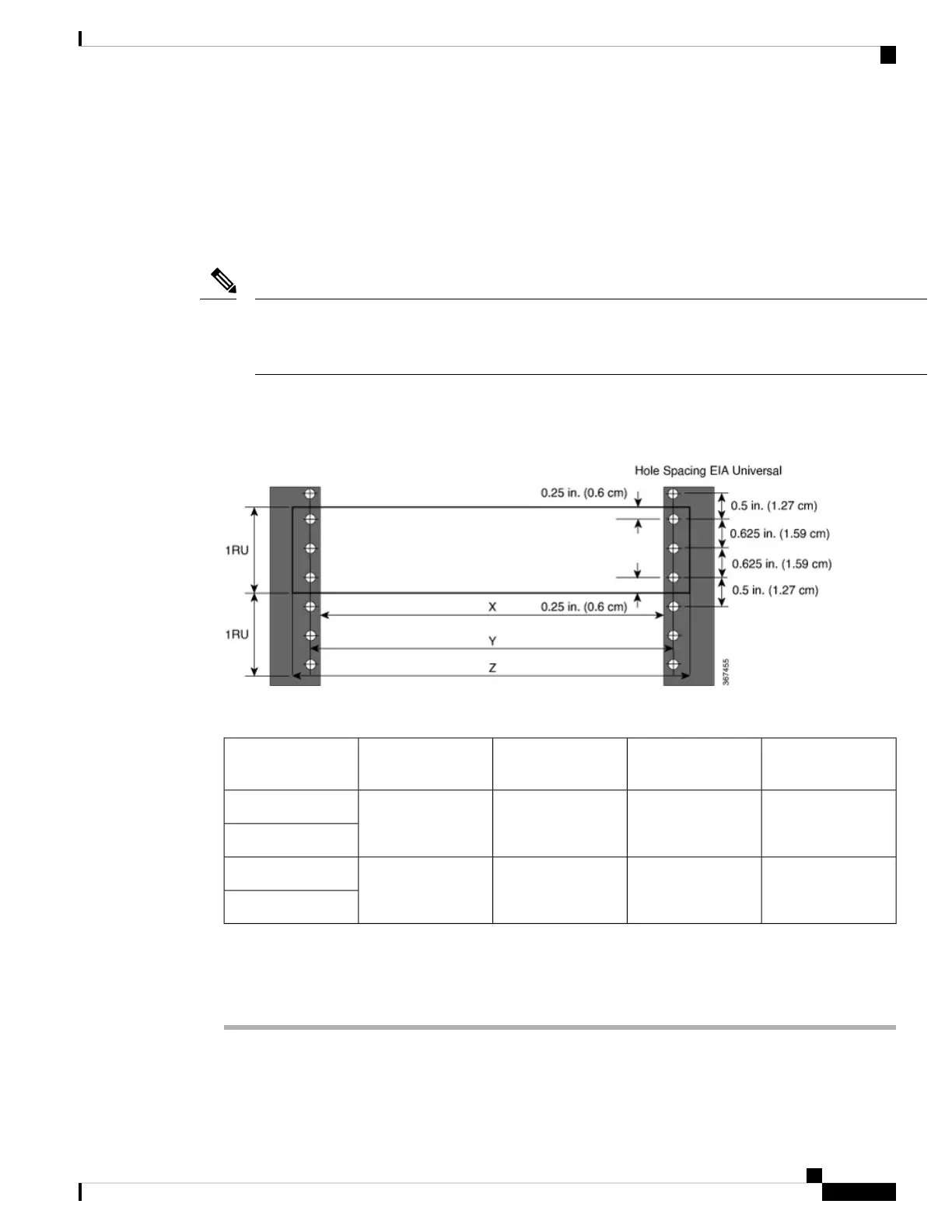
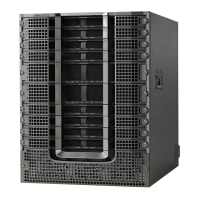
Install the Cisco 8700 Series Routers on a standard 19 inch or 23 inch, Electronic Industries Alliance (EIA)
rack with mounting rails that conform to English universal hole spacing according to Section 1 of the
ANSI/EIA-310-D-1992 standard.
The Cisco 8700 router rack mount kit contains the slider brackets for 19-inch rack. To install the chassis in a
23-inch rack or an ETSI rack, you need the bracket mounting adapter to accommodate the 19-inch rack mount
brackets.
Note
The spacing between the posts of the rack must be (EIA-310-D-1992 19-inch rack compatible) wide enough
to accommodate the width of the chassis.
Figure 17: Rack Specification EIA (19 inches and 23 inches)
Table 9: Rack specification EIA (19 inches and 23 inches)
Mounting Flange
Dimension (Z)
Rack Mounting Hole
Centre-Centre (Y)
Rack Front Opening
(X)
Rack TypePost Type
482.6mm (19”)465mm (18.312”)450.8mm (17.75”)19 inches (48.3
centimeters)
4 Post
2 Post
584.2mm (23”)566.7mm (22.312”)552.45mm (21.75”)23 inches (58.4
centimeters)
4 Post
2 Post
Before you move the chassis or mount the chassis into the rack, we recommend that you do the following:
Procedure
Step 1 Place the rack at the location where you plan to install the chassis.
Step 2 (Optional) Secure the rack to the floor.
Hardware Installation Guide for Cisco 8700 Series Routers
27
Prepare for Installation
Prepare Rack for Chassis Installation



 To Next Page