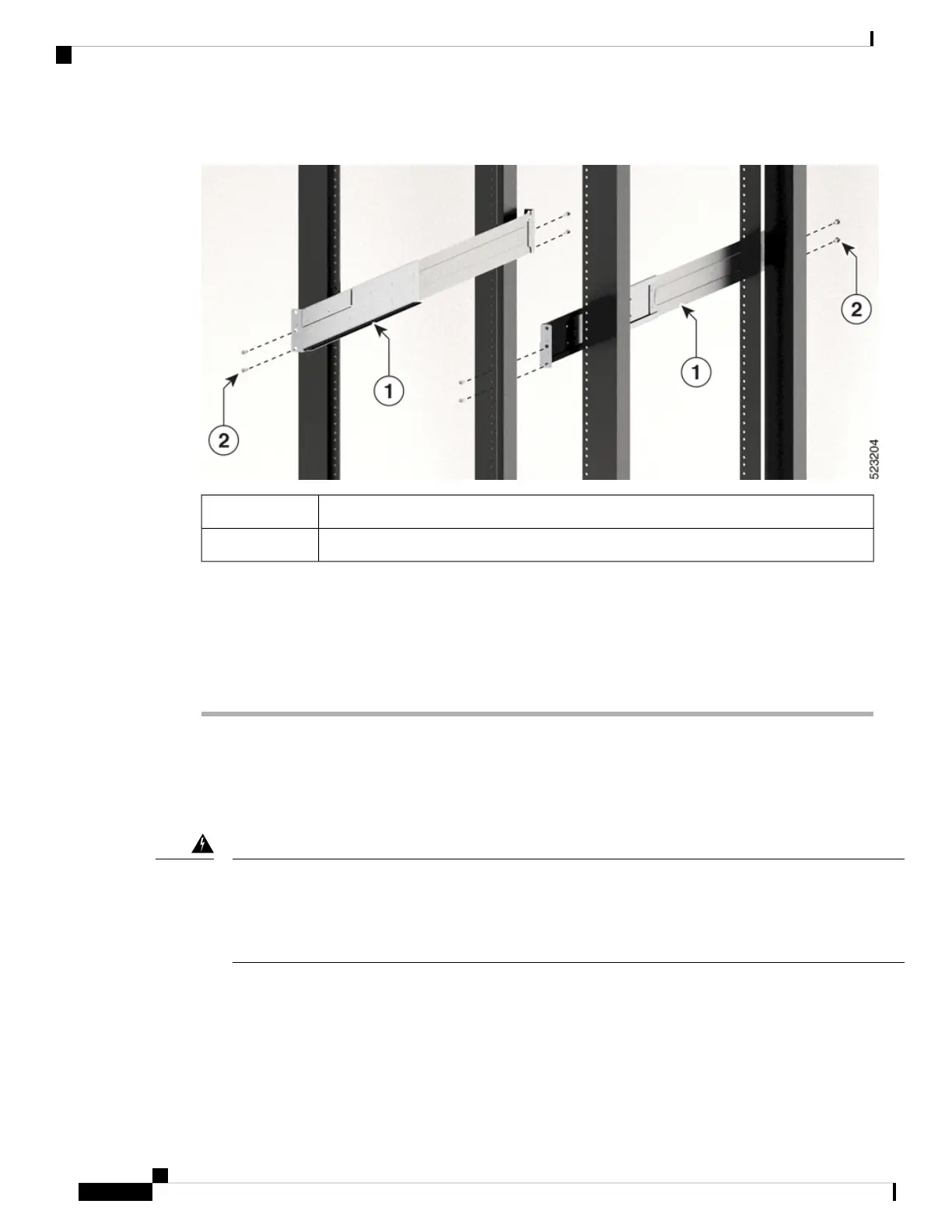
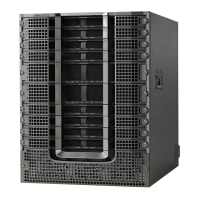
Figure 23: Attach Bottom-Support Rails to Rack for Cisco 8712-MOD-M Router
Bottom-support rails1
M4 x 6-mm Phillips flat-head screws (8)2
Use two screws on each end of each bottom-support rail.
Step 3 Repeat Steps 1 and 2 to attach the other bottom-support rail to the rack.
Note
Ensure that the two bottom-support rails are level with one another. If they are not level, adjust the higher rail
down to the level of the lower rail.
Rack Mount the Chassis
The chassis can be mounted on a 4-post or a 2-post rack.
Statement 1032—Lifting the Chassis
To prevent personal injury or damage to the chassis, never attempt to lift or tilt the chassis using the handles
on modules, such as power supplies, fans, or cards. These types of handles are not designed to support the
weight of the unit.
Warning
Hardware Installation Guide for Cisco 8700 Series Routers
34
Unpack and Install the Chassis
Rack Mount the Chassis



 To Next Page