Installing the Transceiver Module
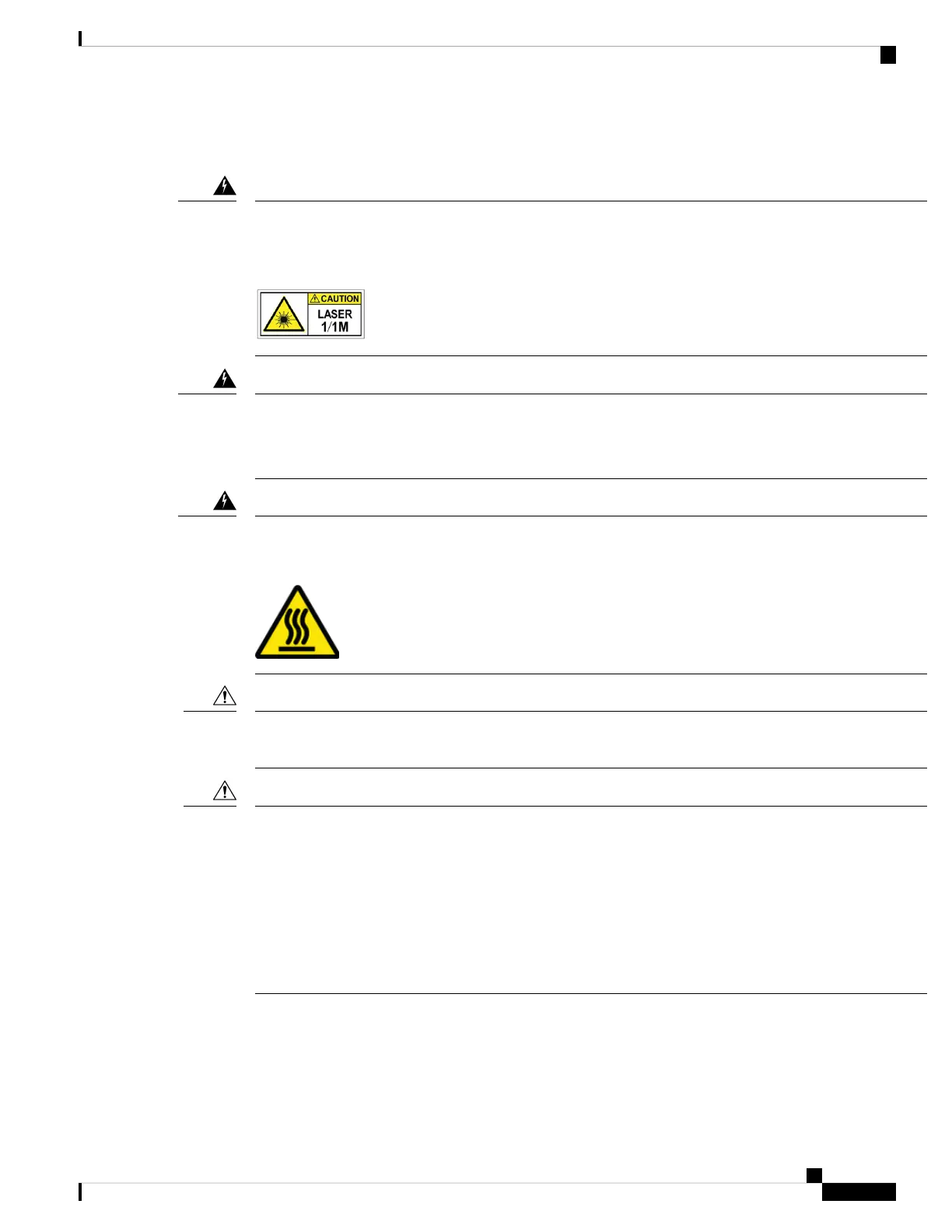
Statement 1055—Class 1/1M Laser
Invisible laser radiation is present. Do not expose to users of telescopic optics. This applies to Class 1/1M
laser products.
Warning
Statement 1051—Laser Radiation
Invisible laser radiation may be emitted from disconnected fibers or connectors. Do not stare into beams or
view directly with optical instruments.
Warning
Statement 1079—Hot Surface
This icon is a hot surface warning. To avoid personal injury, do not touch without proper protection.
Warning
The transceiver module is a static-sensitive device. Always use an ESD wrist strap or similar individual
grounding device when handling transceiver modules or coming into contact with system modules.
Caution
Protect the transceiver ports by inserting clean dust caps (8000-QSFP-DCAP) into any ports not in use. Be
sure to clean the optic surfaces of the fiber cables before you plug them back into the optical ports of another
module. Use dust caps for all the open ports on the chassis.
The router ships with dust caps plugged in. We highly recommend you to keep the dust caps plugged in until
you are ready to plug an optic.
The dust caps protect the ports from possible EMI interference and also avoid contamination due to dust
collection. To meet the EMI interference requirements, you must use the metal dust caps when the ports are
not in use by optical modules.
Caution
The following table provides the supported port details and operating temperature of the QDD-400G-ZR-S,
QDD-400G-ZRP-S, and DP04QSDD-HE0 optical modules when port side intake fans and power supplies
are used.
Hardware Installation Guide for Cisco 8700 Series Routers
83
Connect Router to the Network
Installing the Transceiver Module



 To Next Page