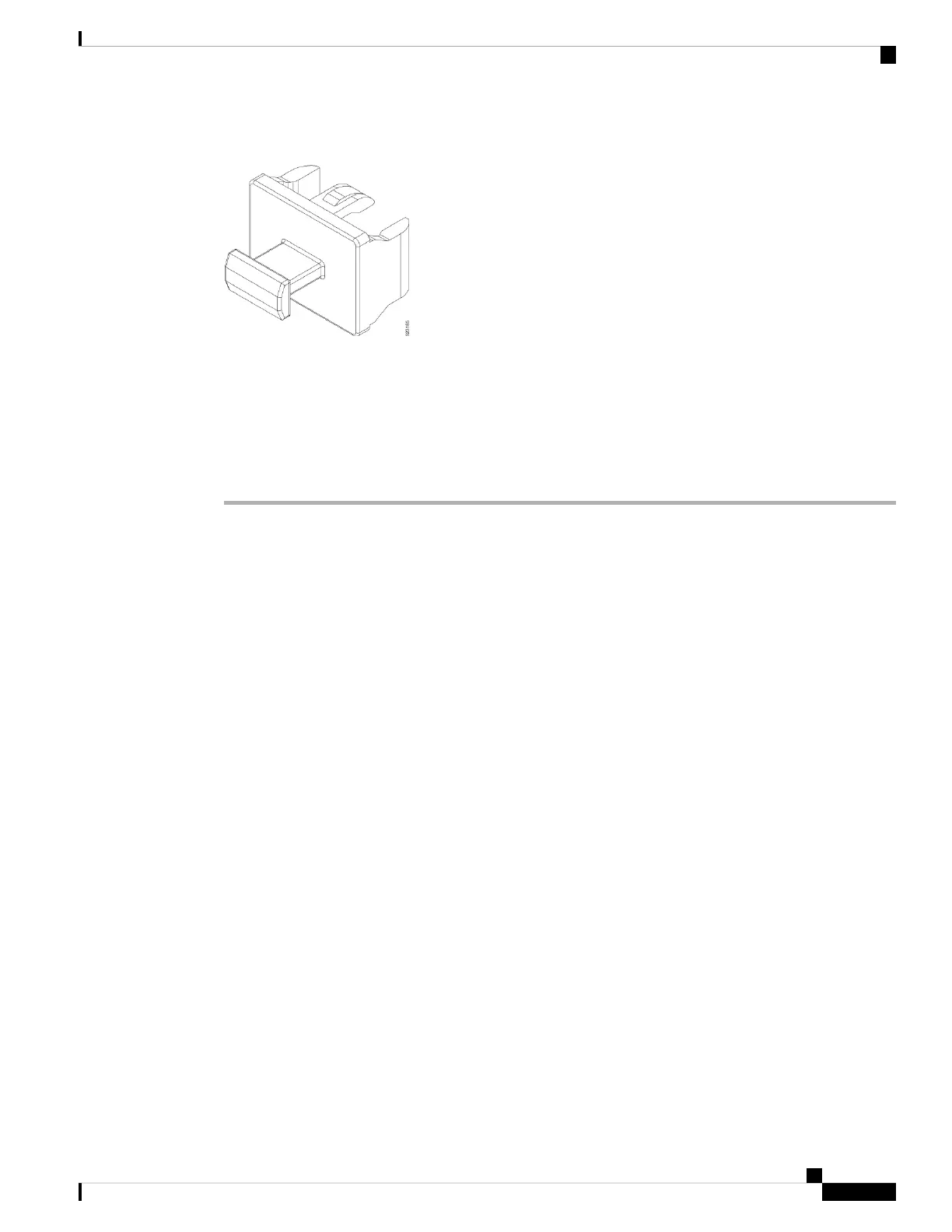
Figure 58: Bale Clasp SFP or SFP+ Module
Remove a Bale Clasp SFP or SFP+ Module
To remove this type of SFP or SFP+ module, follow these steps:
Procedure
Step 1 Attach an ESD-preventive wrist or ankle strap and follow its instructions for use.
Step 2 Disconnect and remove all interface cables from the ports; note the current connections of the cables to the
ports on the line card.
Step 3 Open the bale clasp on the SFP module with your index finger, as shown in the figure below. If the bale clasp
is obstructed and you cannot use your index finger to open it, use a small flat-blade screwdriver or other long,
narrow instrument to open the bale clasp.
Step 4 Grasp the SFP module between your thumb and index finger and carefully remove it from the port, as shown
in the figure below.
Note
This action must be performed during your first instance. After all the ports are populated, this may not be
possible.
Hardware Installation Guide for Cisco 8700 Series Routers
77
Connect Router to the Network
Remove a Bale Clasp SFP or SFP+ Module



 To Next Page