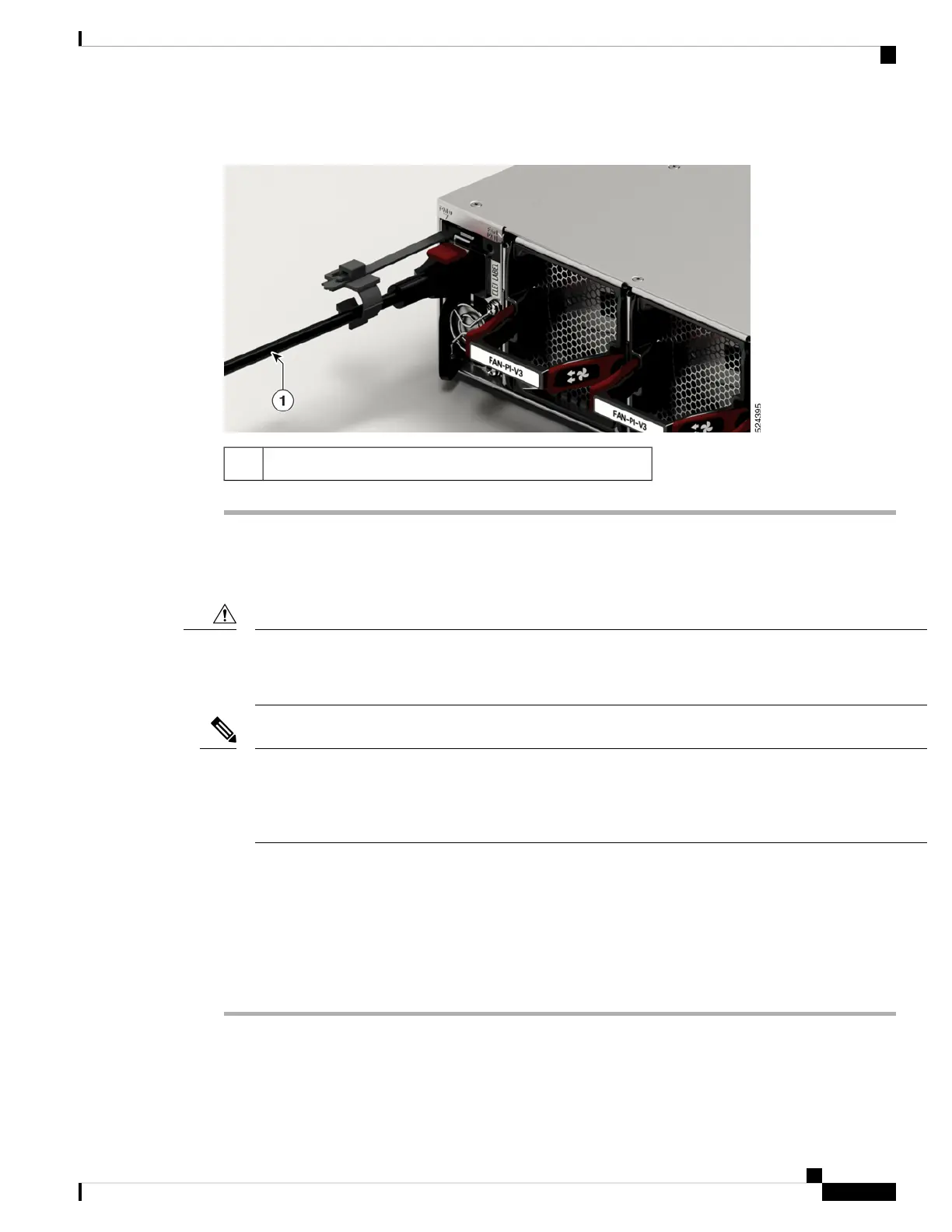
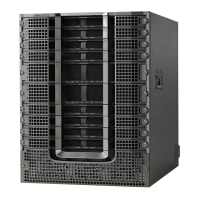
Figure 49: Connecting AC Power - Cisco 8712-MOD-M
AC power cable1
Connect DC Power to the Chassis
The chassis relies on the protective devices in the building installation to protect against short circuit,
overcurrent, and ground faults. Ensure that the protective devices comply with local and national electrical
codes.
Caution
We recommend that you occupy both the power supply slots of the fixed port routers with power supplies. In
case a power module fails, it is recommended to retain the failed power module in its slot until it is replaced
with a new power module. This recommendation ensures that the system airflow is not impacted adversely,
which may then result in the overheating of the router and its components.
Note
For Cisco 8700 series router, the following power supplies are supported:
• PSU2KW-DCPI – 2000W AC, port-side intake airflow
• PSU2KW-DCPE – 2000W AC, port-side exhaust airflow
Procedure
Step 1 Verify that the correct fuse panel is installed in the top mounting space.
Hardware Installation Guide for Cisco 8700 Series Routers
65
Powering on the Router
Connect DC Power to the Chassis



 To Next Page