www.cisco.com
18
Cisco IP Video Phone E20 Administrator guide
D143 30.12 Administrator guide Cisco IP Video Phone E20, TE4.1 November 2011.
All contents are Copyright © 2010–2011, Cisco Systems, Inc. All rights reserved.
Shared lines
The Cisco Unied Communications Manager (CUCM) allows several devices to
share the same number. This enables remote resume and barge in.
The CUCM documentation provides the details on how to set up shared lines.
Assume that you share a number with someone else and that person has put a call
on hold. Remote resume means that you may resume this call from your E20.
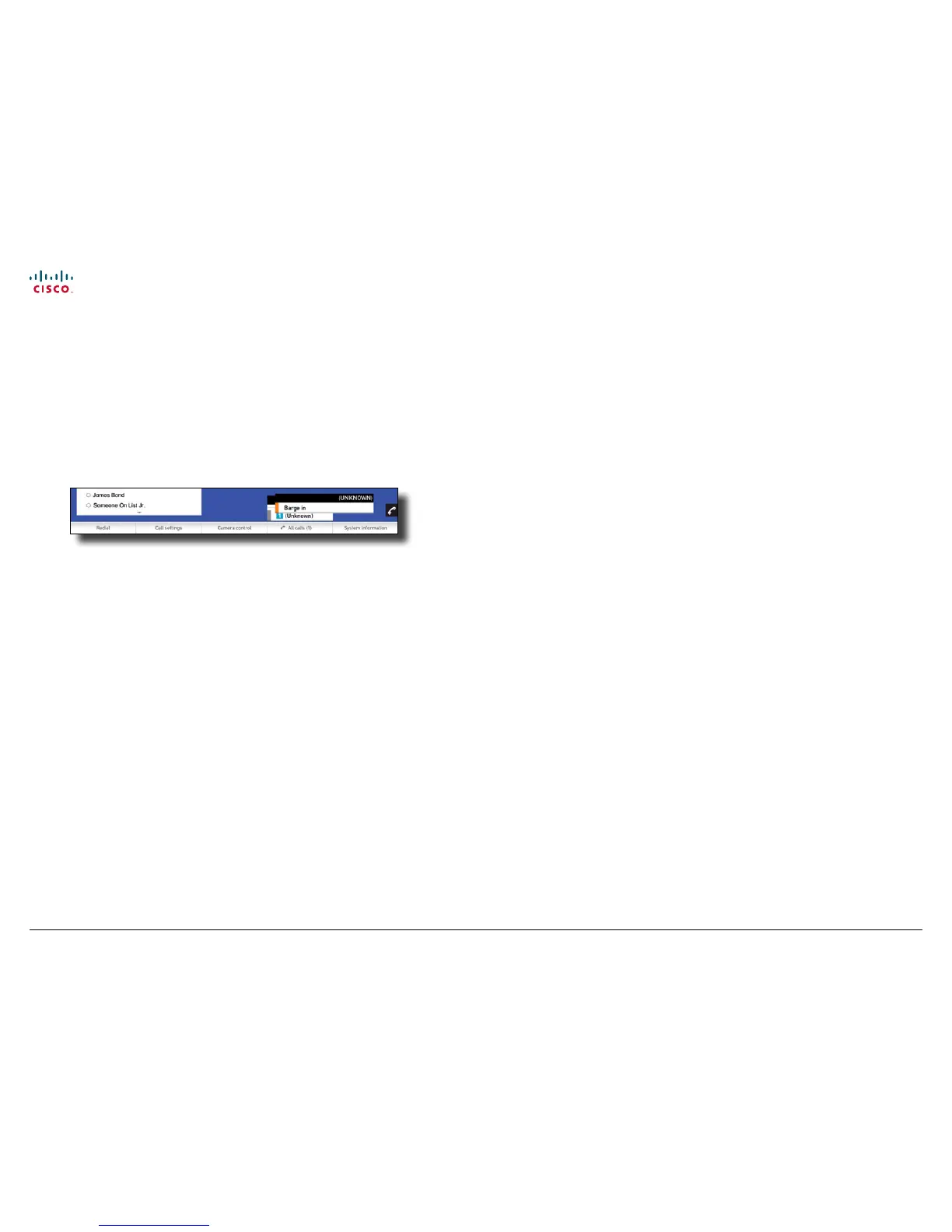
You may also Barge in to an ongoing call (merge into the call) on a shared line,
as outlined below.
Broadworks Specic Features
TE 4 supports BroadWorks which is a software-based IP-PBX. You may provision
the E20 using the BroadWorks provisioning system. In addition to supporting the
BroadWorks provisioning scheme, TE 4 supports Shared Call Appearance, Click-
to-dial, Push-to-talk. The former is a concept based on support for private and
shared lines. Private lines are regular SIP-proles similar to the line concept in TE
2.0 and earlier versions.
A shared line is a BroadWorks extension supported in TE 2.1 and higher. It means
that several users (E20s) can share a single line.
Whenever someone calls the shared line, all of the E20s congured with this
shared line will start to ring. Whoever answers rst will take the call. However, it is
possible for other users of the shared line to barge-in and join the call.
Since Broadworks does not support video mixing in its current version, the joined
call will be audio only. As soon as one of the users disconnects from the call, the
video will be resumed.
It is also possible for one operator to put a shared line on hold and let another
operator resume the same shared call on another E20.
Click-to-dial is a concept where a web-based call-control manager can be used
to set up and tear down video calls between dierent devices. The most common
use case would be for a user to call another user from his/her own E20.
Push-to-talk is a concept similar to a walkie-talkie where the calling user will
press the call button to immediately be connected to the remote party.



 To Next Page