www.cisco.com
14
Cisco IP Video Phone E20 Administrator guide
D143 30.12 Administrator guide Cisco IP Video Phone E20, TE4.1 November 2011.
All contents are Copyright © 2010–2011, Cisco Systems, Inc. All rights reserved.
Removing an entry from the list of Favorites
You may remove an entry from the Favorites list without removing the entry from
My contacts.
Do as follows:
1. In the Home menu navigate down to the entry to be removed and press
.
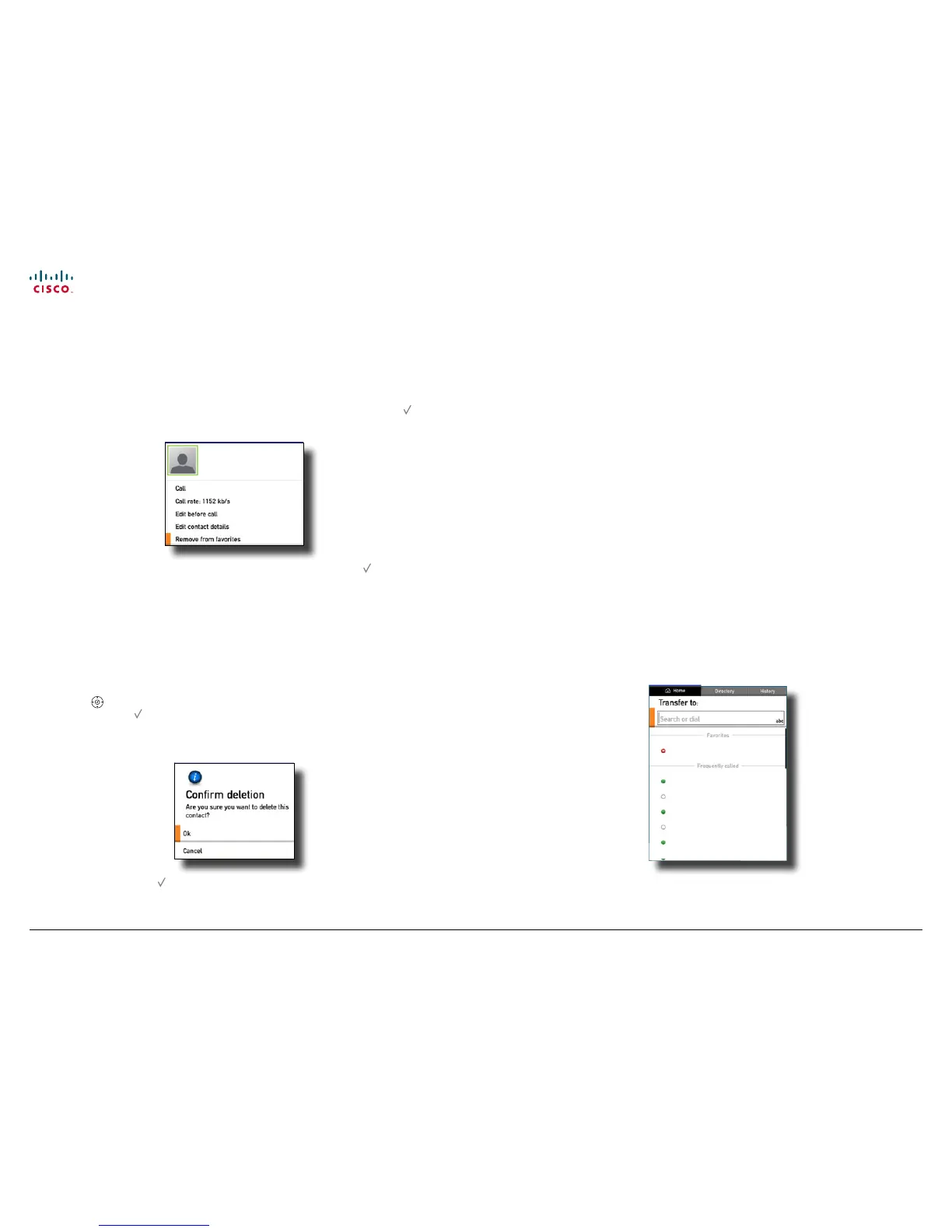
The below dialog box will now be displayed.
norah dollhouse
norah.dollhouse@somewhere.com
Online
2. Navigate down to Remove from favorites as shown and press . The entry
will now be removed form the Favorites list, but it will remain in the list of My
contacts.
Removing an entry from My contacts
You may remove entries from the My contacts list. These will then be removed
permanently.
Do as follows:
1. Use the
buttons to navigate to the Directory tab and then down to My
contacts. Press .
2. Locate the entry to be permanently deleted and press the C button. The
following dialog will appear:
3. Select OK and press to exit the menu putting changes into eect or
Cancel to exit menu undoing any changes.
Switching between two calls
When you are in a call you may put the other party on hold while you call
someone else. You will then be in call with two parties, but only one at a time.
Do as follows:
1. While in a call, press the softkey Hold. The softbuttons will now change to
show you two options:
• Resume to go back the call you were in.
• New call to let you call someone else, while at the same time keeping the
rst party on hold.
2. By using the softbutton that will toggle between Hold and Resume you may
switch between talking to either party.
Blind transfer
When you are in a call, you may transfer the other party to someone else, to let
them communicate without your participation.
Do as follows:
1. While in a call, press the softbutton Transfer. The Softbutton menu will give
you two options, viz. to transfer the one on hold or This will bring up the
following menu:
norah dollhouse
peer gynt
hjalmar ekdahl
hedwig ekdal
emma bovary
oscar w. ilde
2. You may now key in the number/URI to which the other party shall be
transferred. Alternatively, you may use the Favorites or Frequently called.
Or you may navigate to the Directory tab and place your call from there.



 To Next Page