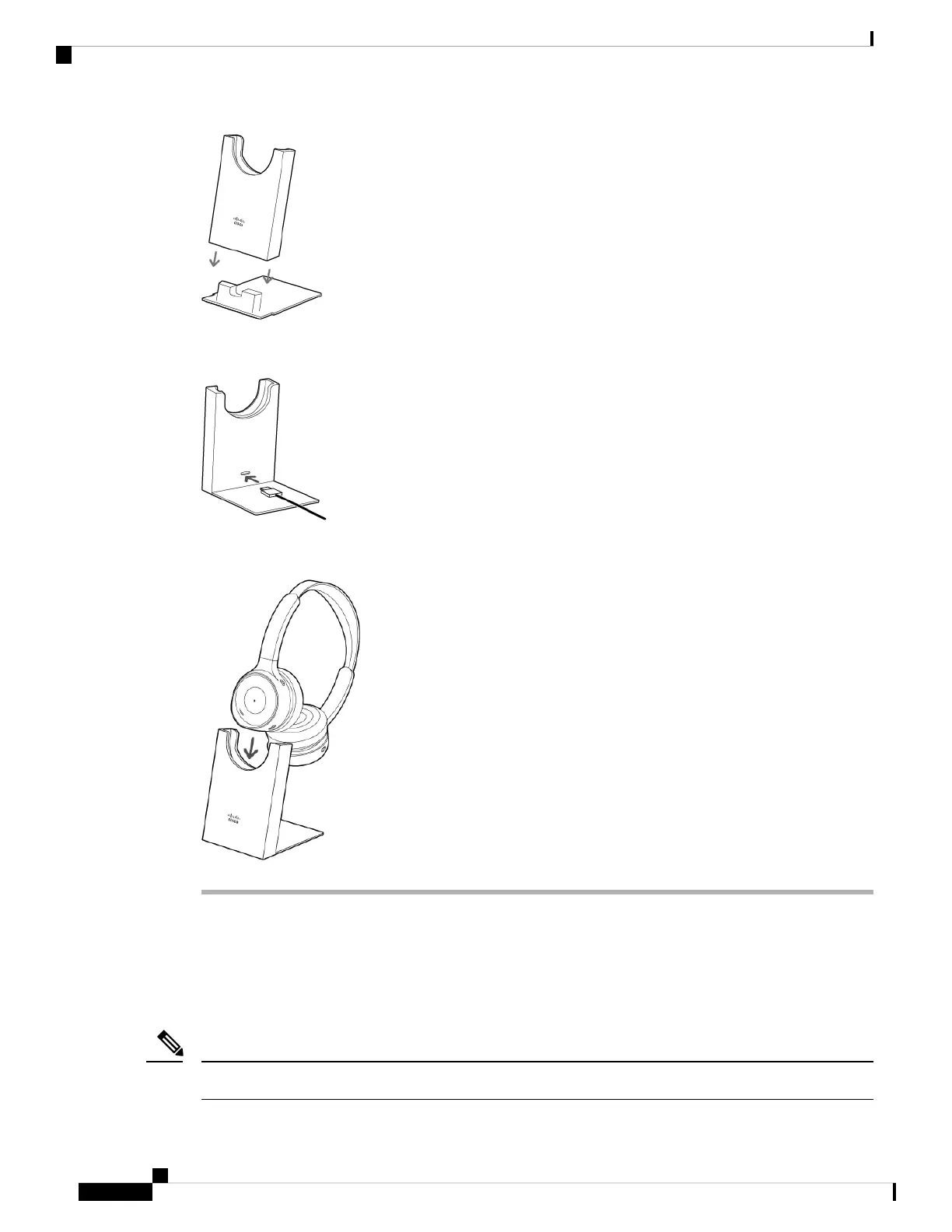
Step 2 Plug the included USB cable into the port on the back of the charging stand. Connect the other end of the
cable into any powered USB port.
Step 3 Seat your Cisco Headset 730 on to the charging stand. The LED on the front of the stand shows solid white
when the headset is seated properly.
Voice Assistant
You can quickly access Apple Siri, Google Assistant, or Cortana on your mobile device or laptop through
your Cisco Headset 730.
You can't set your headset to access multiple voice assistants at the same time.
Note
Cisco Headset 730 User Guide
12
Your Headset
Voice Assistant



 To Next Page