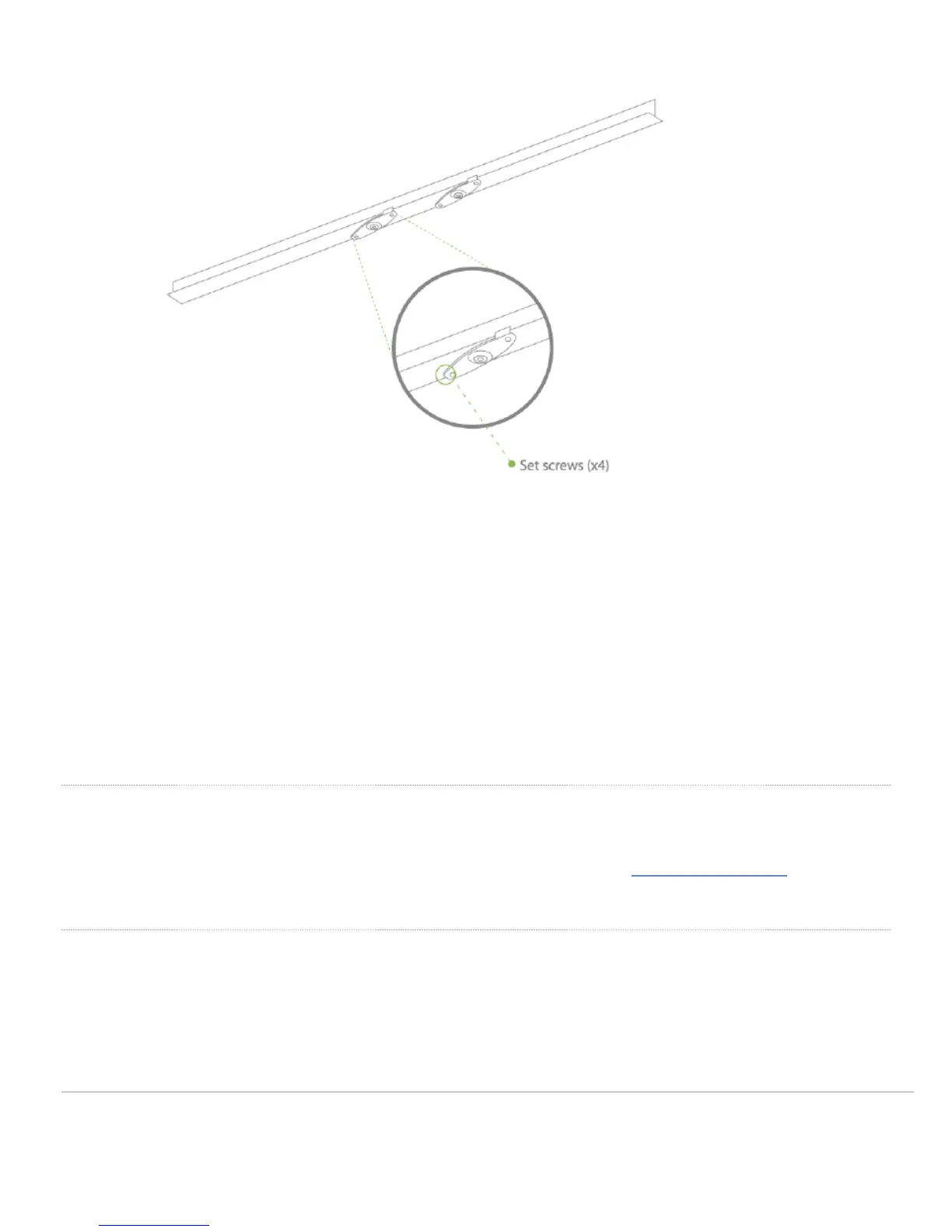
4. Attach the mount cradle to the T-rail clips using the mount cradle holes (marked with a “T“).
Tip: Pre-assemble rubber spacers and screws to the mount cradle. The mount cradle can then be held with one
hand while the other hand holds a screwdriver. If mounting your AP to a dropped ceiling, skip to the "Power the
AP" section.
Electrical Junction Box Mount Using mount cradle
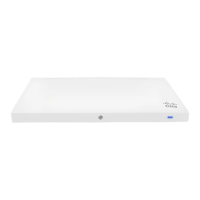
The MR52 and MR53 can be mounted to a 4” square cable junction box, a 3.5 or 4” round cable junction box, or
various U.S. and European outlet boxes (mounting screws are not included).
Using appropriate mounting hardware for your specific type of junction box, attach the mount cradle to the
junction box.
Power the AP
If mounting to an electrical junction box, feed the Ethernet cable through the cable access hole in the mount cradle. If
mounting to a wall or ceiling, the Ethernet cable will feed from behind the AP. The "Power Source Options" section of
this document lists the different powering options and their unique characteristics.
Mount the AP
13



 To Next Page