Attach the AP to the Mount Cradle
(This section applies to wall and/or solid ceiling, drop ceiling or electrical junction box mount
where you have already installed the mount cradle.)
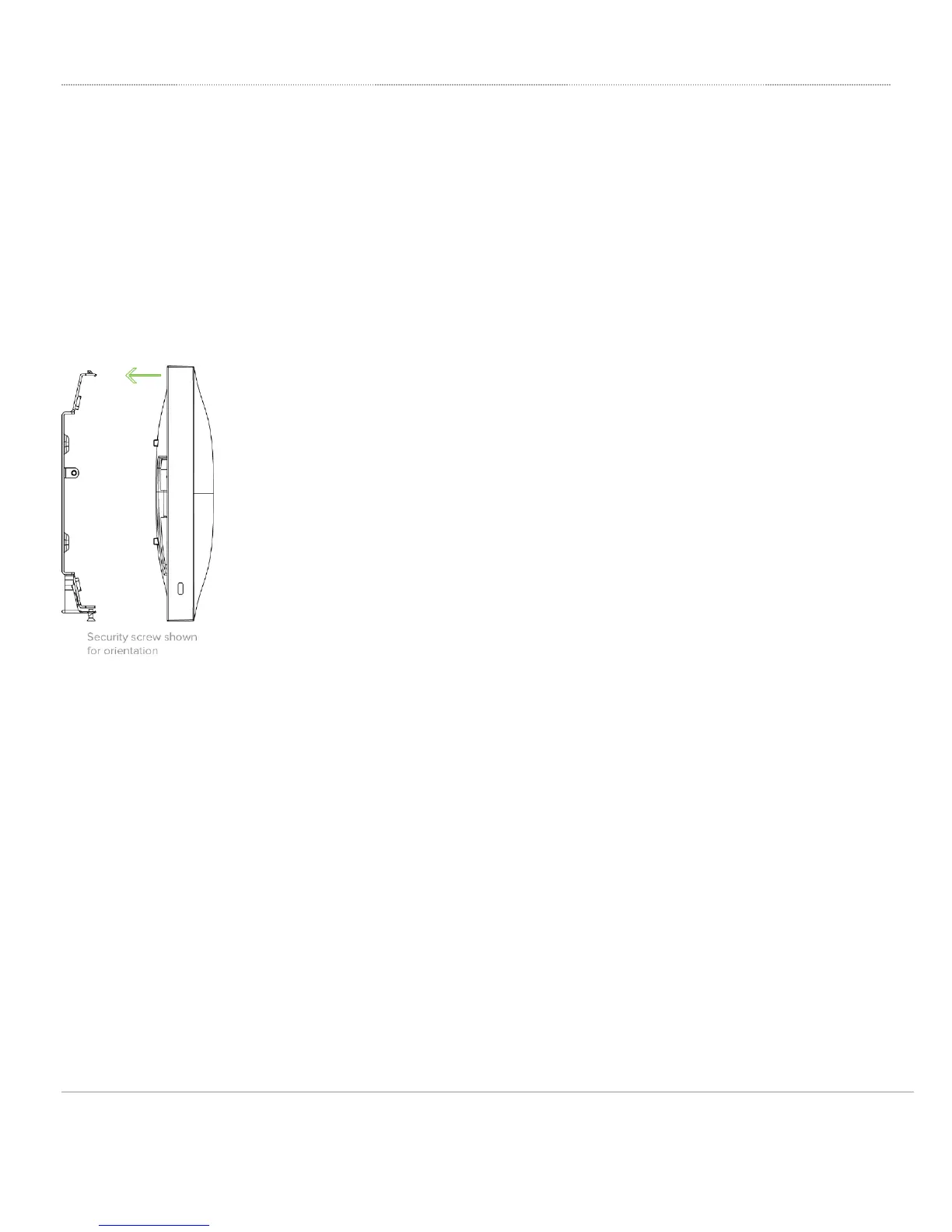
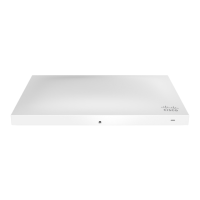
The AP attaches to the mount cradle with two tabs on the cradle that insert into the AP, and is secured to the cradle
using one screw.
To attach the AP to the mount cradle properly, line up the top edge of the AP with the top tab of the mount cradle. Since
the cradle is already mounted to the wall, guide the AP towards the top tab and insert the top tab into the AP’s slot.
Then adjust the AP to guide the AP’s bottom slot into the cradle’s bottom tab until it clicks into place. Once in place, the
AP should be secured to the cradle by using one of the included screws in the cradle’s bottom tab.
14



 To Next Page