The 2nd port may be used for LACP bonding with the PoE port
Link Aggregation
The second Ethernet port can be used in a bonded configuration with the "PoE" port. Ensure that the AP is
plugged into 2 switch ports on the same Ethernet switch that have been configured for LACP bonding. Keep in
mind that the maximum bonded aggregate bandwidth is 2.0 Gbps. See the MR Link Aggregation Configuration
Guide for more details
Power Source Options
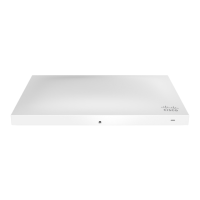
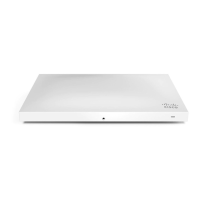
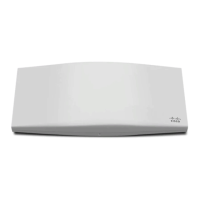
The MR52 and MR53 access points can be powered using either the Meraki AC Adapter, PoE Injector (both
sold separately), or a third-party PoE switch.
Factory Reset Button
If the button is pressed and held for at least five seconds and then released, the AP will reboot and be restored to its
original factory settings by deleting all configuration information stored on the unit.
LED Indicators and Run Dark Mode
Your MR52 and MR53 are both equipped with a multi-color LED light on the front of the unit to convey information about
system functionality and performance:
• Orange - AP is booting (permanent Orange suggests hardware issue)
• Rainbow - AP is initializing/scanning
• Blinking Blue - AP is upgrading
• Green - AP in Gateway mode with no clients
• Blue - AP in Gateway mode with clients
• Blinking Orange - AP can't find uplink
The MR52 and MR53 both may be operated in “Run Dark” mode for additional security and to reduce the visibility of the
access point. In this mode, the LED will not be illuminated.
Keep in mind that only the primary uplink will draw PoE.
The MR52 and MR53 both will function in low power mode when powered by a 802.3af power source. While in
low power mode, the MR52 and MR53 both will disable its Air Marshal radio as well as three out of four transmit
streams on the 2.4 Ghz band. Despite being in low power mode, the device can still supply full 802.11ac
capabilities.
6



 To Next Page