7 Customizing your Phone
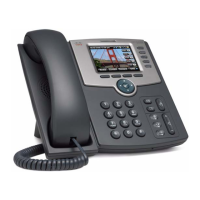
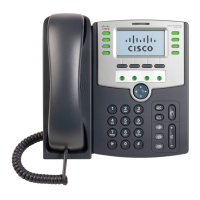
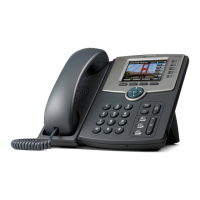
You can customize your Cisco SPA525G2 Desk Phone by adjusting the setting
for time and date, and ring type, for example. You can add contacts to the
phone’s directory manually or from call lists. You can handle incoming calls
from different contacts in different ways.
This chapter provides basic operating instructions for Configuring Basic Settings
Configuring Basic Settings
You can configure the following basic settings through use of :
•
Appearance of the time and date
•
Display Contrast
•
Ring type
•
Language support (localization)
You can mute the microphone and adjust the volume using separate keys.
To configure the time and date formats:
1.
Press
2.
Select # 9, Device Administration using the Arrow Pad and Select soft key
3.
Select # 3, Date/Time using the Arrow Pad and Select soft key
4.
Use the Arrow Pad to Navigate and toggle through the menu options
5.
Use may also the Arrow Pad and Check button to make desired changes
6.
Use the Save soft key, and Set soft key to apply changes
7.
The Back soft key will return you to the previous screen
42








 To Next Page