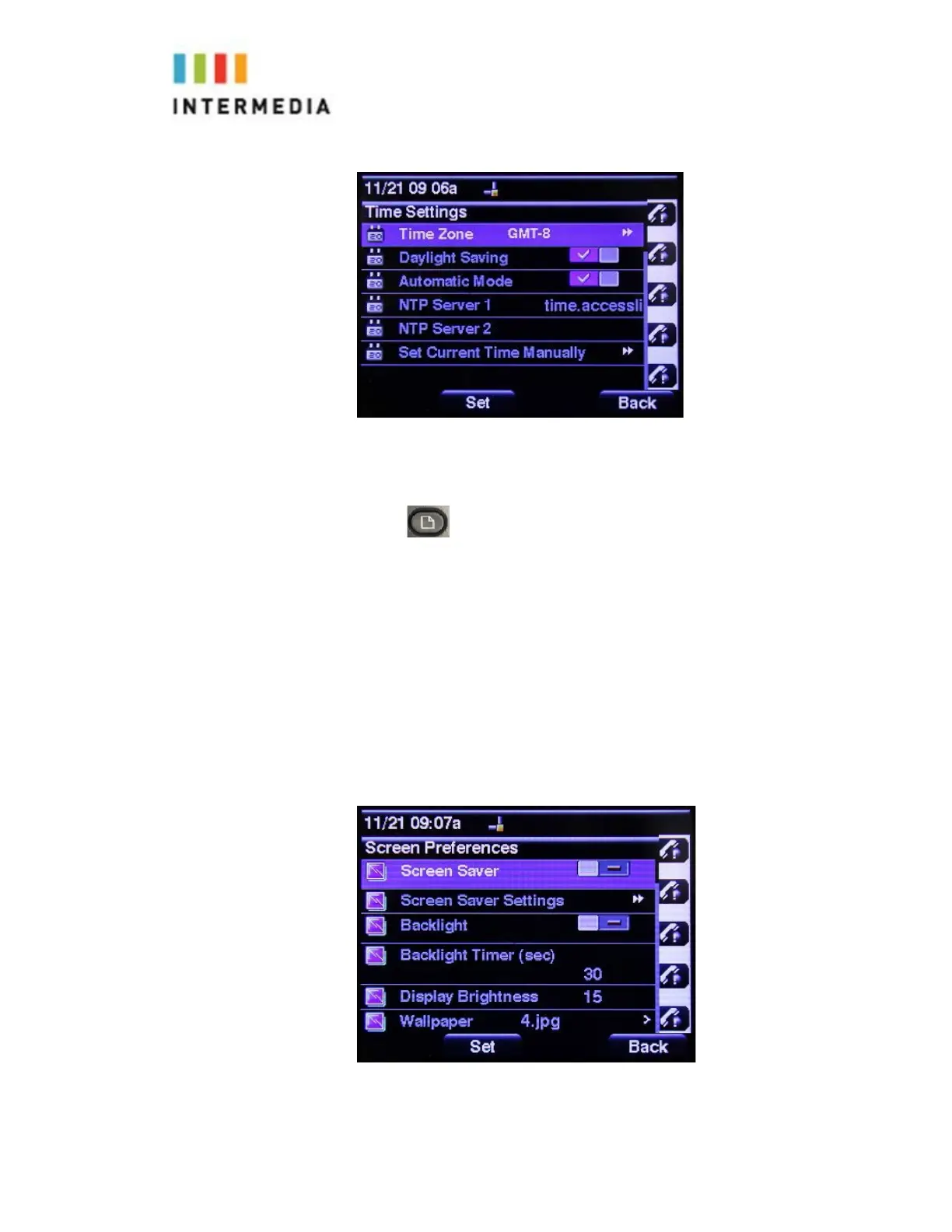
To Adjust the Display Contrast, Screen Saver, and Wallpaper setting:
1.
Press
2.
Select # 7 User Preferences using the Arrow Pad and Select soft key
3.
Select # 3 Screen Preferences using the Arrow Pad and Select soft key
4.
Use the Arrow Pad to Navigate and toggle through the menu options
5.
Use may also the Arrow Pad and Check button to make desired changes
6.
Use the Save soft key, and Set soft key to apply changes
7.
The Back soft key will return you to the idle screen
43














 To Next Page