Use the following criteria:
l
Length: 8 to 30 characters
l
Change: Make sure the new password is different from the default password
by at least 4 characters.
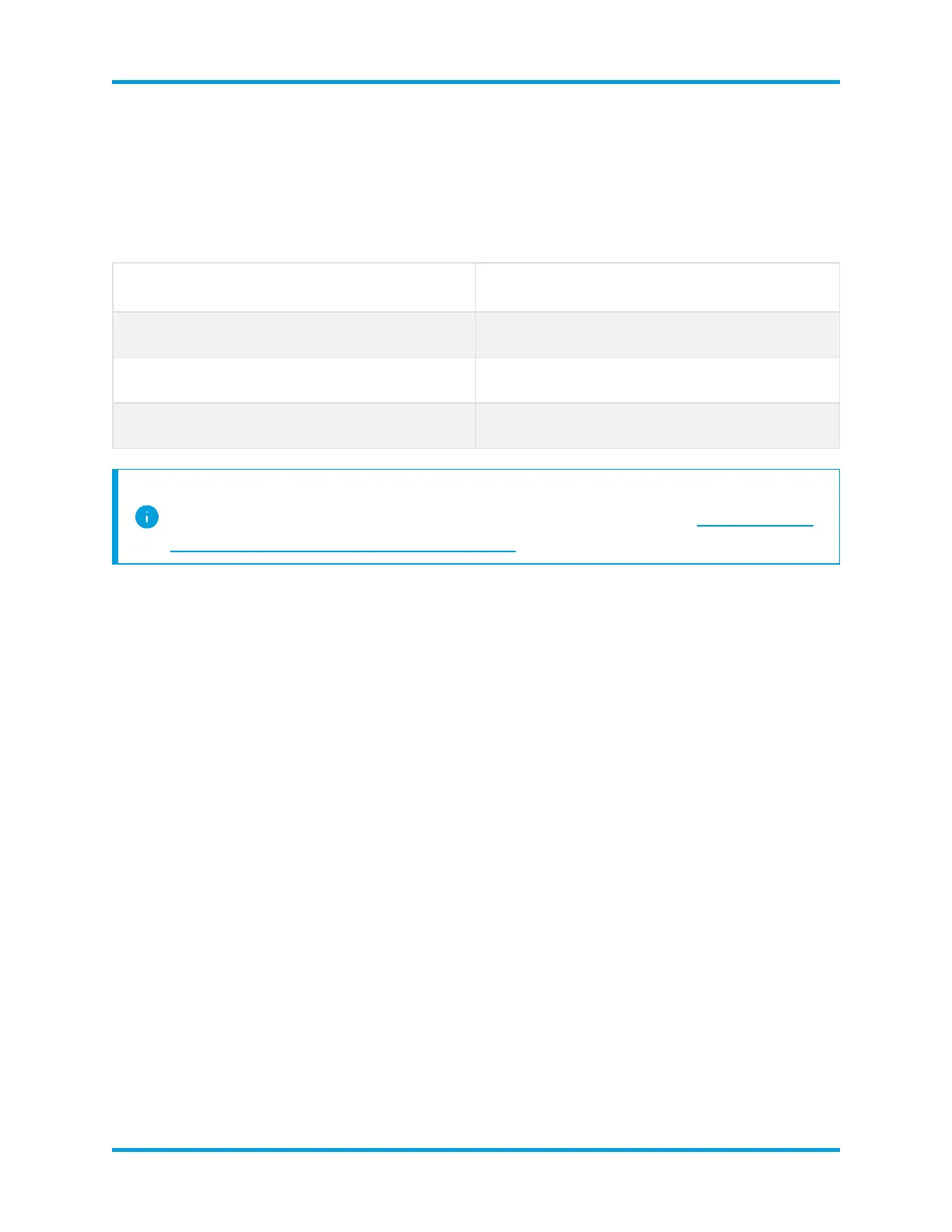
User Default Password
admin lan411cope
root lan1cope
sysadmin lan1cope
The sysadmin and root menus are unavailable if you've already changed the
default passwords during the hardware installation. Refer to the Stealthwatch
x210 Series Hardware Installation Guide for details.
2. Management Network Interface: Review the IP address and network interface
fields. Confirm the default settings are correct. Click Next.
l
Changes: To change this information, confer with your network
administrator and refer to Troubleshooting.
l
IPv6 (optional):To enable IPv6, click IPv6. Check the Enable IPv6 check
box and complete the fields.
3. Host Name and Domains:Enter the host name and network domain name. Click
Next.
l
Host Name: A unique host name is required for each appliance. If you
assign the same host names to your appliances, they will not install
successfully.
l
Network Domain: A fully qualified domain name is required for each
appliance.
l
Stealthwatch Domain (SMC only): Enter a Stealthwatch domain for your
Stealthwatch appliances.
© 2021 Cisco Systems, Inc. and/or its affiliates. All rights reserved. - 87 -
Appendix C. Configuring Your Appliances



 To Next Page