ci5000 Series Printer Operation Guide
Version 1.0 5-6
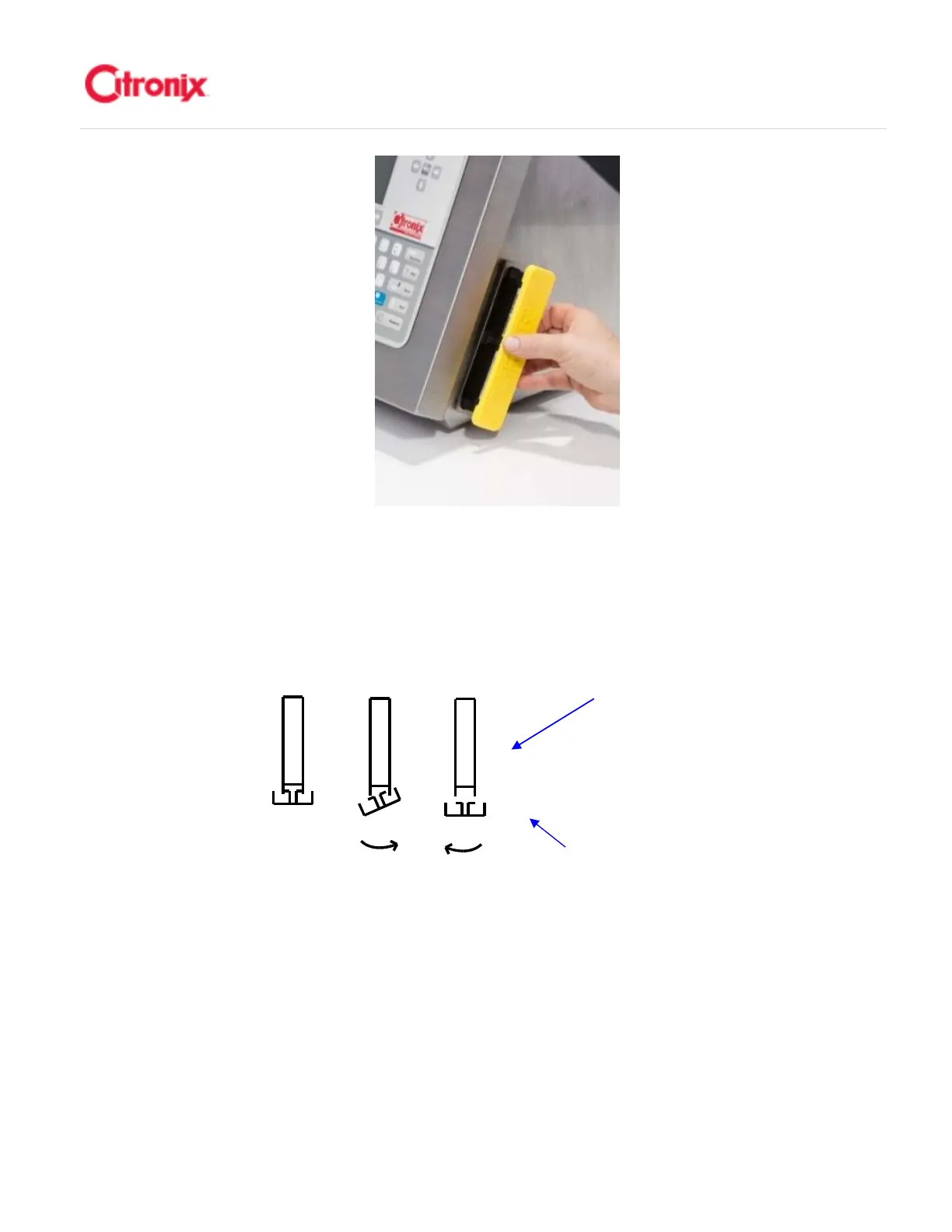
2. Remove the filter element by unclipping or unsnapping the filter element. Tilt or twist the yellow
cover to release one side of the handle then twist in the opposite direction to release the second
side as shown below. 解开挂钩取下过滤网。倾斜或转动黄色盖子,松开一边的的挂钩然后反方向旋
转松开另一面的挂钩,如下图所示。
Filter cover 过滤网盖
3. Gently tap the dirty side of the filter or use a vacuum to suck the dirt from the filter OR replace the
filter. 轻轻拍打过滤网脏的一面或使用吸尘器吸过滤网或者更换新的
4. Reattach the filter element to the yellow cover by reverse the process. Snap the 4 slots on the
filter element over the 4 hooks on the yellow cover. 用相反的顺序将过滤网装到黄色盖子上。将过滤
网上的 4 个槽挂到黄色盖子的 4 个挂钩上。
5. Replace the Air Filter by inserting it back into the slot. Make sure the notch is toward the top when
inserting the Air Filter. .将空气过滤网塞进槽内。插入过滤网时注意斜切口在正上方。



 To Next Page