ci5000 Series Printer Operation Guide
Version 1.0 3-6
Setting the Date and Time 设置日期和时间
设置日期和时间设置日期和时间
设置日期和时间
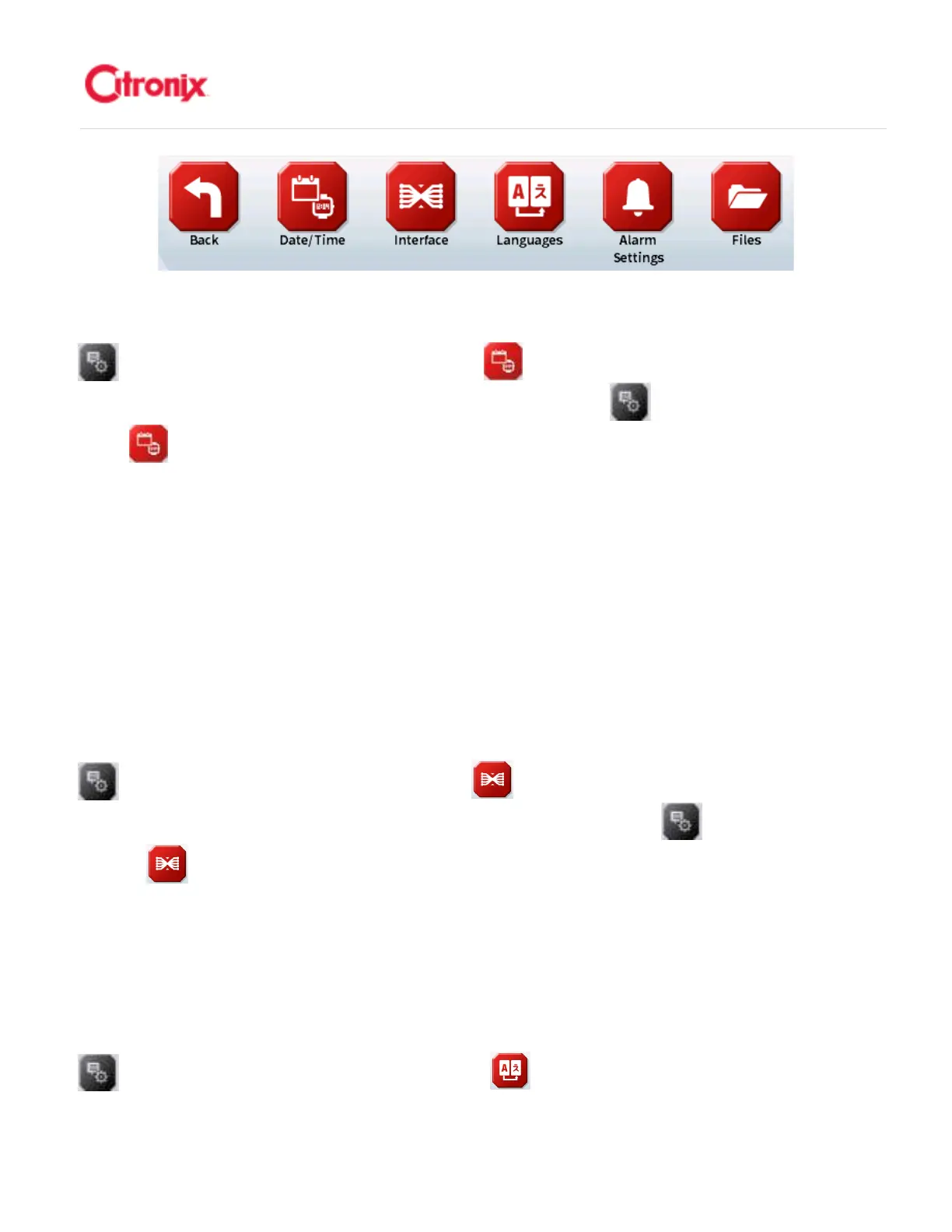
From the Home screen, press the [Menu Tab] Tab to open the Menu tab then select the [Properties]
button on the Menu Tab. Press the [Date/Time] button in the Navigation Toolbar to set the
printer’s: 在主菜单中,按“菜单”下拉条打开菜单栏,然后按“属性” 键。在快捷键中选择“日期/
时间” 键设置喷码机。
1. Date & Time 日期和时间
2. Date Format 日期格式
3. Time and Date Delimiters 时间和日期分隔符
4. Network Time settings (if used)网络时间设定(如果使用)
Setting Interface Properties 设置应用属性
设置应用属性设置应用属性
设置应用属性
The following settings are used when setting up the printer to send and receive commands by connecting
to a host Communication Interface using either an RS232 or Ethernet connection. 下列这些参数用于喷码
机通过 RS232 或网络端口和主机连接,传输和接收命令。
From the Home screen, press the [Menu Tab] Tab to open the Menu tab then select the [Properties]
button on the Menu Tab. Press the [Interface] button in the Navigation Toolbar to select the
printer’s: 在主菜单页面,按“菜单”下拉条,打开菜单栏,然后选择“属性” 键。在快捷键栏中选择
“连接” 键,选择喷码机的:
1. Serial Interface 串口连接
2. Internet Interface 网络连接
Configuring the System Language 选择操作
选择操作选择操作
选择操作语言
语言语言
语言
From the Home screen, press the [Menu Tab] Tab to open the Menu tab then select the [Properties]
button on the Menu Tab. Press the [Languages] button in the Navigation Toolbar to select



 To Next Page