ci5000 Series Printer Operation Guide
Version 1.0 5-7
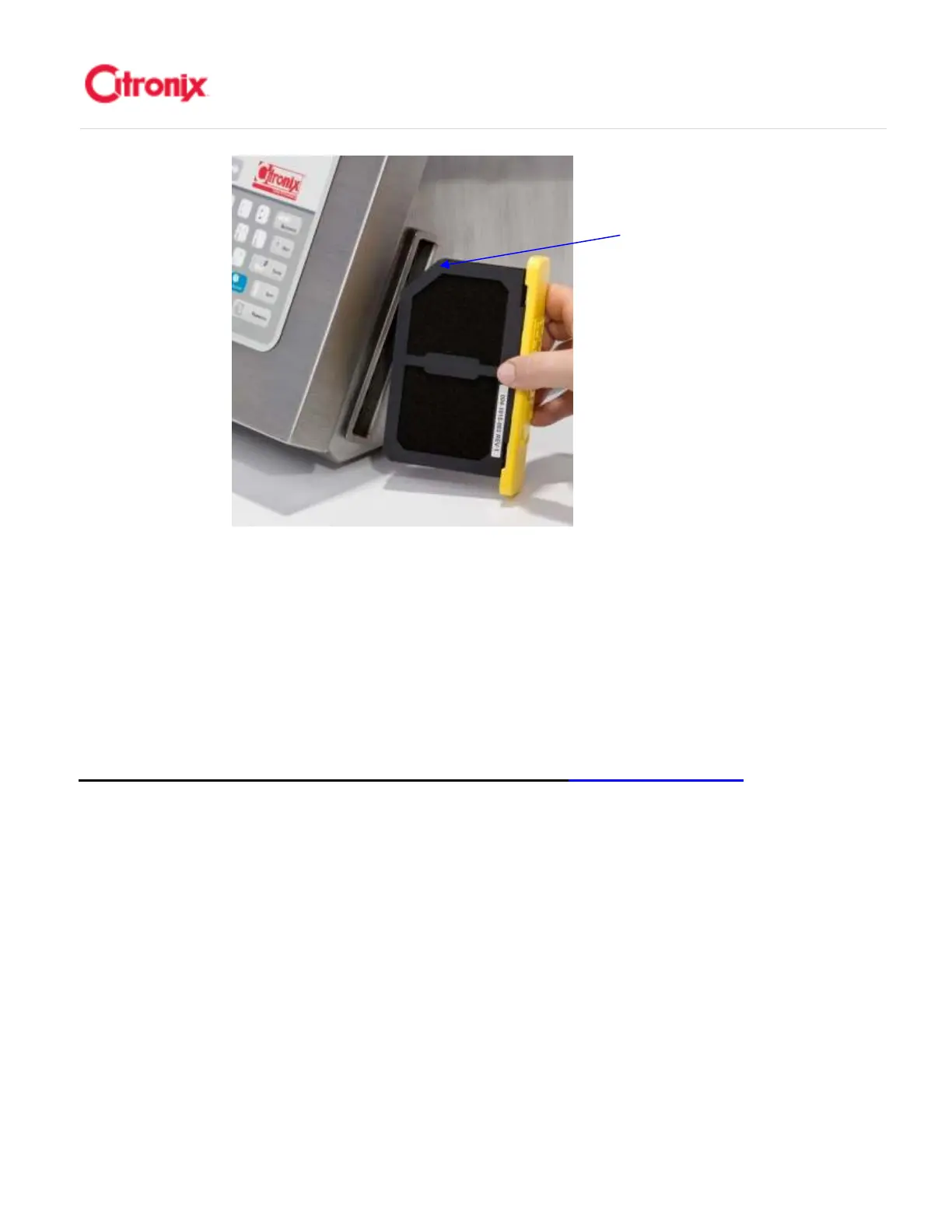
NOTE: Clean the Air Filter regularly between routine maintenance
schedules. Depending on air quality of the environment, it may be
necessary to clean the Air Filter weekly. To do this, gently tap the filter
element to remove dirt or use compress air to blow air through the filter
element in the opposite direction to the normal flow.
注意:在两次常规保
养之间定期清洗空气过滤网。取决于环境的空气质量,有可能每周都要清
洗过滤网。清洗的时候,轻轻拍打过滤网去除灰尘或使用压缩空气以常规
空气流向的反向吹过滤网。
ciEasyServ Service Module Replacement 快易护模块更换
快易护模块更换快易护模块更换
快易护模块更换
The ci5000 series printers introduce ciEasyServ: a quick, easy, no mess/no fuss, tool free service
module. It combines all of the serviceable fluid filters into one self-enclosed module with leak-free fittings.
This easy replacement method reduces the risk of damaging fittings and causing leaks in the printer.
This section describes when and how to replace the ciEasyServ module shown below. Ci5000 系列喷码
机带配备“快易护”模块,快捷,简单,没有脏乱,不使用工具的保养模块。它结将所有的可更换的墨水
系统过滤器整合到了带有无泄漏接头的整个模块中。简单的更换方案减少了接头损坏和引起墨水泄露的风
险。本章节介绍何时以及如何更换“快易护”模块,如下描述。



 To Next Page