ci5000 Series Printer Operation Guide
Version 1.0 3-14
Creating Searching and Editing a Message 新建,查找和编辑信息
新建,查找和编辑信息新建,查找和编辑信息
新建,查找和编辑信息
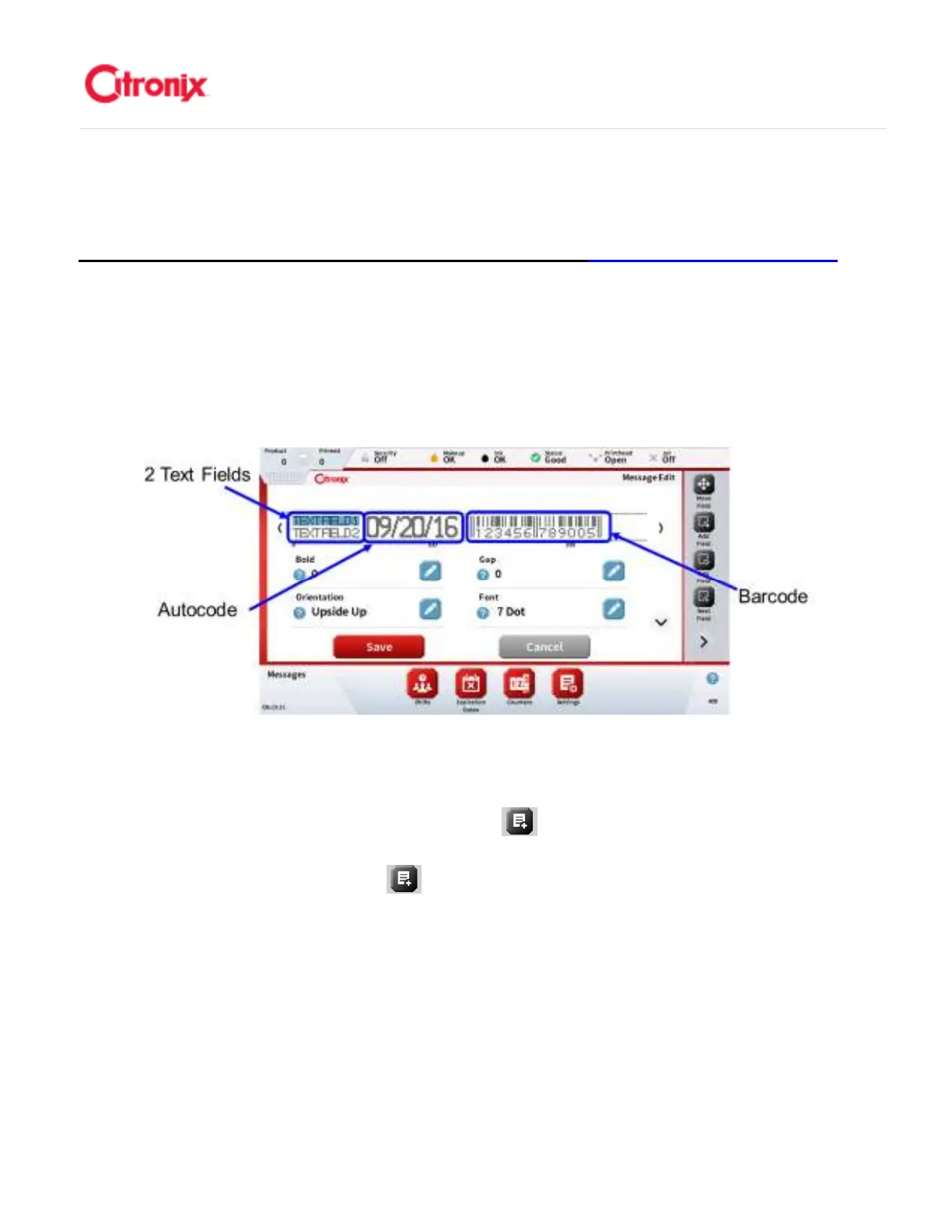
Messages are made up of or one or more fields. Fields can be text, barcodes, graphics, or Autocodes
(variable) data. The image below gives an example of a message that has 4 fields: two fixed text fields, 1
variable autocode field and a barcode field. This section describes how to create a message and add
fields. The next section goes into more detail on the different types of fields 通过在信息文件中添加和调整
一定数量固定和可变数据字段创建喷印信息。下图的例子中,信息中含有 4 个字段:2 个文本字段,1 个
自动编码字段和一个条形码字段。接下来的章节将更加详细阐述不同类型字段。
Create a new message 新建信息
新建信息新建信息
新建信息
Create a new message by selecting the [Add Message] option and using the keyboard, type in the
name for the message. Press save as shown in the screen below. Pressing the “X” circled below clears
the input window. 通过选择“添加信息” 键新建信息,并利用键盘输入信息名称。按保存,见下图显
示页面内容。按下图中圆圈内勾出的“x”,清楚输入的内容



 To Next Page