ci5000 Series Printer Operation Guide
Version 1.0 2-10
The following controls are used to calibrate, test, and set Printer specific settings and
configurations. These settings should only be changed by a Citronix trained service engineer. 下
列控制项目用于校准,测试和设置喷码机的特殊参数及配置。这些内容必须由喜多力培训过的服务
工程师修改。
1. Service 维修 5. Run Pump 运行墨泵
2. Flush Prime 冲洗 6. HV Trip Set 高压灵敏度
3. Override 忽略 7. Advance Service 高级
4. Test Valves 阀测试
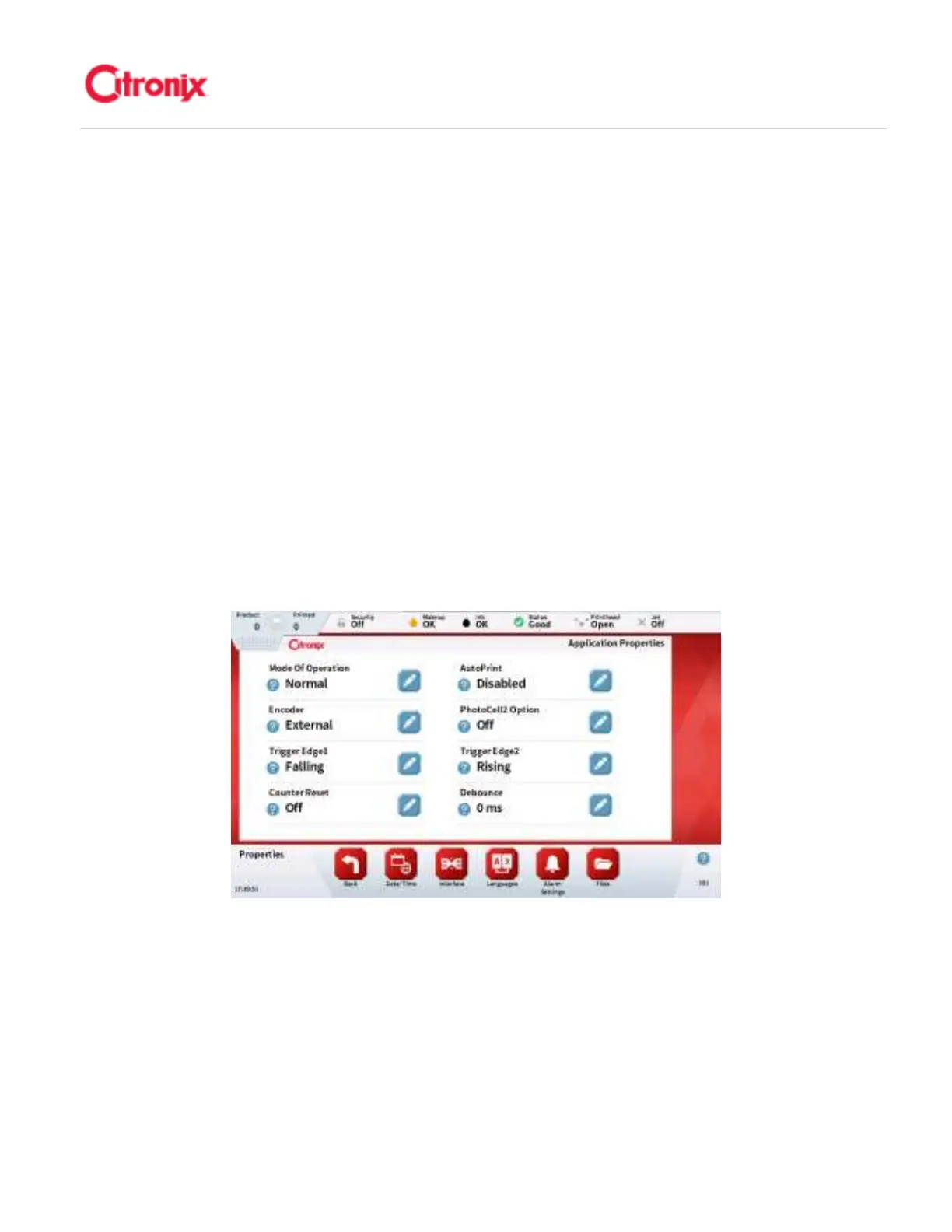
(5) Properties 属性菜单
The Properties screen is used during installation to configure a printer for a given production
setup. It is used for interfacing with accessories (such as photocells, encoders and beacons) and
external communications (such as Ethernet or RS232). This is usually set up by the service
engineer. 属性菜单用于机器安装的时候根据打印产品配置喷码机。它用于设置外部设备(比如电
眼,同步器和报警灯)以及外部通讯(比如网络或 RS232)。这些通常由服务工程师设置。
(6) Security 登录菜单
The Security screen allows select features of the printer to be disabled until a user with the
correct privileges logs in. By default Security is disabled. To enable security you must have at
least one user with security privileges. 登录菜单中可以设置锁定喷码机的某些功能,除非使用具有
权限的身份登录。登录功能默认为禁用。如果需要激活登录功能,至少需要一个具有超级权限的用
户。



 To Next Page