ci5000 Series Printer Operation Guide
Version 1.0 5-13
NOTE: Only remove or insert a Service Module while the jet and/or pump is not running.
注意:
只有在墨线停止的时候才可以取下或安装过滤器组件
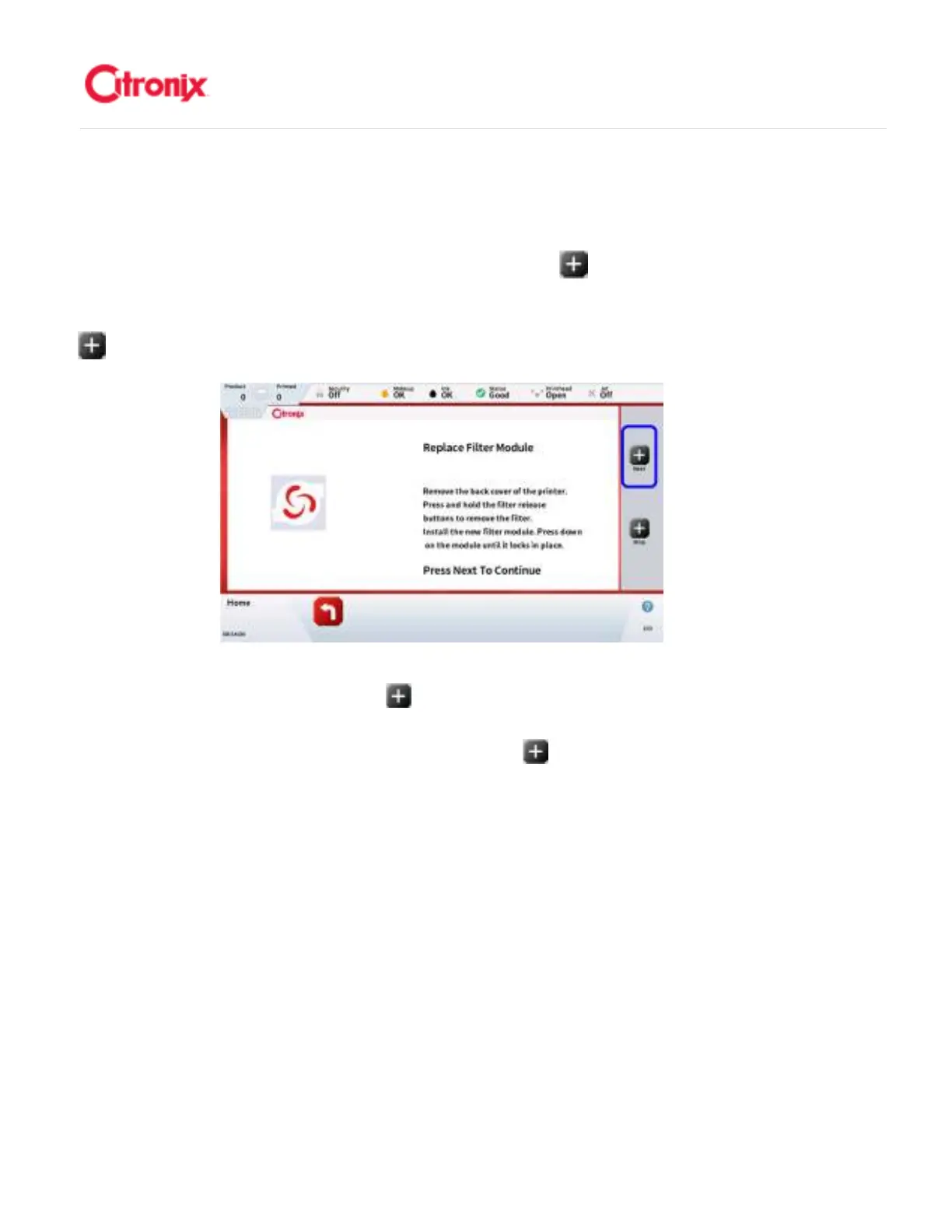
Once the new Service Module has been fitted, Press the [Next] button on the
Function Tool Bar on the right side of the screen. This will start an automated prime
sequence. 一旦新的“快易护”模块安装到位以后,按屏幕右侧功能菜单栏中的“下一步”
键。机器将自动排气。
As the priming sequence starts, monitor the connections at the Service Module for any
Leaks. If a leak is seen, press the [Stop] button and fix the leak, then press [OK] on
the screen to restart the priming sequence. 自动排气程序开始以后,观察“快易护”模
块的接头是否有漏墨。如果发现有漏墨的地方,按“停止” 键,并检修。然后按屏幕
上的“OK”键重新开始排气程序。



 To Next Page