ci5000 Series Printer Operation Guide
Version 1.0 3-23
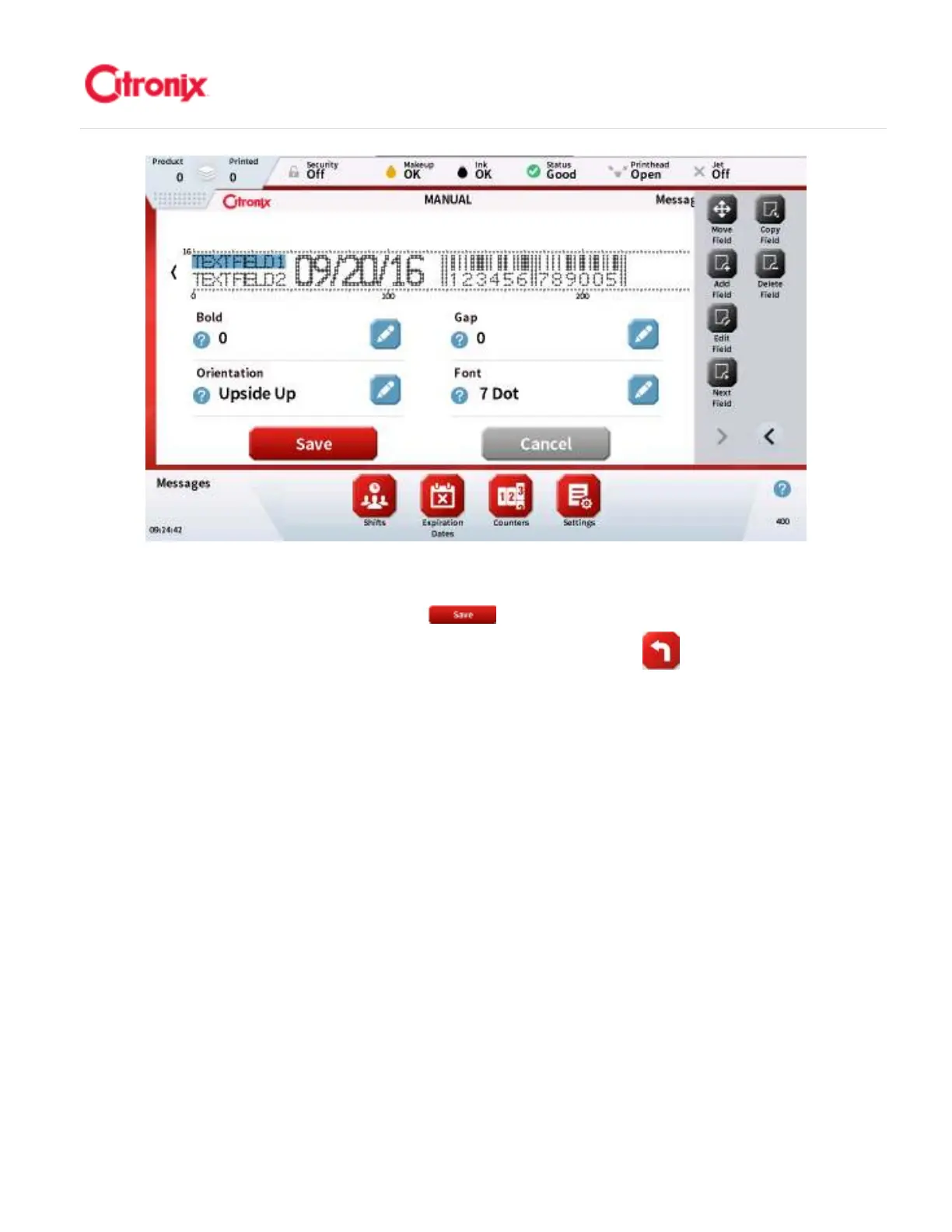
Using the Function Toolbar shown on the right side of the screen to select just one particular option, add
a new field, move a field, copy a field, or delete a field. When you have finished editing the message you
can save the message by pressing the [Save] button. 利用位于页面右侧功能键栏的功能,可以
添加新字段,移动,复制或删除字段。当编辑完信息以后,可以按“返回” 键保存信息。



 To Next Page