ci5000 Series Printer Operation Guide
Version 1.0 3-26
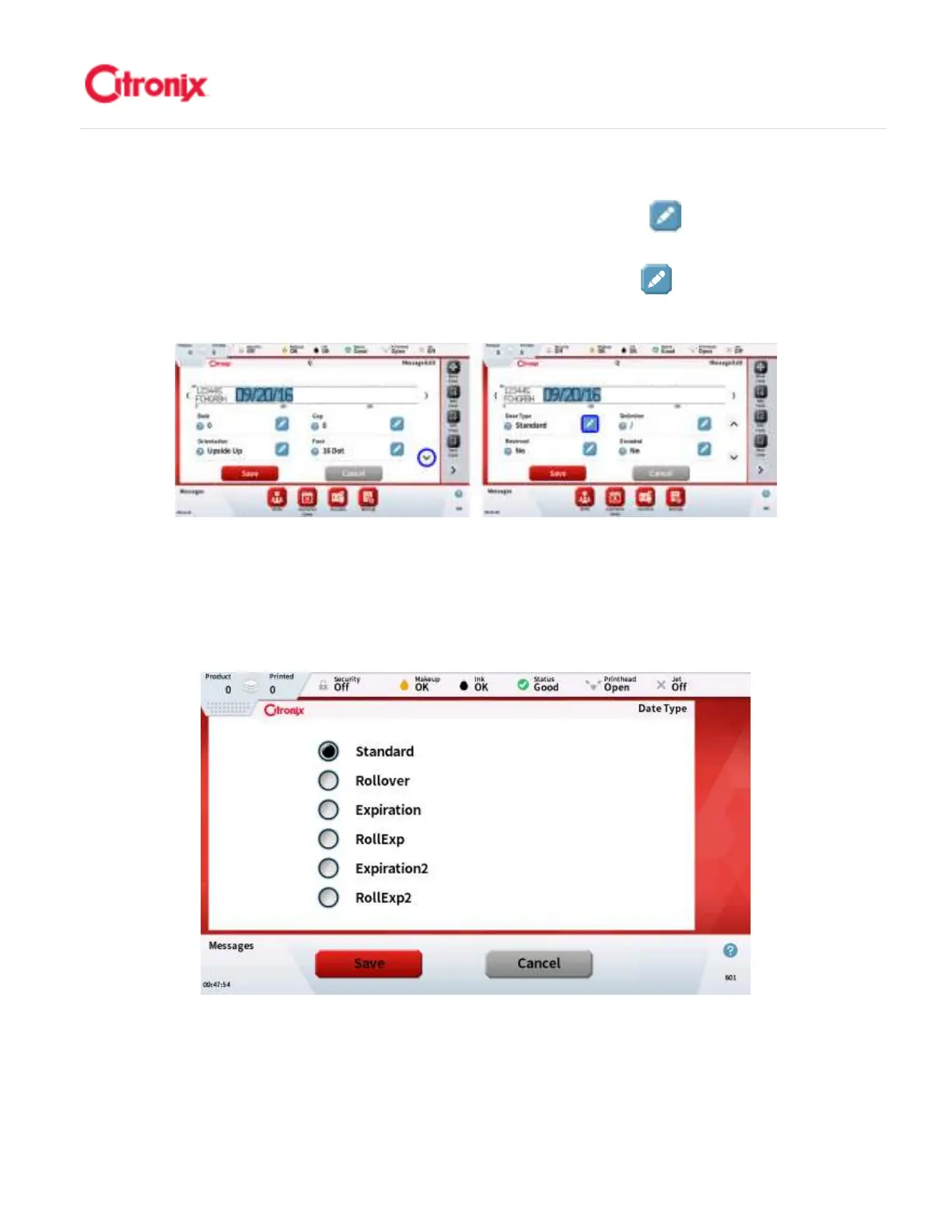
2. Select Date Type: Once the date format is selected you will then need to select the date type
by pressing the arrow button (shown below) and press the [Edit] button next to the [Date
Type] to select the type needed. 选择日期种类:一旦日期格式选择以后,机器会提示选择日期
类型,如下图显示页面。也可以按“日期类型”右侧的“编辑” 键修改日期类型。日期类
型决定了喷印日期在当前主时钟基础上偏移的值以及改变量。有 6 种选项可选,如下表显示。
3. The date type determines how the printed date is offset from the current date and when it is
incremented. There are 6 options available and these are described in the table below. 日期
种类决定了打印的日期如何在现有的日期上偏移以及日期如何变化。有 6 种不同的种类,具体
如下图所示



 To Next Page