ci5000 Series Printer Operation Guide
Version 1.0 3-49
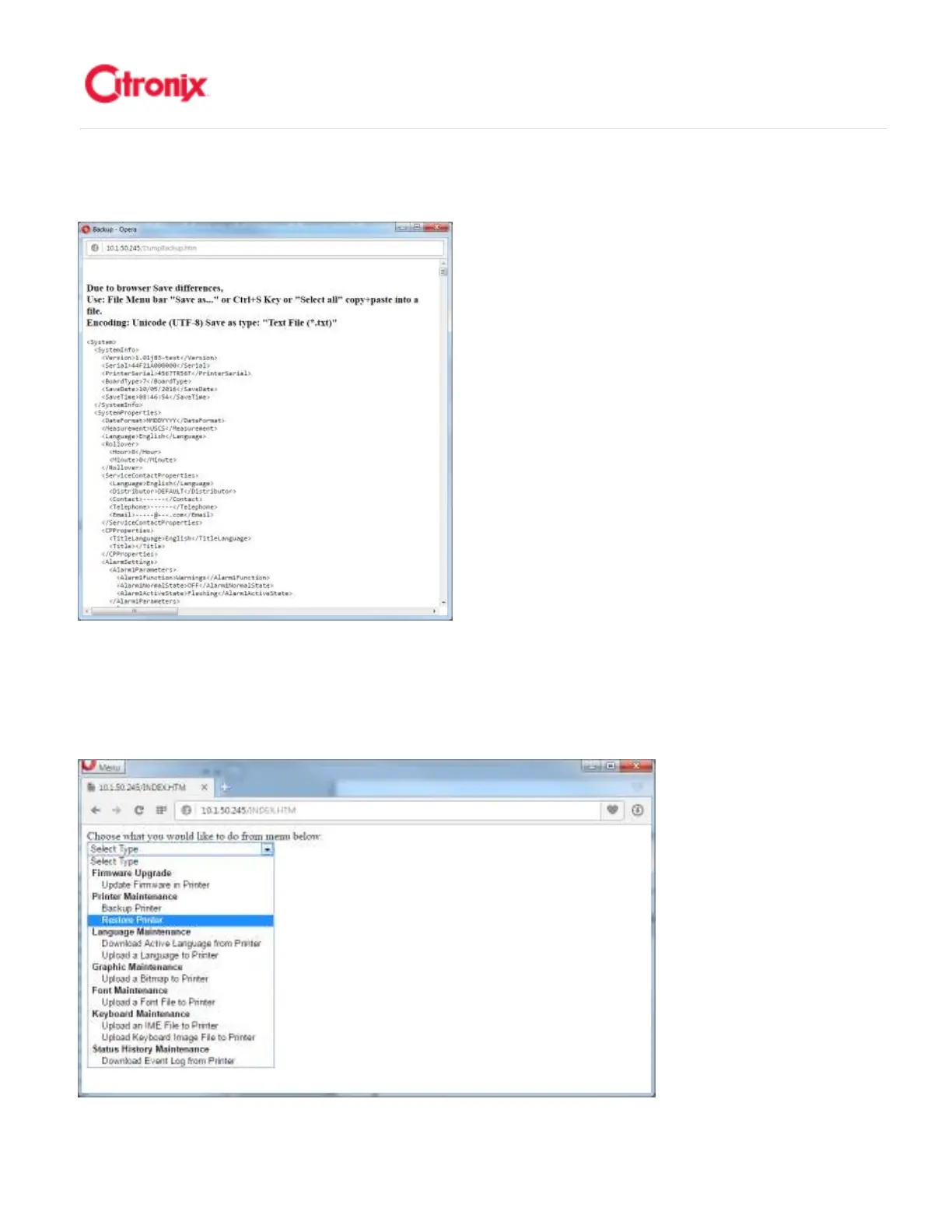
A popup window will appear. Follow the instructions to save the backup file. 屏幕上回显示一个弹出窗口。
按照介绍保存备份文件。
Restore Ethernet: 通过以太网复原
通过以太网复原通过以太网复原
通过以太网复原
If the printer is connected to the same LAN as your computer, you can open a web browser and type in
the IP address of the printer. 如果喷码机和电脑接入同一个局域网,可以打开网页浏览器并输入喷码机的
IP 地址。



 To Next Page