ci5000 Series Printer Operation Guide
Version 1.0 3-55
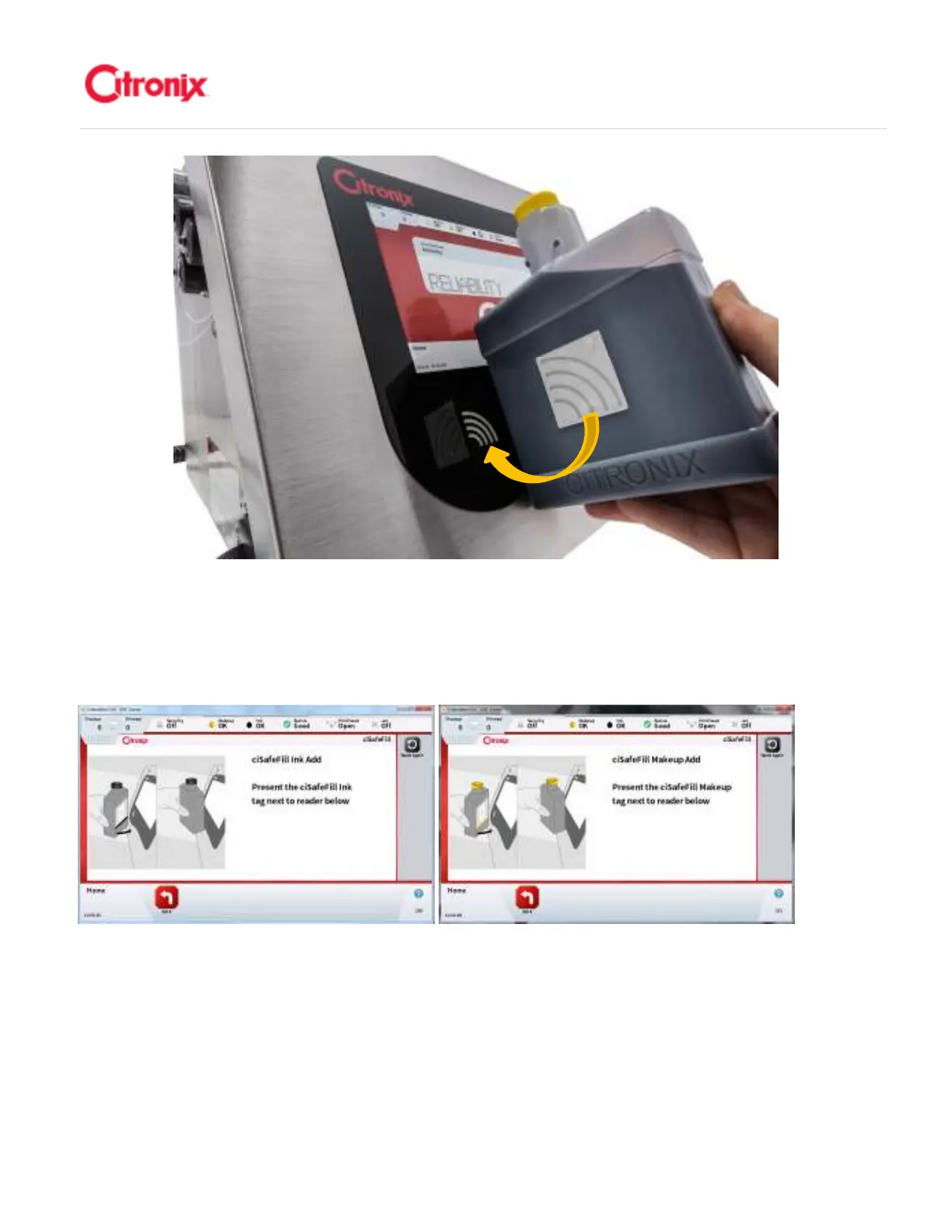
When the compatibility and quality of the consumable has been verified the following screen will be
displayed. You can now add the fluid to the printer. 当耗材标签内容被验证为一致,有效,下面的屏幕将
会出现。这时候可以将耗材加入机器了。
Add Fluid 添加耗材
添加耗材添加耗材
添加耗材
To add Makeup to the printer remove the yellow cap from the bottle, do NOT remove the foil seal. Turn
the Yellow Fill Port Cap counterclockwise to unlock the cap and remove the Fill Port Cap. Insert the
Makeup bottle in the proper fill port and rotate clockwise by 90° to lock it in place. Wait for the bottle to
empty and then turn the bottle counterclockwise 90° and lift to remove the bottle, then dispose of it
according to local regulations. Refit the Yellow Fill Port Cap and turn clockwise to lock the cap back into
place. Use the same process for the ink. Please see below pictures for further details. 添加溶剂的时候,



 To Next Page