ci5000 Series Printer Operation Guide
Version 1.0 5-10
Stop the jet 关闭墨线
关闭墨线关闭墨线
关闭墨线
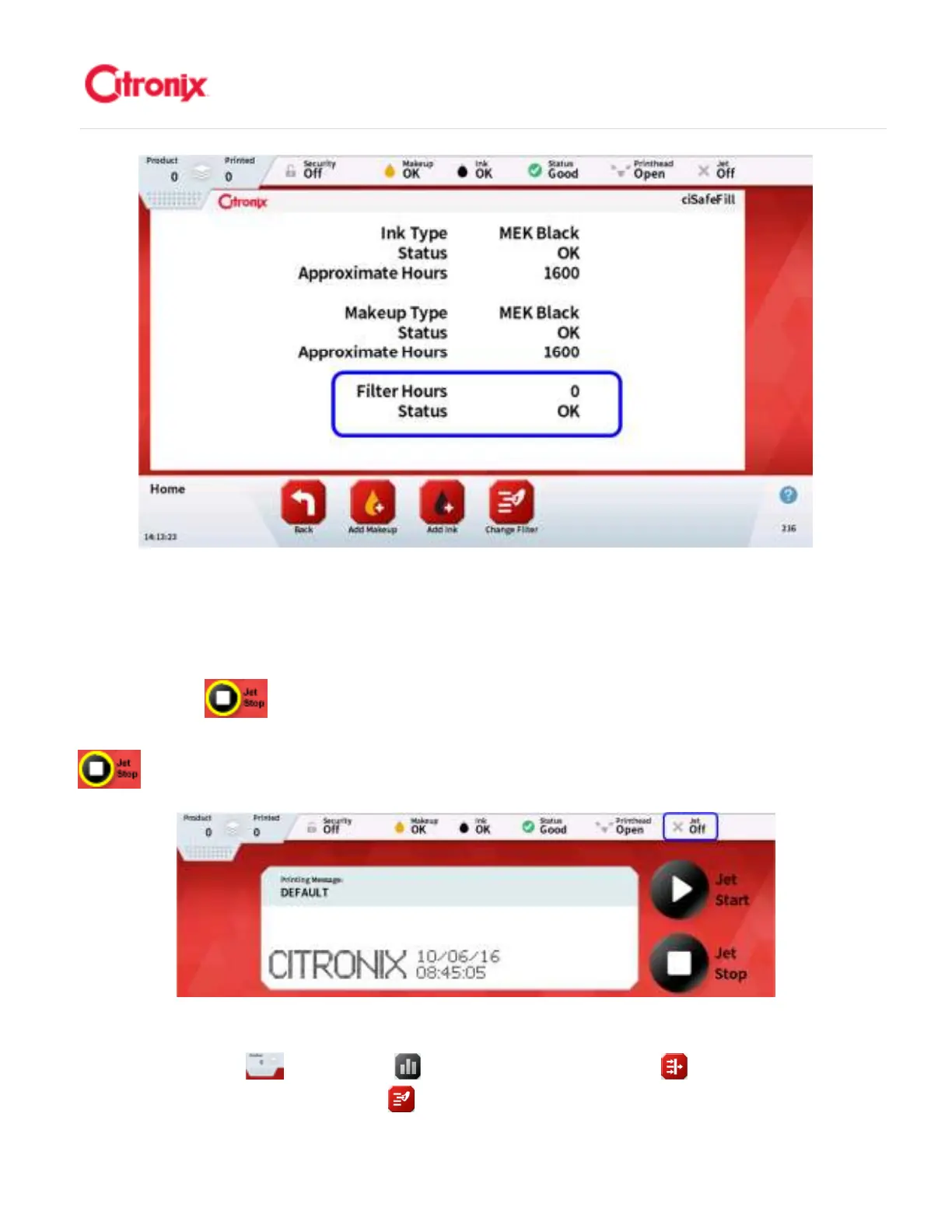
Press the [Stop] button. A countdown ring will appear while the system is stopping. When the
printhead has completed the proper shutdown the Jet icon in the top bar will show “Off”. 按“关墨线”
键。在机器关墨线的过程中,将显示关机倒计时光环。当墨线状态显示“关”
Service Module Verification“快易护”模块识别
“快易护”模块识别“快易护”模块识别
“快易护”模块识别
Press the [Menu Tab] , then [Status] button, and then press [Filters] button in the Navigation
Tool Bar. Then press the [Change Filter] in the Navigation Tool Bar and present the Tag to the



 To Next Page