ci5000 Series Printer Operation Guide
Version 1.0 2-6
(5) Edit Button 编辑键
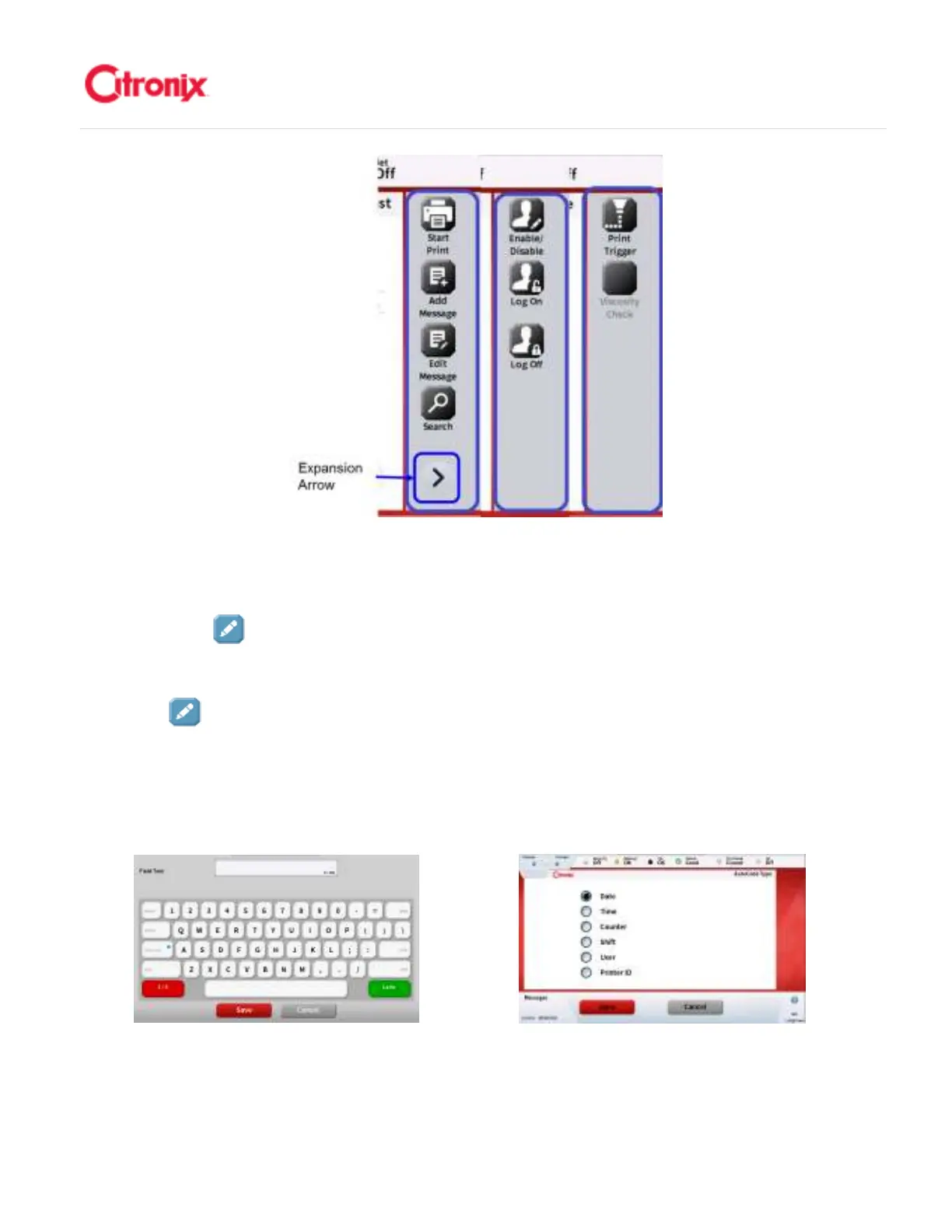
The [Edit] button provides easy access to change setting or enable options. When pressed,
a keyboard will appear if alphanumeric information is required or a list screen will appear if a
there are a number of options to choose from. Samples of these screens are shown below. “编
辑” 键可以快速改变设置或激活功能。按“编辑”,如果需要输入字母,屏幕上会弹出一个键
盘;或者在有几个选项需要选择的时候,弹出一个列表。下图举例显示这样的页面。
On-screen Keyboard 页面显示键盘
页面显示键盘页面显示键盘
页面显示键盘 Options List 功能列表
功能列表功能列表
功能列表
Numeric Keyboard 数字键盘



 To Next Page