ci5000 Series Printer Operation Guide
Version 1.0 3-52
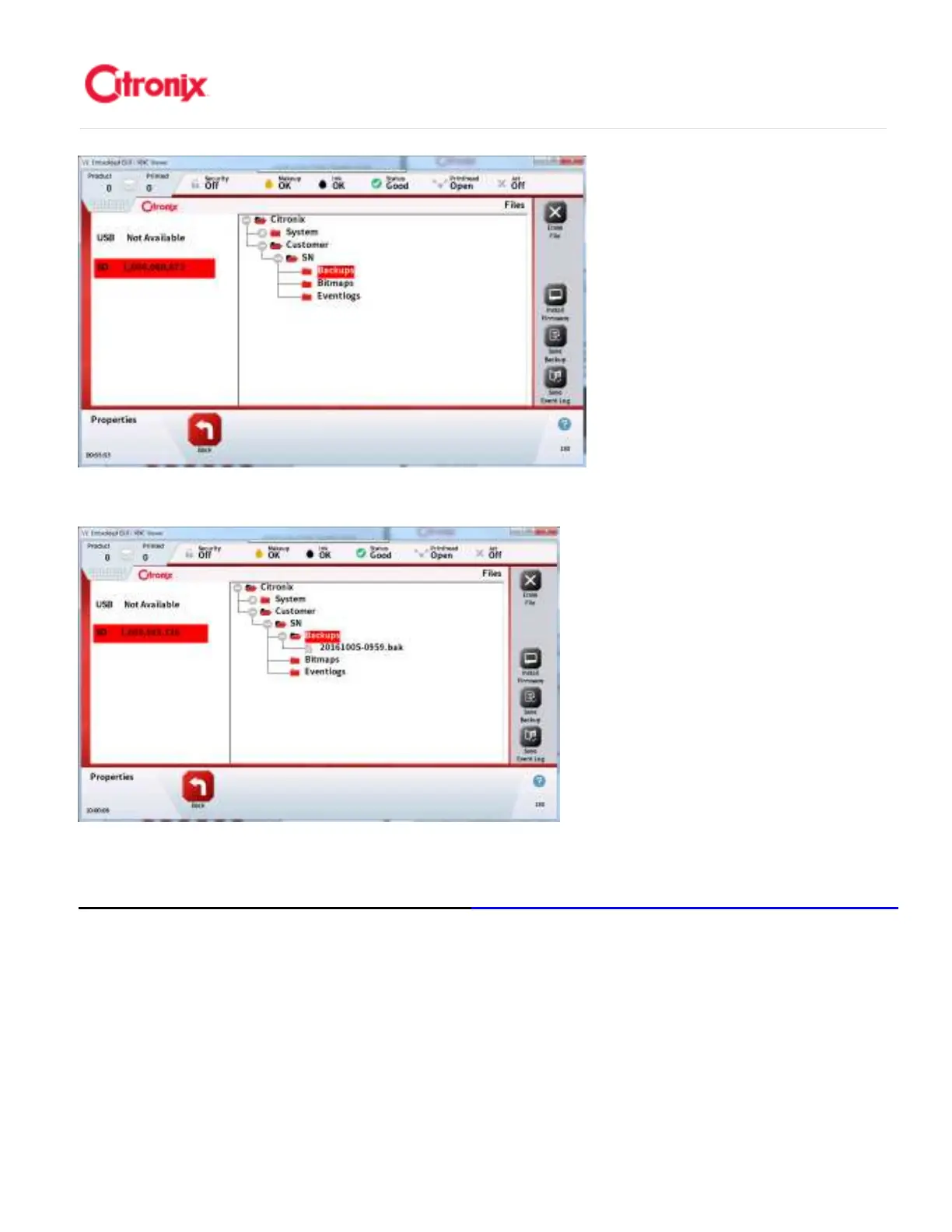
Press the Save Backup icon on the Functional Toolbar: 按功能菜单栏中的保存备份文件图标
Add Ink and Makeup (ciSafeFill) 添加墨水和溶剂(
添加墨水和溶剂(添加墨水和溶剂(
添加墨水和溶剂(ciSafeFill 放心加)
放心加)放心加)
放心加)
Citronix printers use ciSafeFill to improve printer uptime, print quality and filter life. It does this by quickly
validating the ciSafeFill tag attached to each ink and make up bottle and verifying the quality of the ink
and Make-Up prior to adding to the respective fill ports. It checks that ink and Make-Up are the same as
that already in the printer, has been validated and is within its expiry date. Ink or Make-Up should be
added according to the process described below when either of the two screens below are shown. 喜多
力喷码机使用“放心加”技术提升喷码机正常运行时间,打印质量和过滤器寿命。喷码机通过快速读取粘
贴在每个墨水瓶和溶剂瓶上的“放心加”标签并在各自添加前验证墨水和溶剂的质量。它验证墨水盒溶剂



 To Next Page