ci5000 Series Printer Operation Guide
Version 1.0 3-53
是否和机器当前正在使用的耗材一致,有效并在保质期内。墨水或溶剂应该遵循下面某个或两个页面描述
的方法添加。
Clear the error 清除警报信息
清除警报信息清除警报信息
清除警报信息
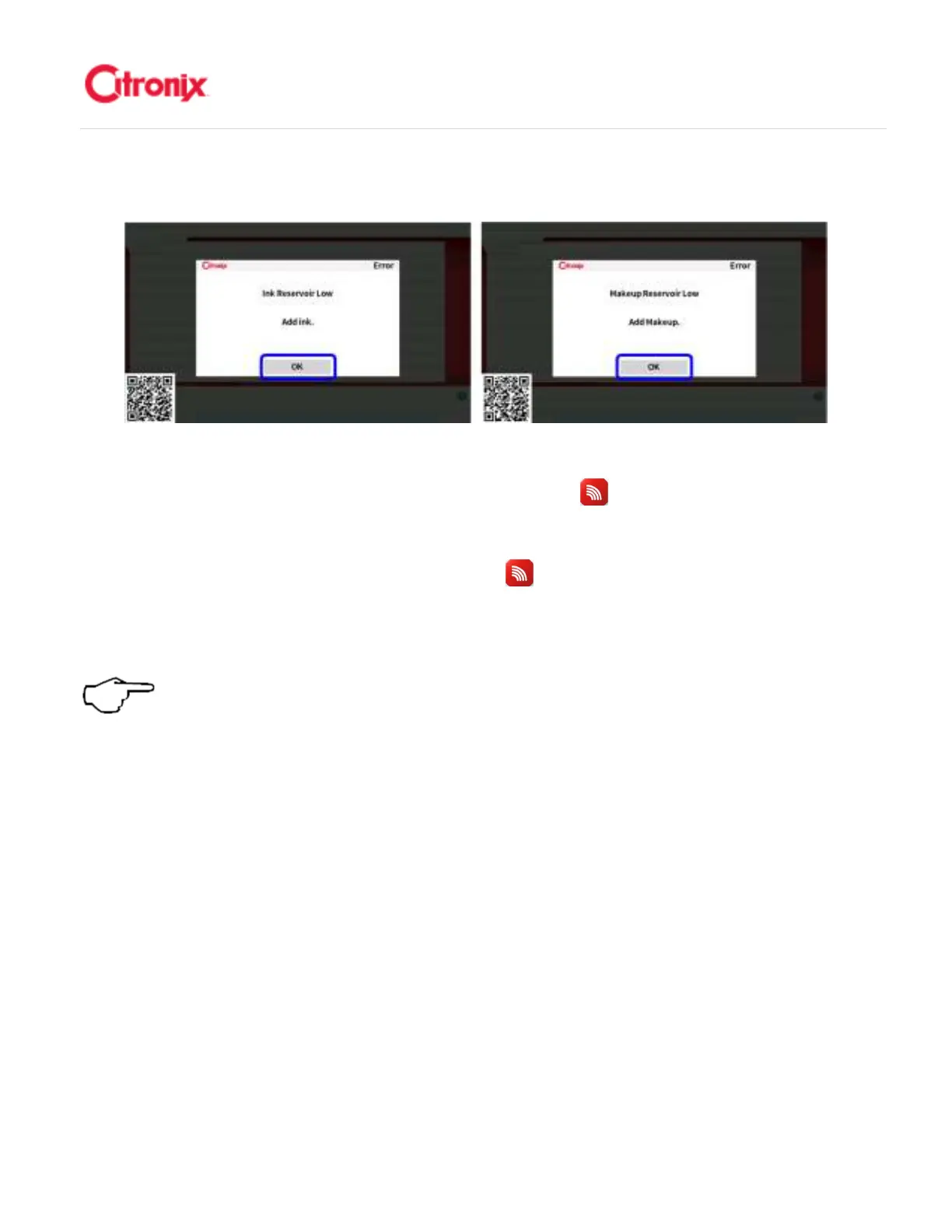
Press the [OK] button to clear the error. Next press the [ciSafeFill] button which will take you to the
consumables status screen. This screen displays the remaining number of hours the printer can operate
before shutting down to prevent damage to the printer unless the required consumable is added. 按“OK”
键清除故障报警。然后按进入耗材状态菜单的“放心加” 键。该菜单里显示喷码机在下次耗材添加前
为了避免损坏而强制停机前可以运行的剩余时间。
Note: Fluid should only be added when requested by the printer. Topping up the
printer before requested can lead to an overflow situation.
注意:
注意:注意:
注意:耗材只有在喷码
机提示添加的时候添加。机器提示添加之前就加耗材,有可能造成溢流现象。



 To Next Page