ci5000 Series Printer Operation Guide
Version 1.0 3-54
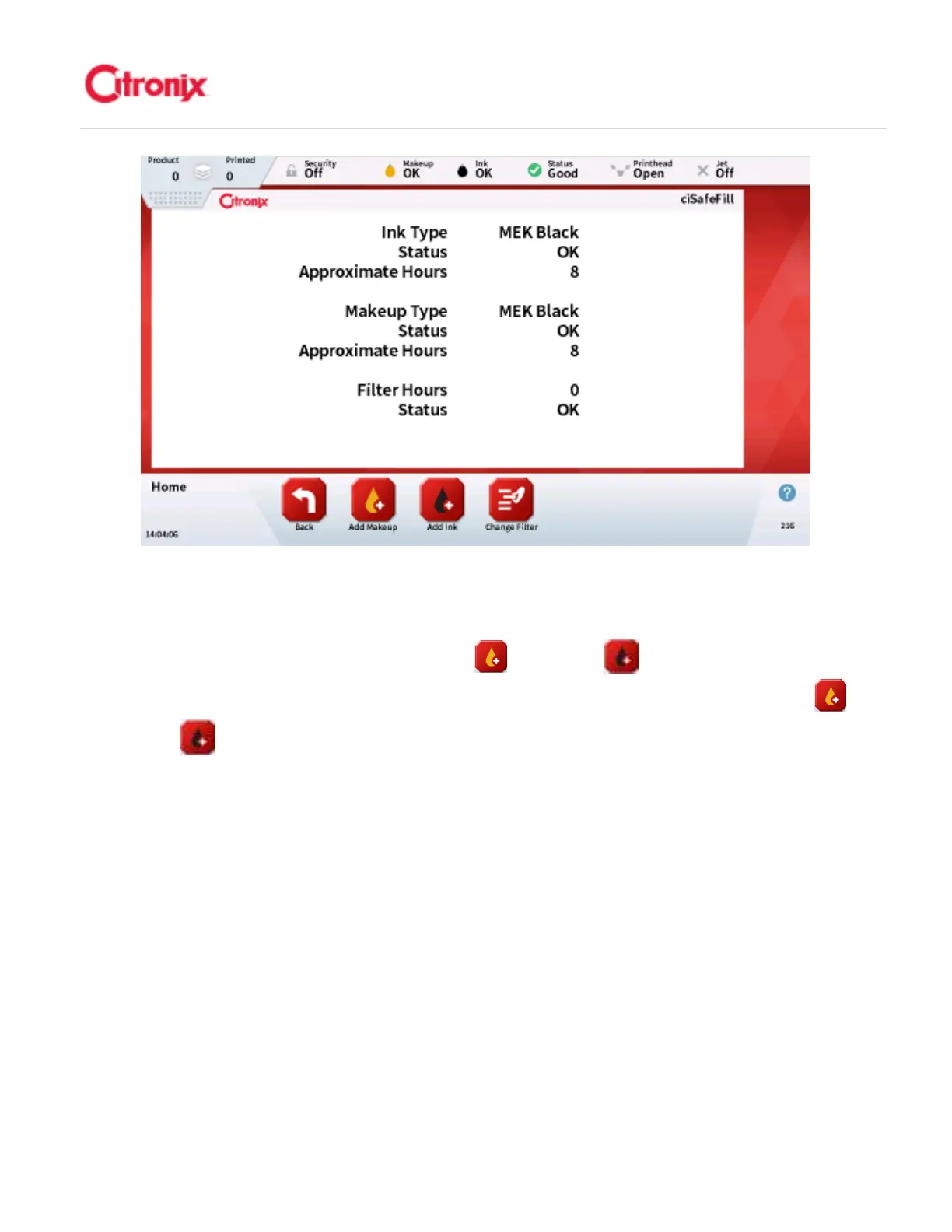
Read ciSafeFill Tag 读取
读取读取
读取放心加
放心加放心加
放心加标签
标签标签
标签
To add ink or Make-Up first press the [Add Makeup] or [Add Ink] button as appropriate. Once
pressed the following instructions will be given. 添加墨水或溶剂时,首先根据需要按“添加溶剂” 或
“添加墨水” 键。一旦选择完毕,机器会给出如下提示。
Following the instructions on the screen, present the ciSafeFill tag to the ciSafeFill reader so that the 2
ciSafeFill symbols match up for approximately 2 seconds to allow the tag to be read. Refer to the image
below. 按照菜单说明,将“放心加”标签靠近“放心加”读写器,就是将两个“放心加”标签重合在一起
大约 2 秒,保证读取标签内容。参考下图示意



 To Next Page