ci5000 Series Printer Operation Guide
Version 1.0 3-15
Adding message fields 添加字段
添加字段添加字段
添加字段
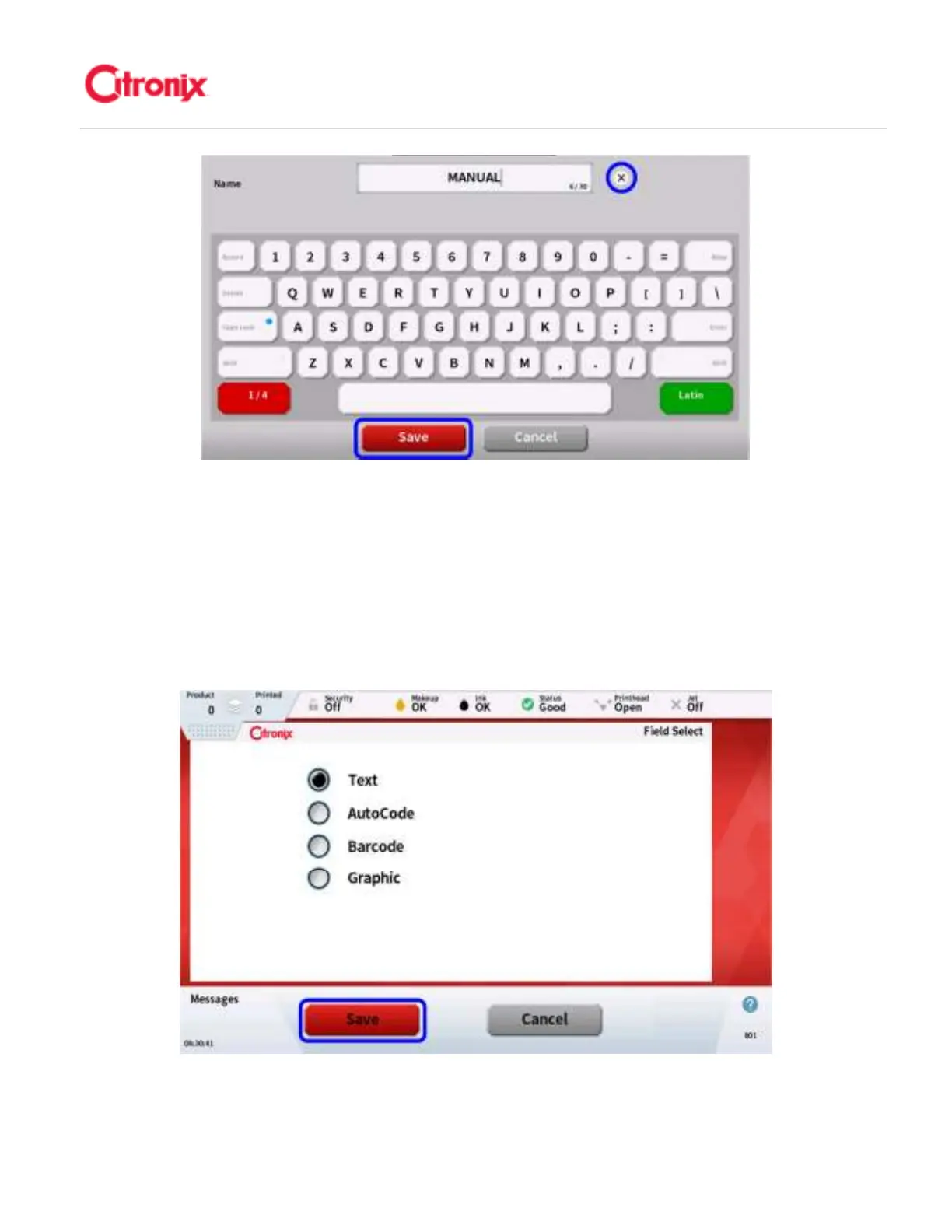
After creating the Message Name, the field selection screen will automatically open as shown below.
Select the type of field (Text, Autocode, Barcode, or Graphic) you want to use and press [Save]. Text
and barcode fields can consist of fixed or variable data. 在新建信息名称后,字段选项页面将自动显示,
如下图所示。选择需要使用的字段类型(文本,自动编码,条码或图案)并按“保存”。文本和条码字段
可以包含固定的或可变的数据。



 To Next Page