ci5000 Series Printer Operation Guide
Version 1.0 4-3
The Status Good icon indicates that there are no issues preventing the printer from performing as
expected. 状态良好图标显示没有影响机器良好运行的故障
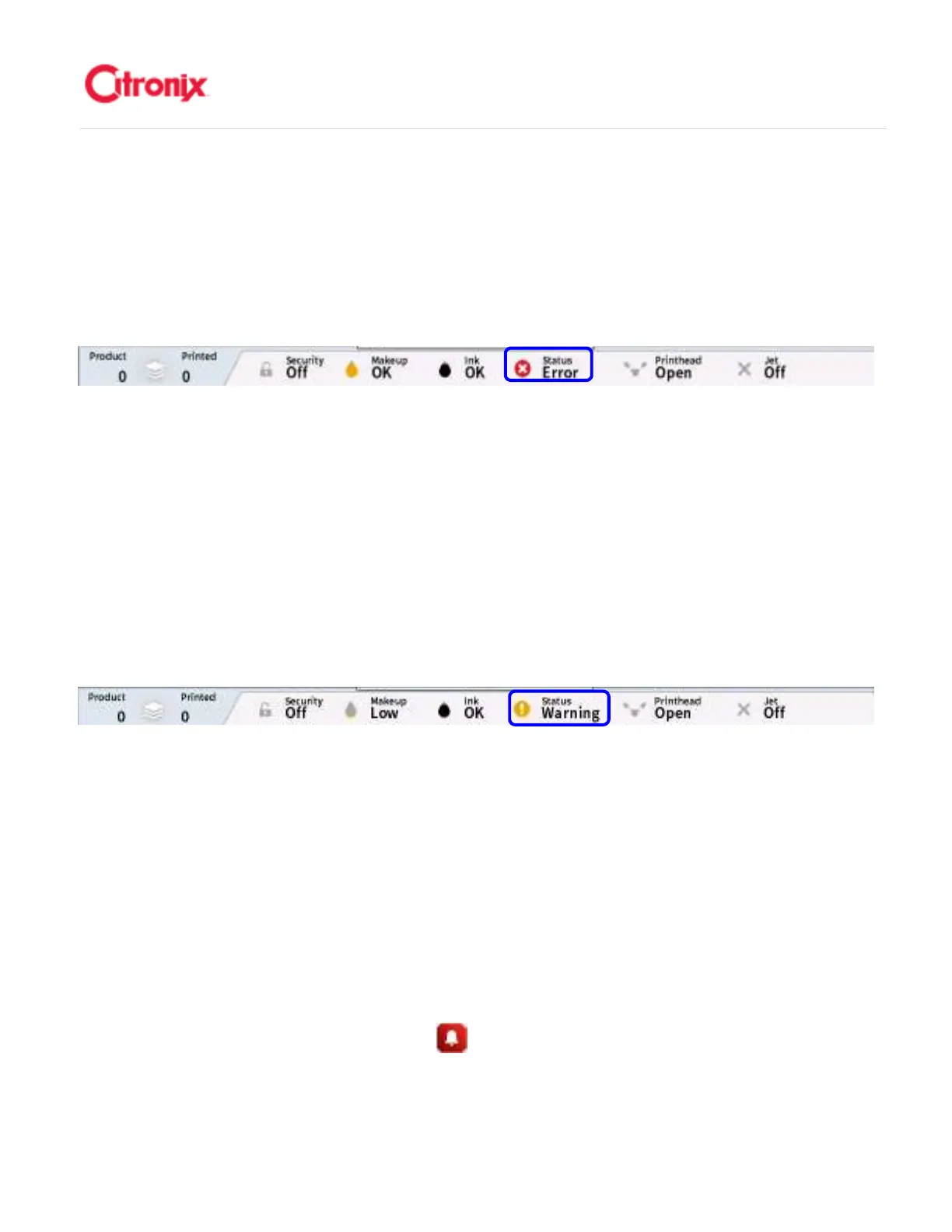
Status: Red, Error 状态:红色,故障
状态:红色,故障状态:红色,故障
状态:红色,故障
A printer status error alert as shown above, indicates the presence of a catastrophic fault and stops the
printer printing to prevent an unsafe condition occurring. The jet will shut off. If the fault condition is still
present when acknowledged, the red beacon (if installed) will remain on and the alert bar message will
continue to show. If the fault condition has cleared when acknowledged, the red beacon will extinguish
and the message will be removed. 喷码机故障警报状态如上图所示,显示机器存在严重的故障并停止喷印
以防止不安全的情况发生。墨线将关闭(不按正常情况关机)。如果处理后故障仍然存在,红色报警灯
(如果安装)将保持常亮并且报警信息将一直显示。如果处理后故障排除,红色报警灯将熄灭并且报警信
息消失。
Status: Amber, Warning 状态:橙色,警告
状态:橙色,警告状态:橙色,警告
状态:橙色,警告
Amber alerts as shown above, are used to inform the operator/user that the printer is in need of attention
or that there are message handling errors. If the fault condition is still present when acknowledged, the
amber Beacon (if installed) will remain on/or flashing and the alert bar message will show. If the fault
condition has been cleared, the amber beacon will extinguish and the Printer Status Good icon will return.
如上图显示的橙色报警是用于提醒操作者/用户注意喷码机上有需要处理的故障信息。如果处理以后故障内
容还是存在,黄色报警灯(如果安装)将保持闪烁并且提示提示信息。如果故障被排除,黄色报警灯将熄
灭并且喷码机将重新显示状态良好图标。
Fault Acknowledgement 故障清除
故障清除故障清除
故障清除
Depending on the alert, some messages are automatically cleared when the condition is cleared
although they will remain in the [Active Alarms] list as shown below until the user has acknowledged
them. The active alarms list is accessible from the navigation bar on the status page. If the alert does not
disappear from the list when acknowledged, it means the problem still exists. If two or more alerts exist
simultaneously, the highest priority alert is displayed. All reports are recorded in the Event log, together



 To Next Page