ci5000 Series Printer Operation Guide
Version 1.0 3-22
Editing Messages 编辑信息
编辑信息编辑信息
编辑信息
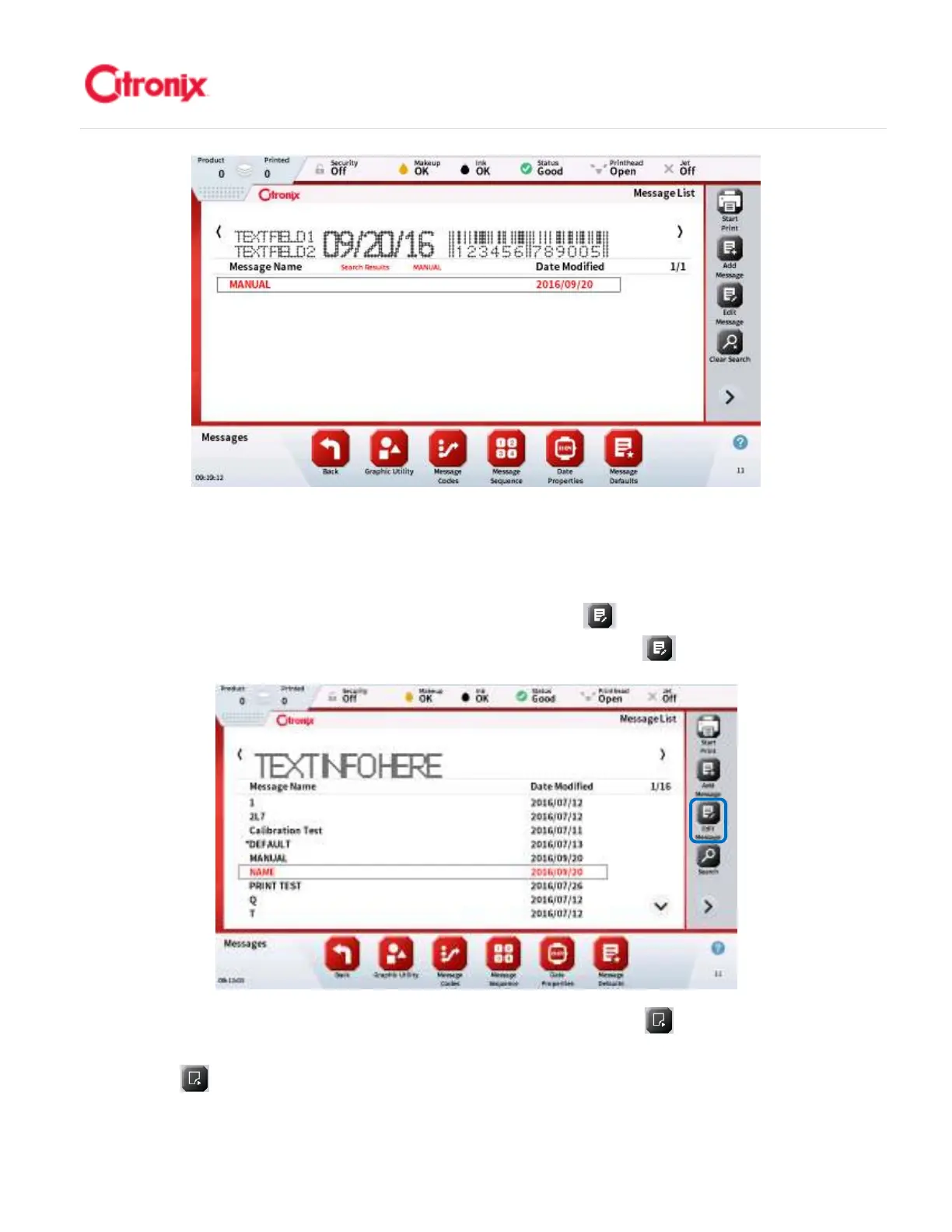
Previously created messages can be easily edited using the edit message function. After searching and
selecting the message to be edited, then press the [Edit Message] button. 使用信息编辑功能,很容
易修改之前创建的信息。通过检索和选择需要编辑的信息,然后按“编辑” 键。
Select the field to edit by touching the field or first pressing the [Next Field] button found in the
Function Toolbar until correct field is highlighted. 用触摸的方式选择需要编辑的字段或按功能键栏中的
“下一字段” 键直到找到需要编辑的字段。



 To Next Page