ci5000 Series Printer Operation Guide
Version 1.0 3-35
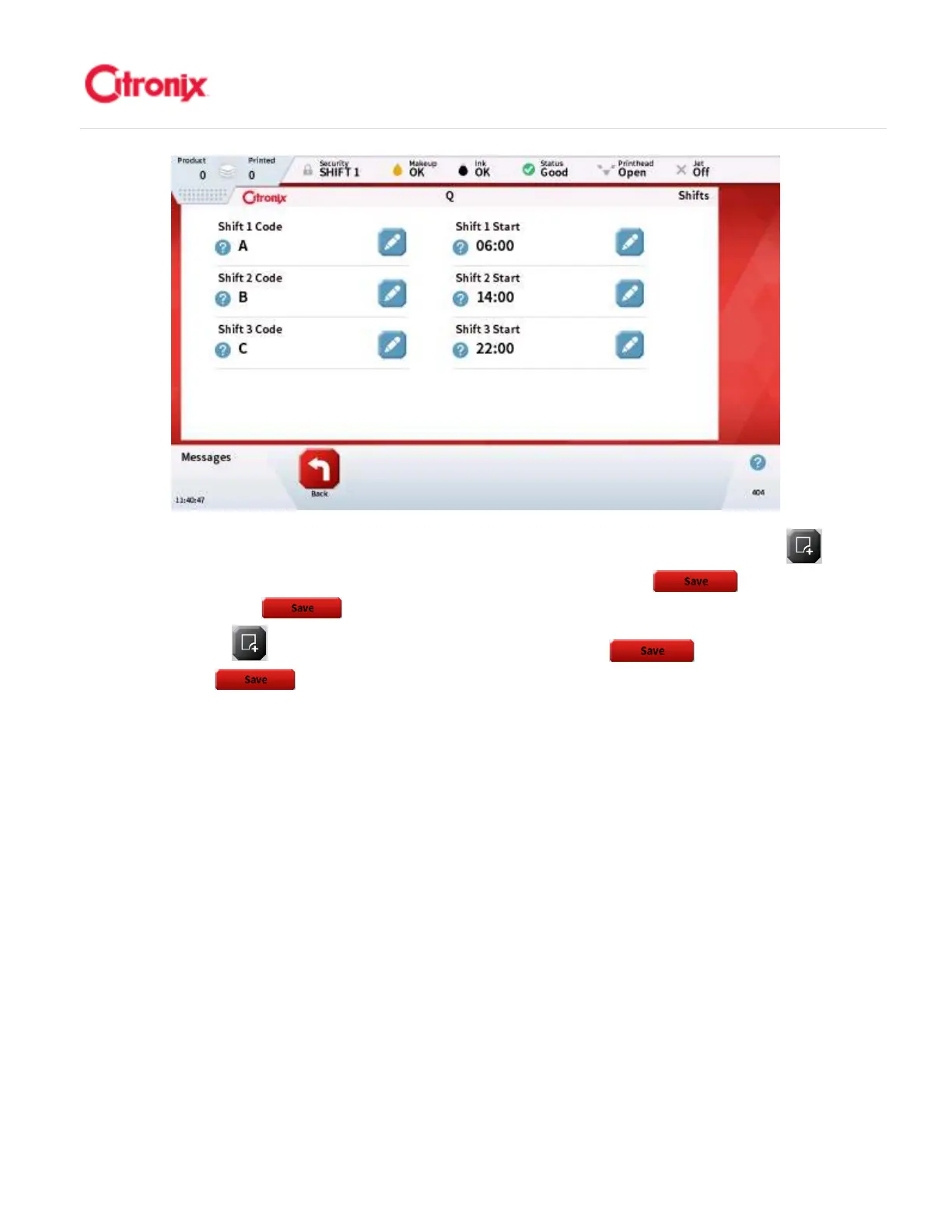
From the message edit screen you can add a “Shift” field to a message, press the [Add Field]
button in the Function Toolbar Select “Autocode” field type and press [Save] , then select
“Shift” then press [Save] . 在信息编辑页面,可以添加“班次代码”字段到信息中,在功能菜单
栏中按“添加字段” 键,选择“自动编码”类型字段并按“保存” 键,然后选择“班次代
码”并按“保存” 键。



 To Next Page