CLA-VAL D35
Communicating Valve Controller
CLA-VAL Europe www.cla-val.ch cla-val@cla-val.ch 11 - D35001UE - 08/22
© Copyright CLA-VAL Europe - Specifications subject to change without notice - no contractual illustrations. Reduce your waste - Sort your rubbish
8.3 INSTALLATION VALIDATION
The simplest and fastest way to verify the successful start of the product is to use the D35 LED. The LED flashes green
every 10 seconds when in "Acquisition" mode.
8.4 ACTIVATING D35
Once the following actions are performed
Connected the battery & installed the sensor
Inserted the SIM card (if not using the default CLA-VAL SIM card)
Closed the housing
Switch to Acquisition mode on your D35 as indicated in Figure 4 (from "Standby" mode, press the button for 5 seconds)
9 TOOL & CONFIGURATION
9.1 INSTALLATION CHECKUP
The D35 user interface in "Configuration" mode provides complete product parameters information such as sensor readings
and cellular reception quality:
1. Activate "Configuration" mode on your D35 as indicated in the previous section (from "Acquisition" mode, press the
button for 5 seconds).
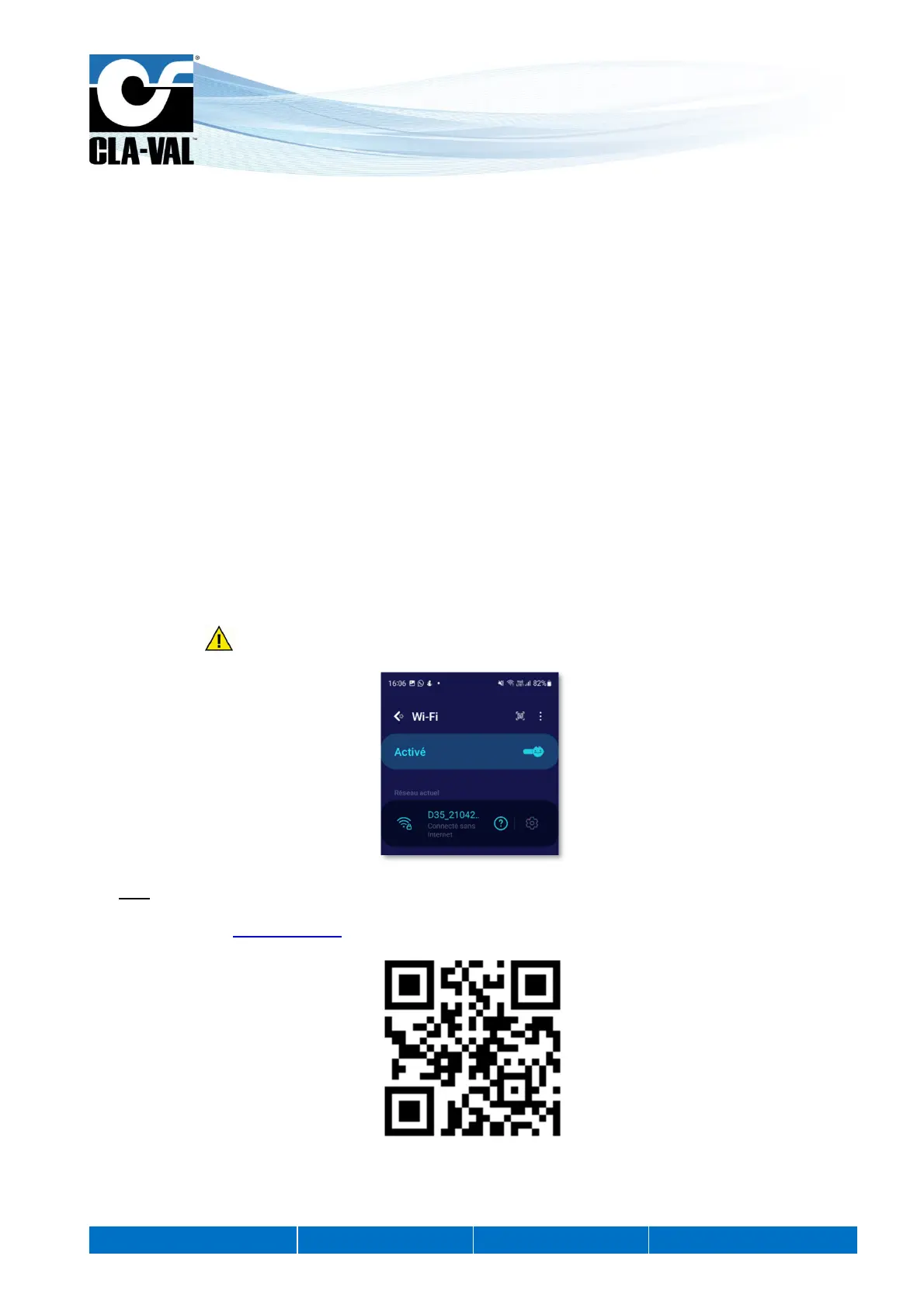
2. Connect your smartphone, tablet, or computer to the WiFi network generated by the D35.
The network has the default name: D35-< serial number>
The default password is: D35_< last 4 digits of the series serial number >
We strongly recommend to change the default password at first installation.
Note: The network generated by the D35 has no Internet access. Any error messages about this can be ignored
without any problem.
3. Enter the address http://192.168.4.1 in your usual internet browser, or scan the following QR code using a QR code
reading application:
4. After a few seconds, the configuration interface of your D35 will be displayed.
5. The home page allows to see the measured values in real time. It also contains the web browsing menu as well as
other useful information of your D35.


 To Next Page