108
Unpair a cellphone
If you think that you will not use a cellphone with
your ClearSounds phone again, you can unpair it
from your phone's list of paired devices.
However, if you want to use the cellphone
with the ClearSounds phone again later, the
ClearSounds phone will not "remember" the
cellphone. It is easier to reconnect a cell-
phone to your ClearSounds phone if you
simply disconnect it without unpairing it. For dis-
connect instructions, see this section, instead: "Dis-
connect a cellphone" on page 106.
To un-pair a cellphone from your ClearSounds phone
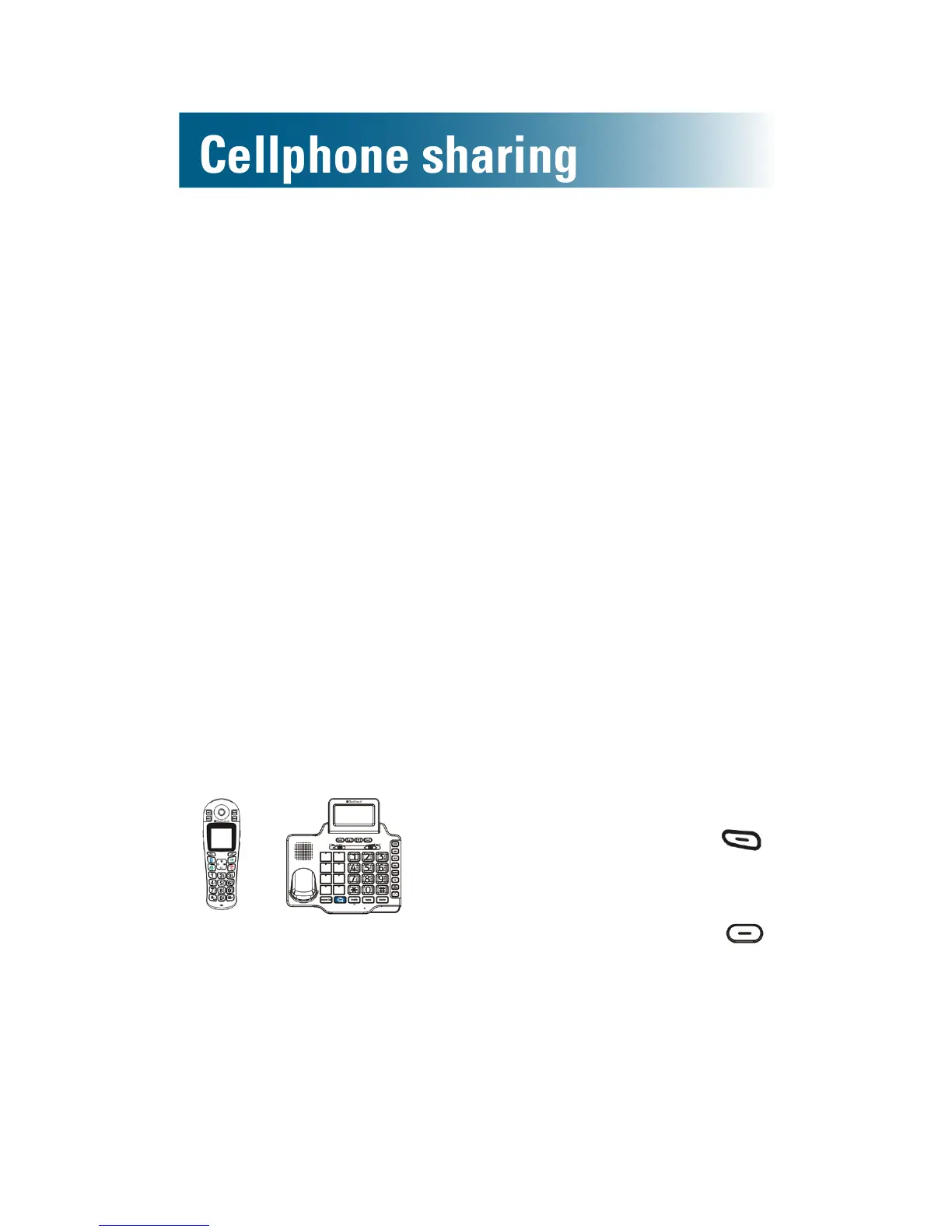
You can unpair using the handset or the base, and the
unpairing occurs at both components.
or
1. Take one of these steps:
• On the handset: Press
beneath Menu on the
screen.
•On the base: Press
beneath Menu on the
screen.



 To Next Page