Record a personalized message
By default, the answering machine message is
"Please leave your message after the tone."
You can replace the default message by recording a
personalized message that is as long as one minute.
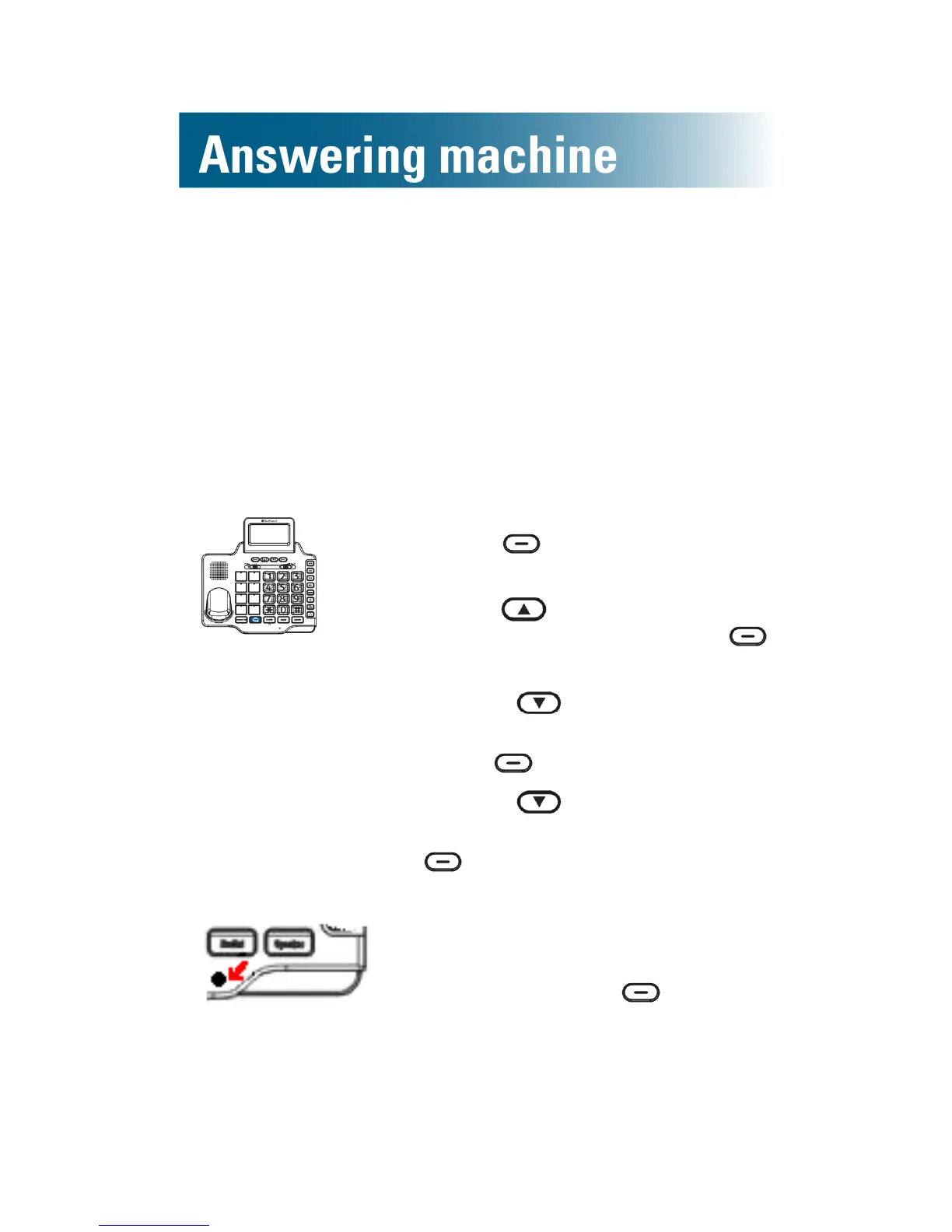
To record a personalized outgoing message
1. Press beneath Menu on
the screen.
2. Press and scroll to TAM
setup, and then press
beneath Select.
3. Press and scroll to
Outgoing Msg, and then
press beneath Select.
4. Press and scroll to
RecordOGM, and then press
beneath Select.
Recording appears.
5. Speak loudly and clearly into
the microphone on the base,
and then press beneath
End.



 To Next Page