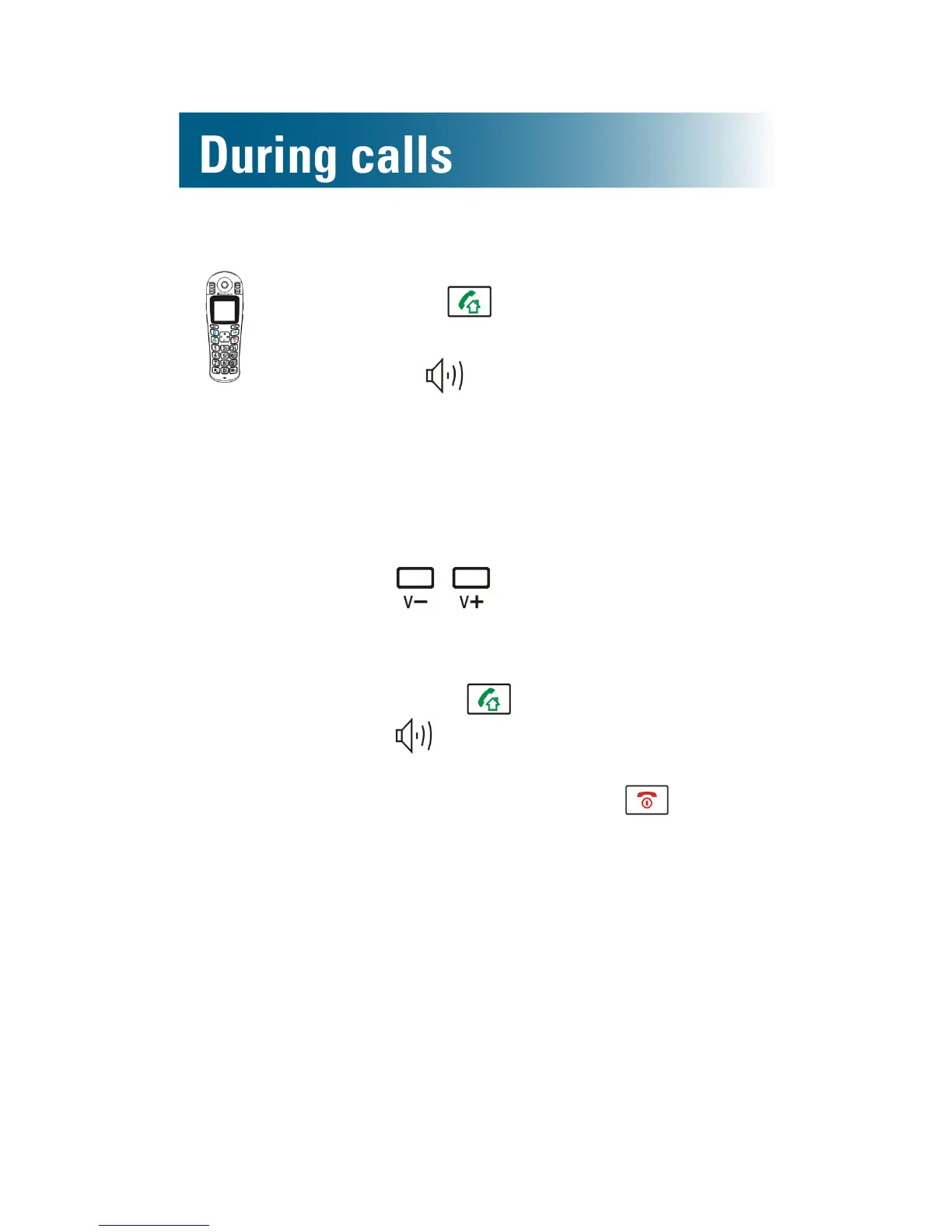
To turn on the handset speakerphone during a call
1. Press .
The handset speakerphone is on,
and appears on the screen.
2. Place the handset on a nearby
surface, with the keys facing up.
3. (Optional):
•To adjust the volume: Press
along the side of the
phone.
•To turn off the speakerphone:
Press .
disappears from the screen.
4. To end the call, press .
Screen a call
If you hear a caller leaving an answering machine
message, and you want to speak to the caller, you
can intercept and speak to the caller. Note: You
must use the handset to intercept a call.
To intercept a caller leaving a message
• Pick up the handset and speak as usual.
The answering machine stops recording.



 To Next Page