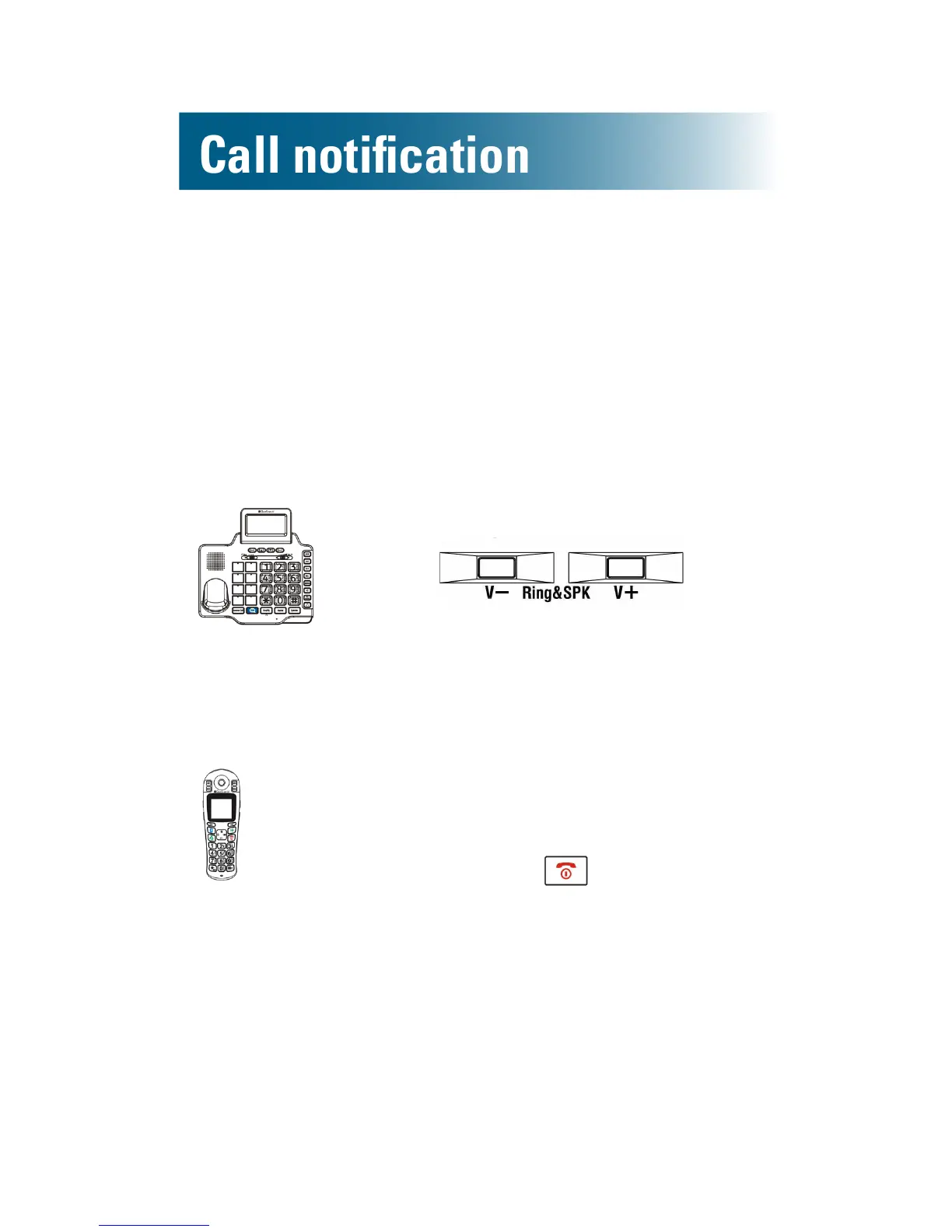
Ringer volume
You can adjust the ringer volume or turn off the ringer
for the handset and the phone base, separately.
There are ve volume levels.
To adjust or turn off or on the base ringer
• Along the right side of the base,
press
Ringer OFF appears on the screen
if the ringer is off.
To temporarily turn off or on the handset's ringer
Toturnofftheringer:
1. Lift the handset from the base.
2. Press and hold until the screen
is blank.
The handset turns off.
3. Do not return the handset to the base:
place it on an alternate surface.
Toturnontheringer:
Replace the handset on the base.



 To Next Page