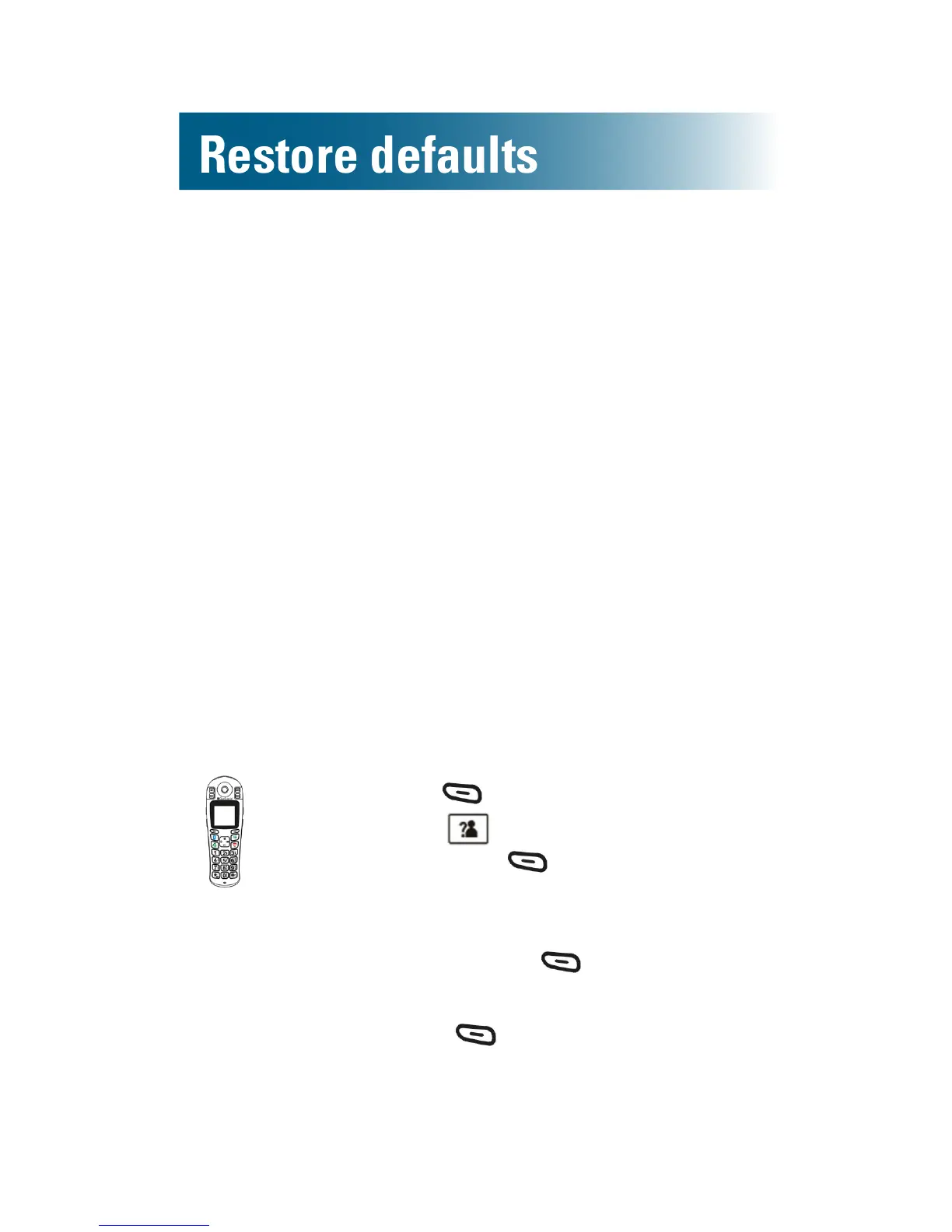
Restore handset default settings
You can reset your handset to factory default
settings. These settings are restored:
• Alarm clock
• Audio
• Ringtones and ring volume
• Key tone
• Out of range alarm
• Language
• Handset name
• Auto answer
• Date and time
You must enter the ClearSounds A1600BT PIN to
reset the defaults. The PIN is 0000.
To restore handset default settings
1. Press beneath Menuon the screen.
2. Press and scroll to Default,and
then press beneath Select.
PIN? appears.
3. Press numeric keys and enter 0000,
and then press. beneath Select.
Confirm? appears.
4. Press beneath Select:
A conrmation tone occurs. The
settings are reset.


 To Next Page