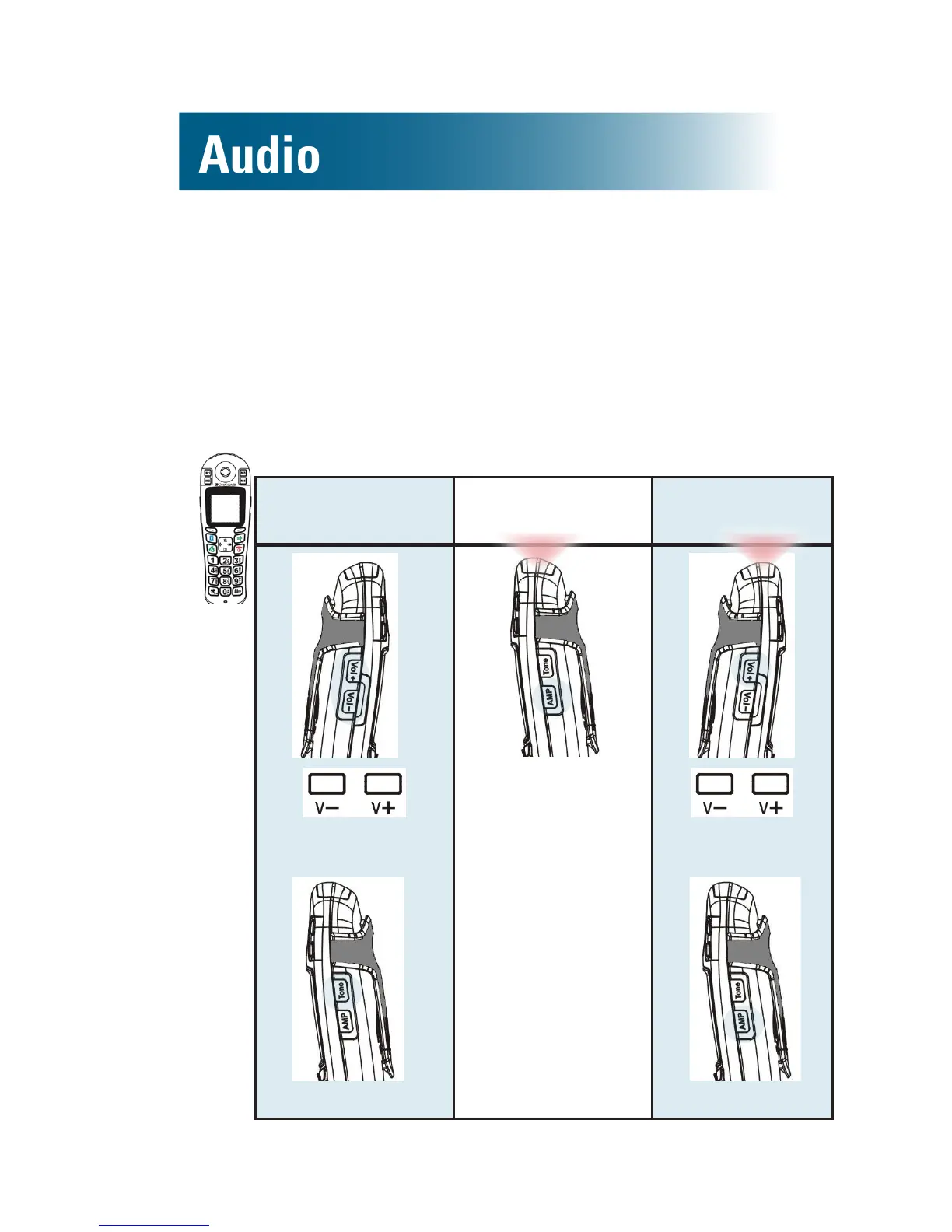
Volume and tone
Use these controls to adjust handset volume during
a call. After you hang up, volume and tone settings
remain set for the next call.
Amplication resets to off when a call ends. If you
prefer amplication always on, see page 44.
To adjust the handset's volume and tone
Adjust Amplify Maximize
1.
Volume
2.
Tone
AMP
Press to turn
on or off.
1.
Volume
2.
AMP
Left side
Right side
Left side
Right side
Right side



 To Next Page