Place a call
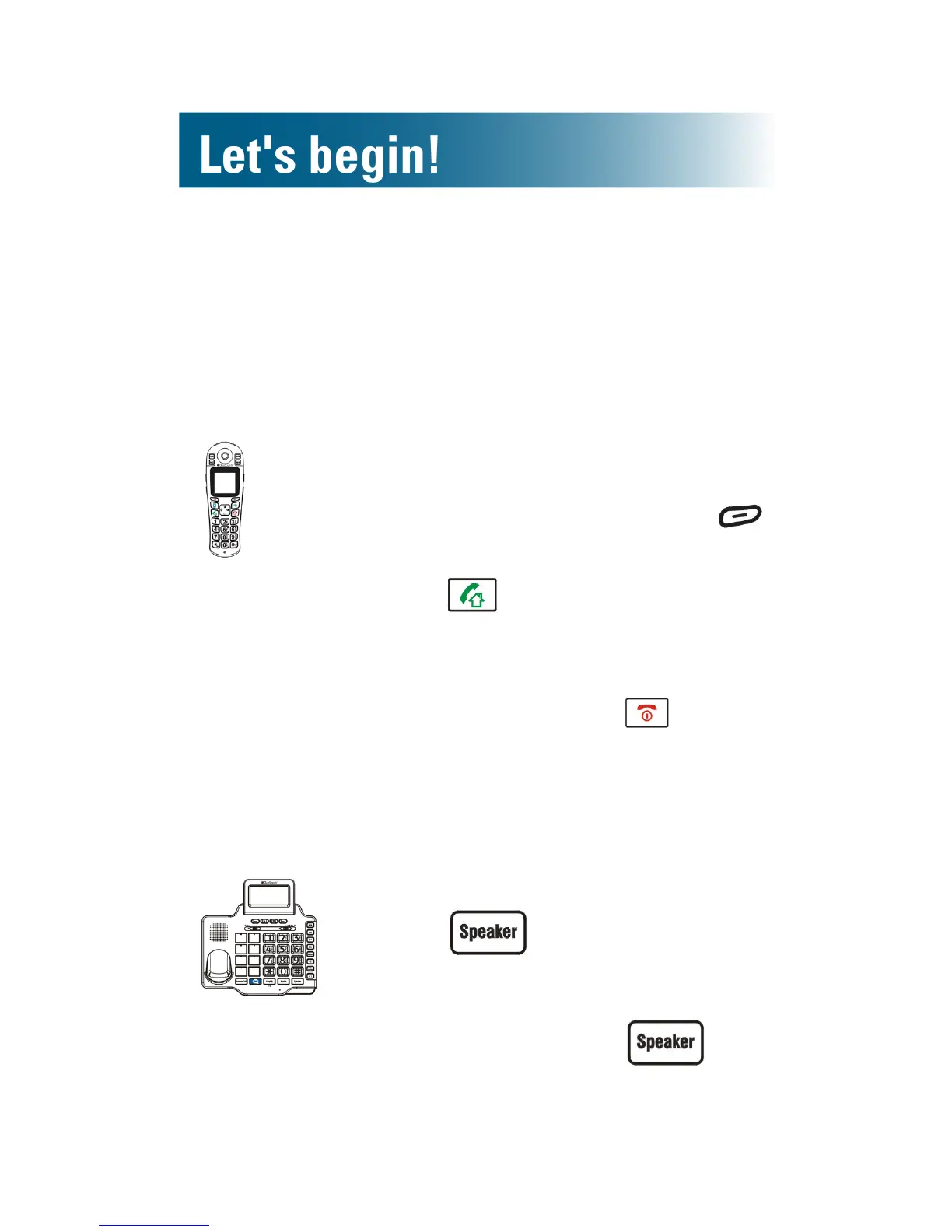
To place a call using the handset
Tip: Steps one and two can be reversed, but you
see large numbers on the screen if you press the
alphanumeric keys rst.
1. Press the alphanumeric keys.
If you make a mistake, press
beneath Erase on the screen.
2. Press and speak.
Call duration appears on the
handset screen.
3. To end the call, press .
To place a call using the base
If you call from the base without using a headset, the
speakerphone is on. Your conversation is hands-free!
1. Press .
2. Press the alphanumeric keys.
3. To end the call, press .



 To Next Page