145
View inbound calls
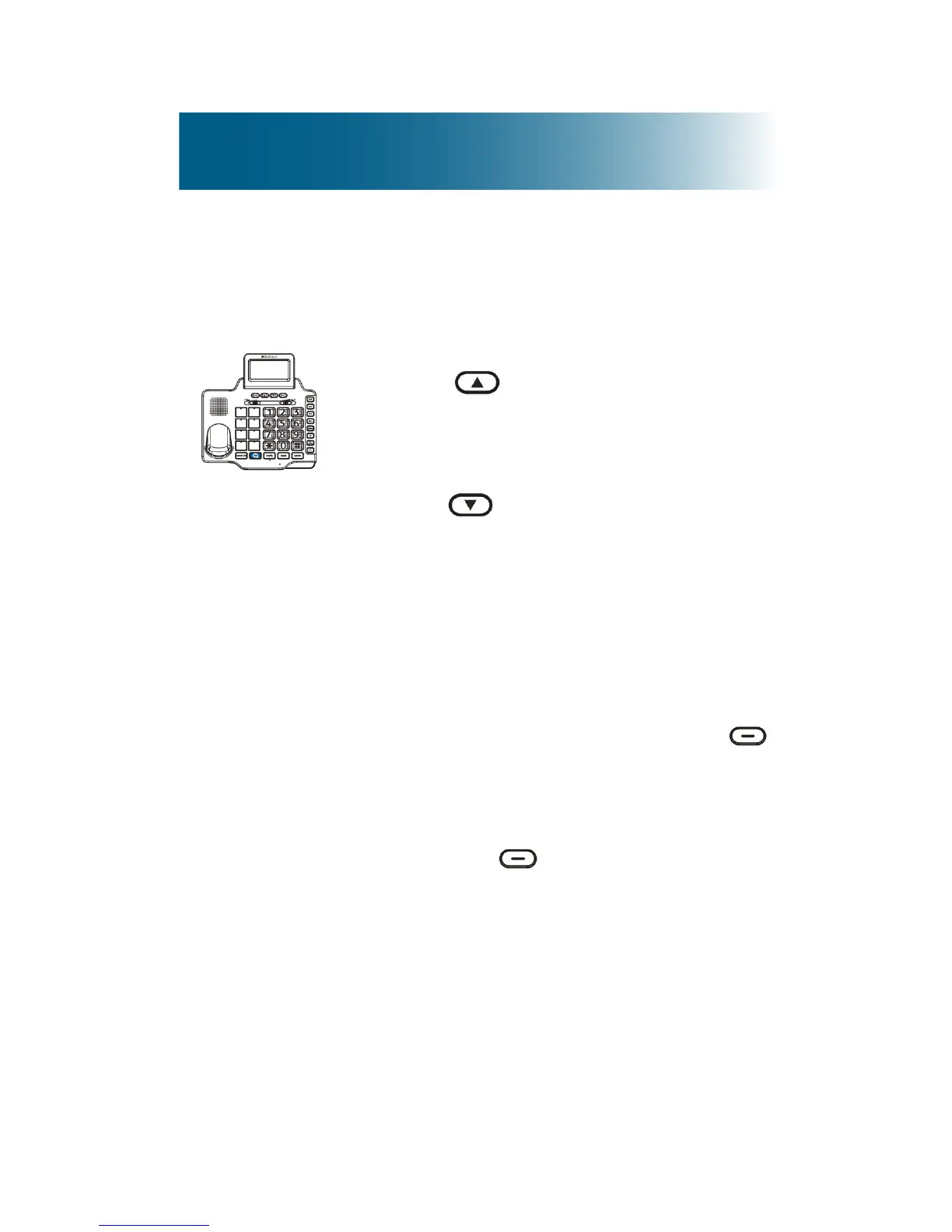
To scroll missed calls on the base
1. Press .
The newest call appears.
2. Press and scroll through the list.
The time and date of each call
appears at the top of each screen.
The red strobe light turns off after
you review all new calls.
3. (Optional) To delete records from
the inbound calls list (Caller ID list):
a.While scrolling, press
beneath Options.
b.Do one of the following:
•To erase the current entry,
press beneath Erase.
•To erase all entries, scroll to
and select Erase All, and
then select Yes.



 To Next Page