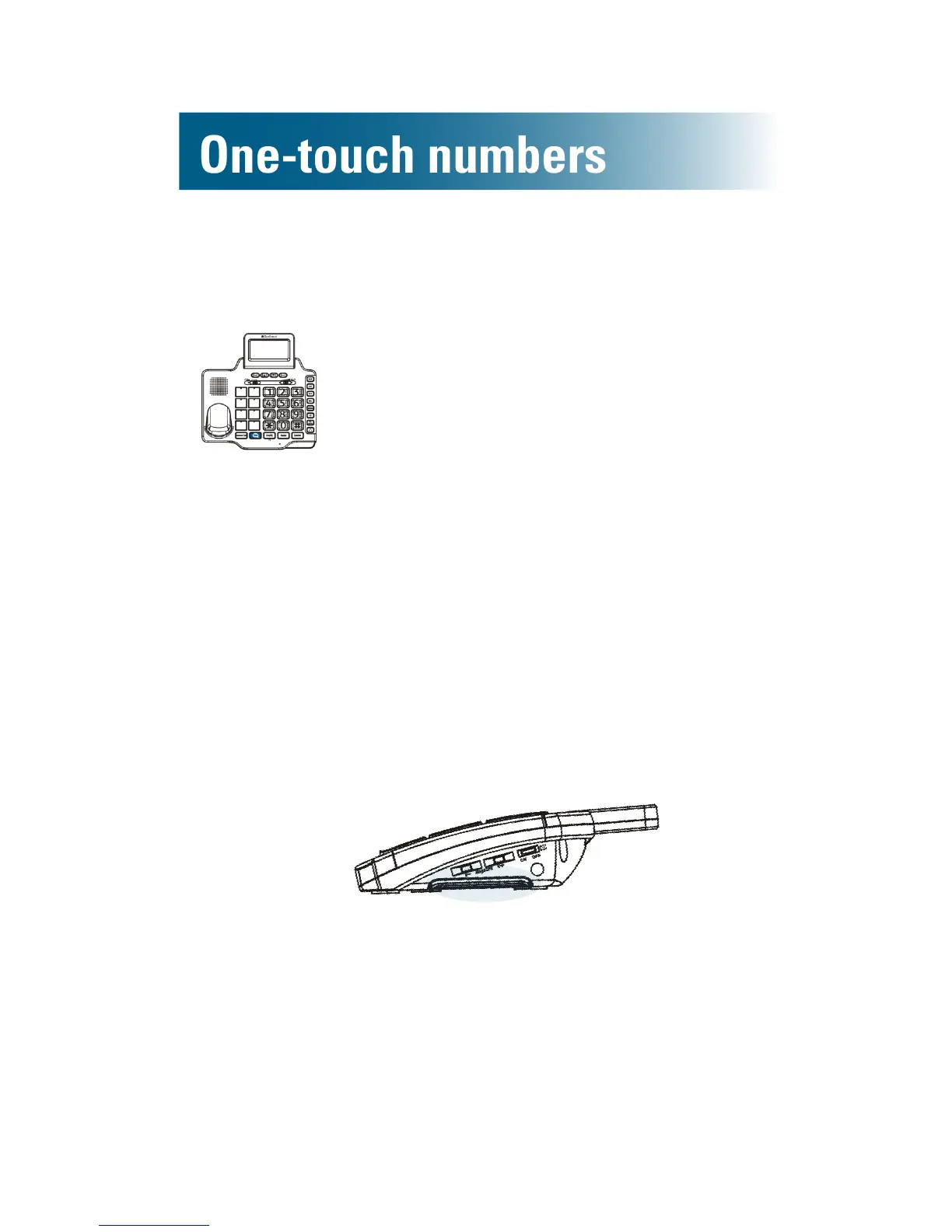
Prepare the photo keys
1. Using the supplied template, cut
each photo to the size of the photo
keys.
2. Gently remove each photo key
cover, and then slide the photos
into the covers, from the top down.
3. Gently snap the covers back into
place.
4. Along the right side of the phone,
pull out the memory card tab
(horizontally), and then use a pencil
to record a name for each photo key.
Right side



 To Next Page