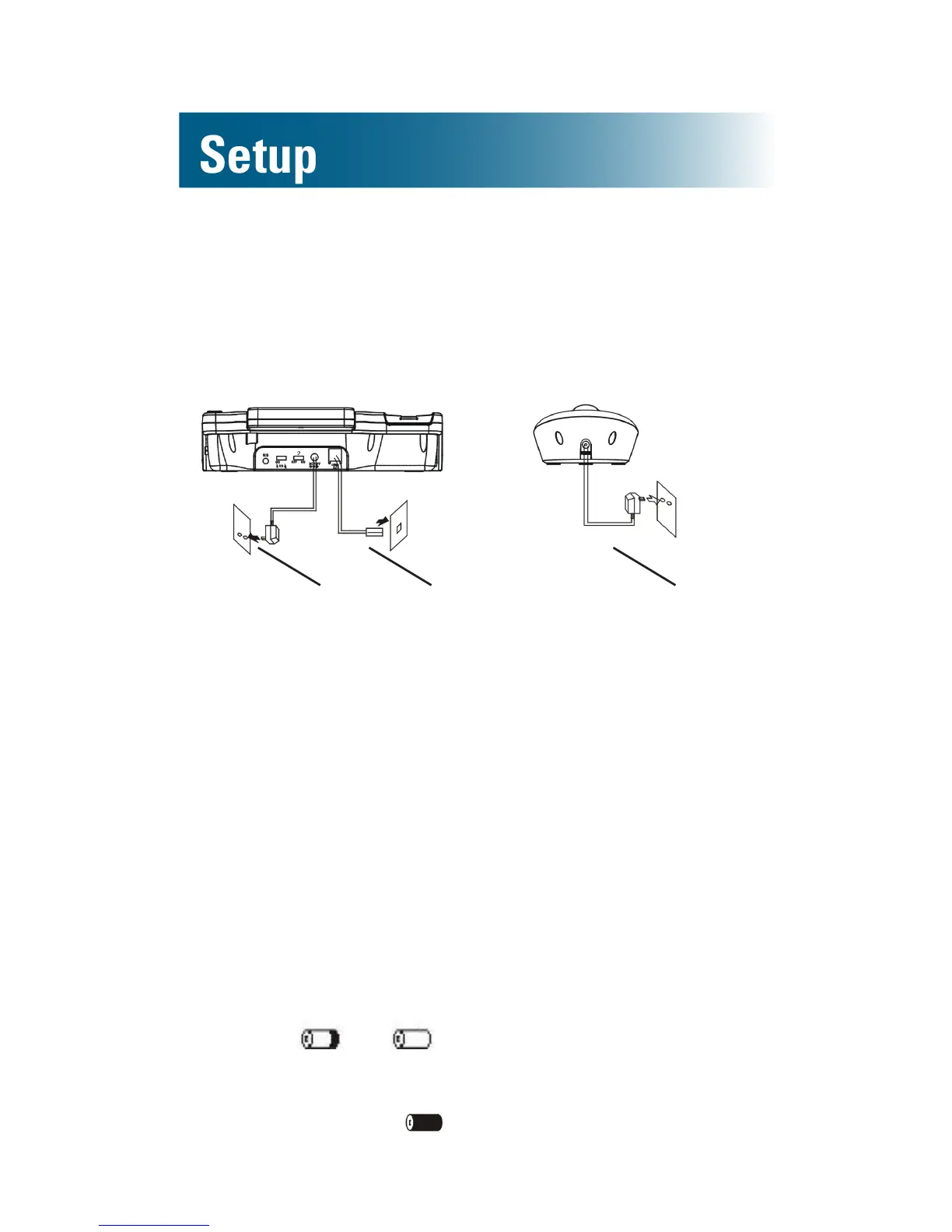
Connect the cords
To avoid potential interference, place the phone
away from electronic equipment.
To AC outlet To phone jack To AC outlet
If you subscribe to DSL service
If you hear noise during conversations or if the
caller ID function does not work properly, please
obtain and attach a DSL noise lter.
Attach the lter between the telephone cord and the
telephone communication jack in the wall.
Charge the batteries
Before you use the phone for the rst time, fully
charge the batteries for approximately 24 hours.
Recharge the batteries regularly.
Note: If or appears on the screen, the
battery charge is low or depleted. If you attempt
to fully recharge the batteries and the battery icon
does not return to , insert fresh batteries.
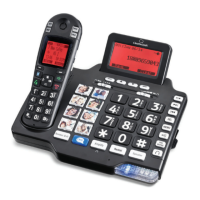
A1600BT base (Optional) A1600EBT base


 To Next Page