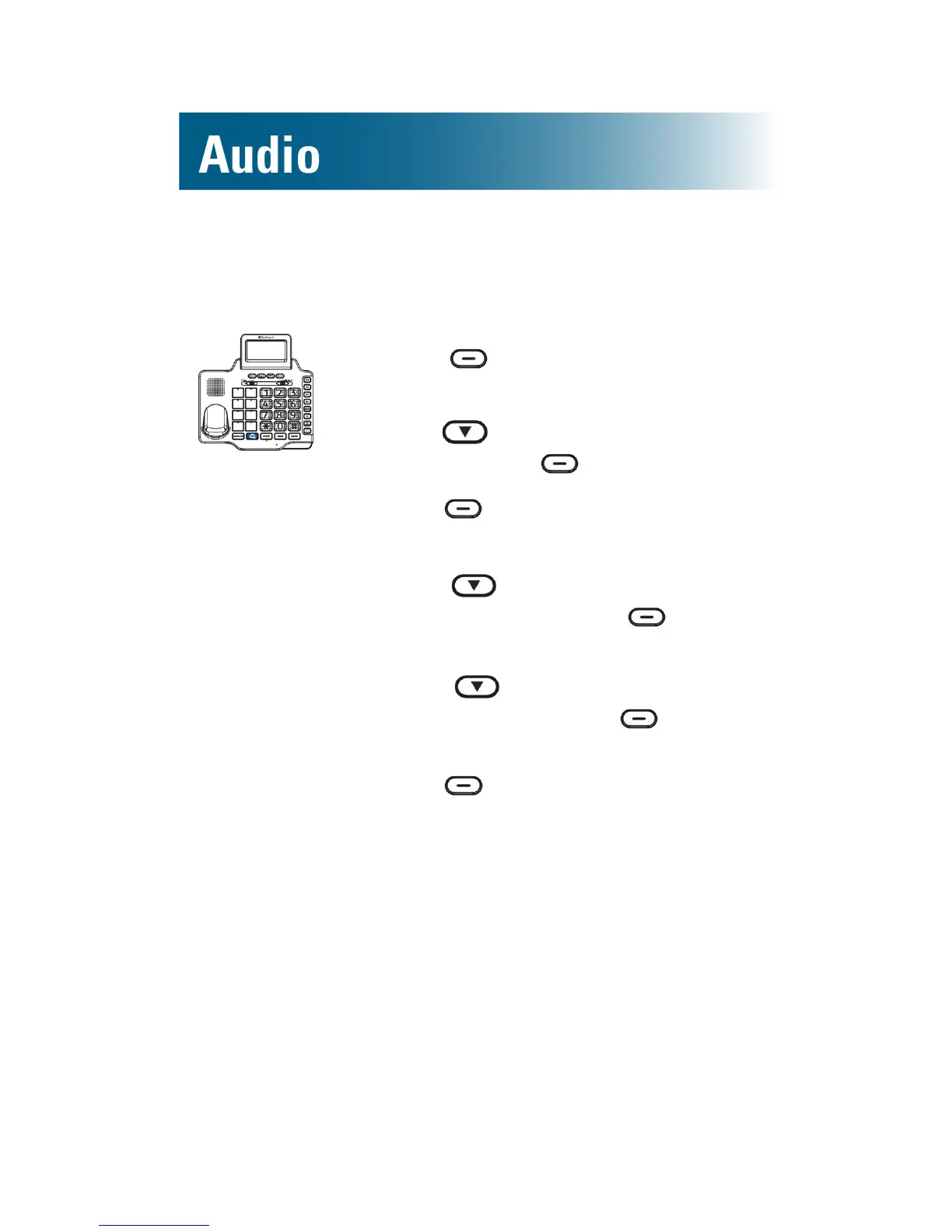
To turn off or on keypad tones for the base
1. Press beneath Menu on the
screen.
2. Press and scroll to Set Phone,
and then press beneath Select.
3. Press beneath Select.
Set Ring is selected.
4. Press and scroll to Keypad
Tones, and then press beneath
Select.
5. Press and scroll to Off or
On, and then press beneath
Select.
6. Press beneath Back, until you
arrive at the home screen.
Talk features
• Talking keypad
• Personal identier
• Talking caller ID
• Talking review
To turn on or off the talking keypad feature
By default, when you press keys to place a call, the
numbers appear on the screen.



 To Next Page