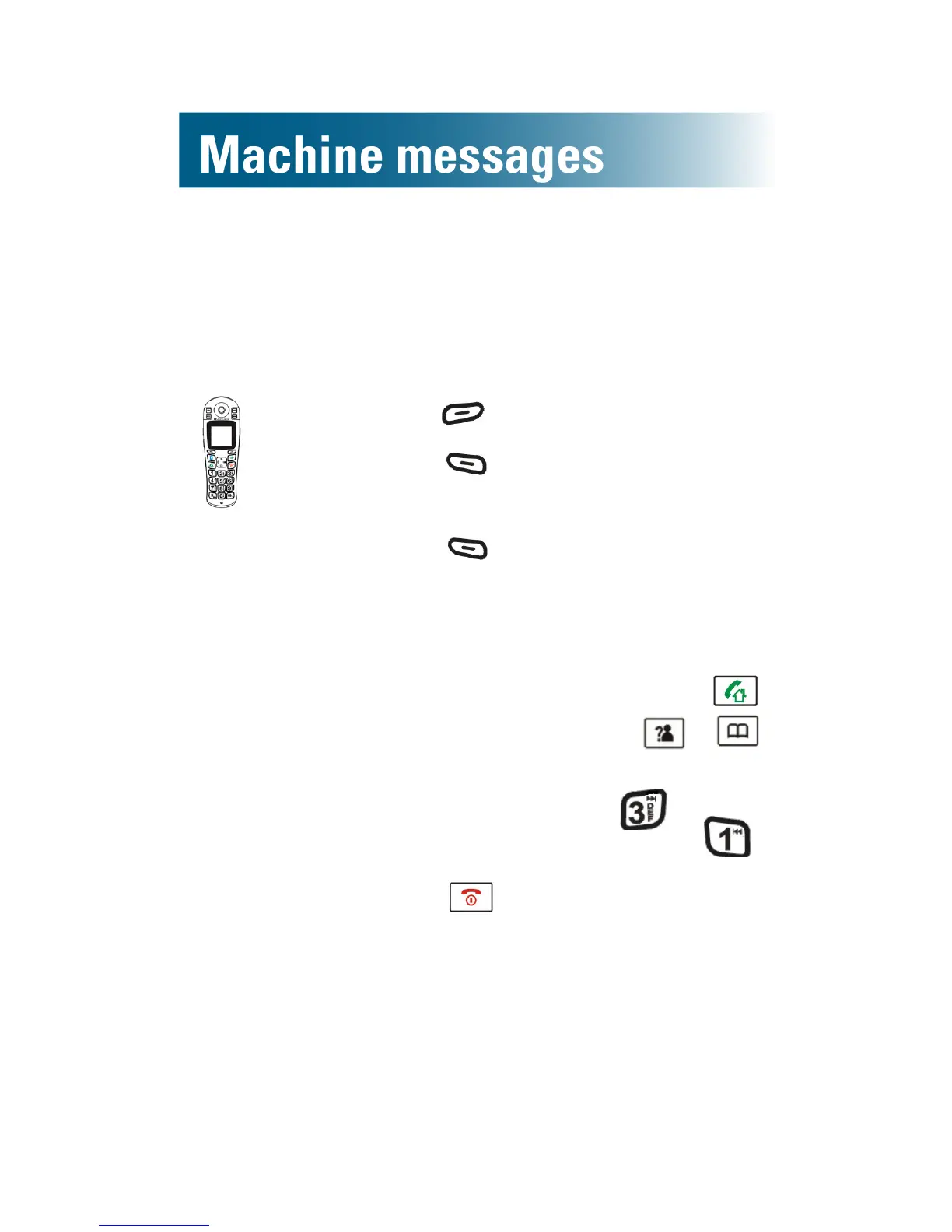
To listen to answering machine messages on the handset
Messages play on the handset speakerphone, but
you can turn off the speaker if you prefer to listen
discretely.
1. Press beneath TAM on the screen.
2. Press beneath Select.
Message is selected.
3. Press beneath MSGPlayback.
The newest message or memo plays.
4. (Optional) Adjust sound or skip,
replay or delete the message:
• To turn off the speaker: Press .
• To adjust volume: Press or .
•To skip ahead to the next memo
or message:Press .
• To replay the message: Press .
5. Press .
The announcements stop.



 To Next Page